


Loggin Issue
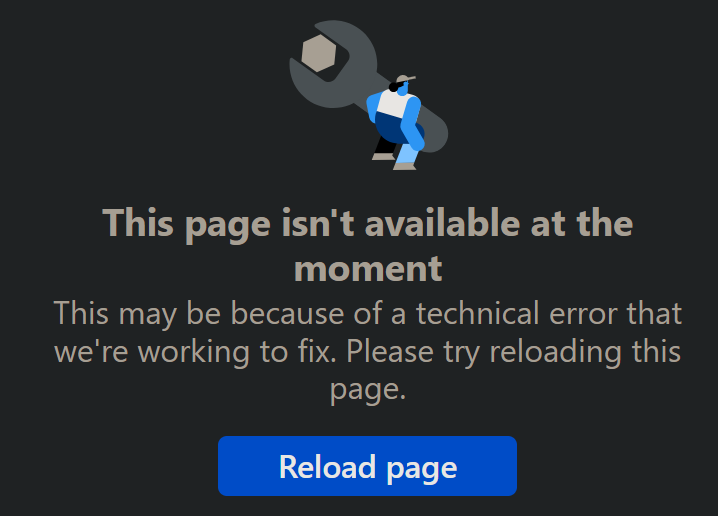
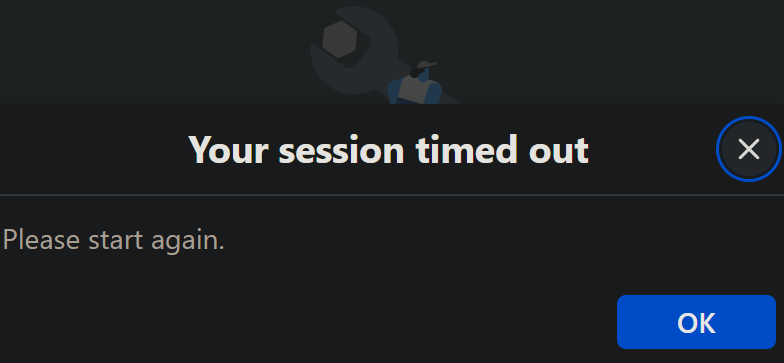
For some time now, it is not possible to log in to Facebook. One of the following two errors is returned in a loop: if I click on any of them, the other one comes up;
1. Your session timed out Please start again.
OK button
2. This page isn't available at the moment This may be because of a technical error that we're working to fix. Please try reloading this page.
Reload page button
Clicking any of the two buttons will go to the other window in a loop.
I have tried using Firefox in Safe mode, but nothing changed. No issues on Facebook on Edge or my Samsung phone.
Thank you for helping.
Giải pháp được chọn
Hi,
Could you please also try creating a new Firefox profile and check if the issue persists there?
Tất cả các câu trả lời (5)
If you log in using a Private Window, is there any difference?
Logging in a Private Window produces the same error as on my left uploaded picture. Thank you for trying to help.
Giải pháp được chọn
Hi,
Could you please also try creating a new Firefox profile and check if the issue persists there?
Denys said
Hi, Could you please also try creating a new Firefox profile and check if the issue persists there?
Thank you very much. It worked.
Great! If you want to try fixing the issue in your current profile, here is what you can do:
- Please check if you have Enhanced Tracking Protection (ETP) enabled. You can do that by clicking the shield
 icon in the left part of the address bar.
- If ETP is enabled, try disabling it.
- If the problem is not fixed, try clearing Firefox cache.
- If it does not help, try clearing cookies and data for Facebook (warning: you will be logged out on this website).
- If it also does not help, try running Firefox in Troubleshoot Mode. If the problem doesn't persist, please follow the steps from this article to troubleshoot further.