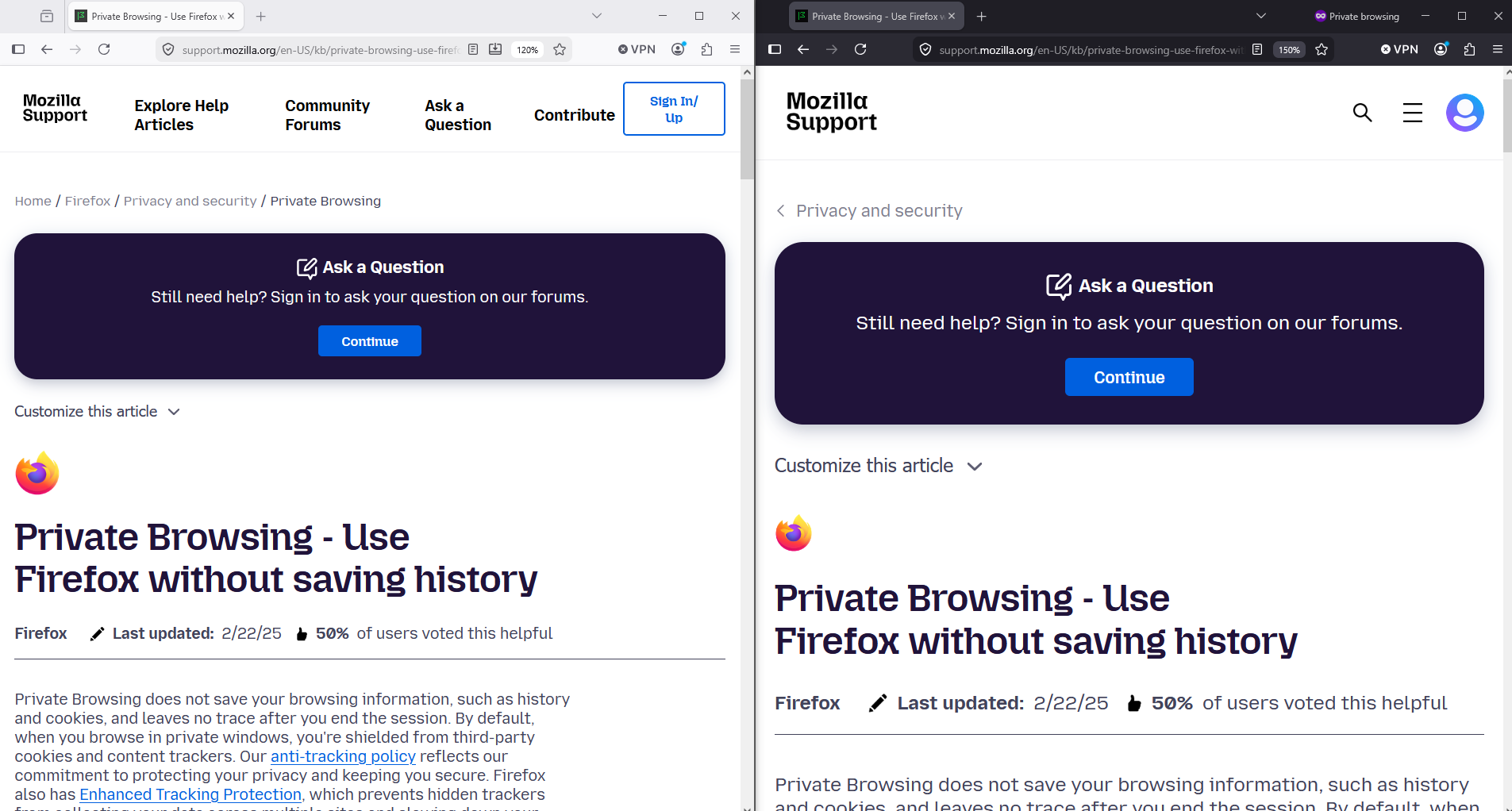
how can I get different Firefox windows to have different zoom settings?

I use Firefox to manage an online course. For some parts, I want to zoom in to see detailed diagrams etc. In other parts, I want to see at a glance a simple list of submissions. So I have 2 windows (with their relevant tabs) open. But when I zoom into the first, the other window zooms in, so I lose most of the listing. How do I set the zoom differently in the two windows?
I use Firefox to manage an online course. For some parts, I want to zoom in to see detailed diagrams etc. In other parts, I want to see at a glance a simple list of submissions.
So I have 2 windows (with their relevant tabs) open. But when I zoom into the first, the other window zooms in, so I lose most of the listing.
How do I set the zoom differently in the two windows?
Tất cả các câu trả lời (2)
Hello
Private Browsing - Use Firefox without saving history https://support.mozilla.org/en-US/kb/private-browsing-use-firefox-without-history
You can test, new Private Window.