


I lost my profile bookmarks, how do I restore them

I exited Firefox, when I went back in my profile and all my bookmarks where gone. How do i get them back?
I exited Firefox, when I went back in my profile and all my bookmarks where gone. How do i get them back?
Tất cả các câu trả lời (1)

If it's just your bookmarks, see Recover lost or missing Bookmarks.
If all of your other profile data, such as passwords, add-ons and browser history is gone:
1. Enter about:profiles in the address bar and open all the listed profiles one by one (by clicking Launch profile in new browser). Does one of them contain your data? If so, set it as your default profile.
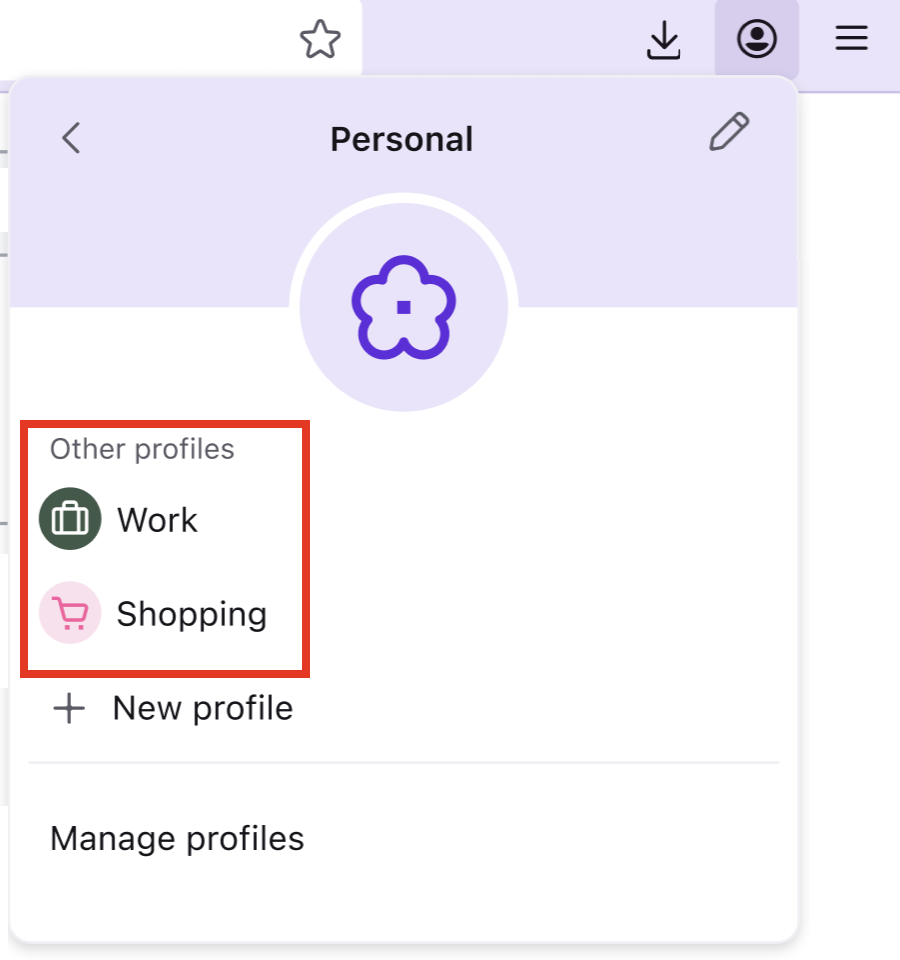
2. If that's not the solution, see if you might have switched profiles in the new profile management system: (From Manage Firefox profiles Open an existing profile):
- In the toolbar, click the account icon
 .
.
- Click the name of your current profile.
- From the dropdown, just pick the profile you want to open.
Được chỉnh sửa bởi AliceWyman vào