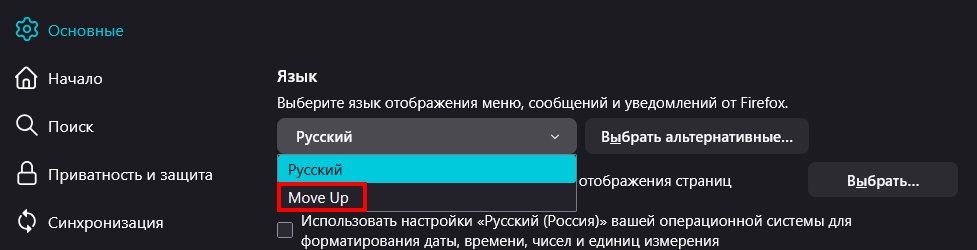
'Move Up' in languages dropdown menu

So i deleted my Profile 1 then re-configured stuff and when i opened language setting it shows 'Move Up' below my native language and no more.
So i deleted my Profile 1 then re-configured stuff and when i opened language setting it shows 'Move Up' below my native language and no more.
Giải pháp được chọn
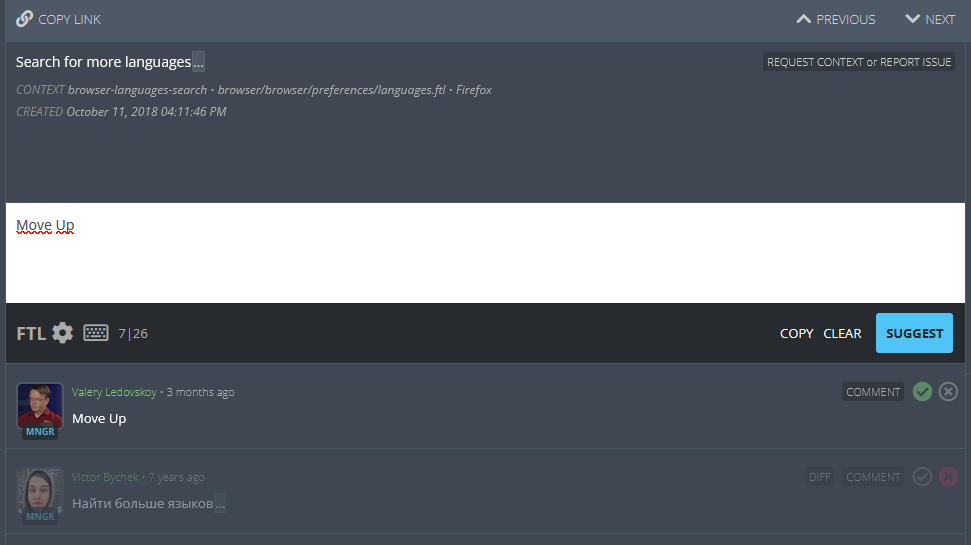
Apparently, it was localization issue. Just checked on Pontoon for my language and reported it!
Đọc câu trả lời này trong ngữ cảnh 👍 0Tất cả các câu trả lời (2)
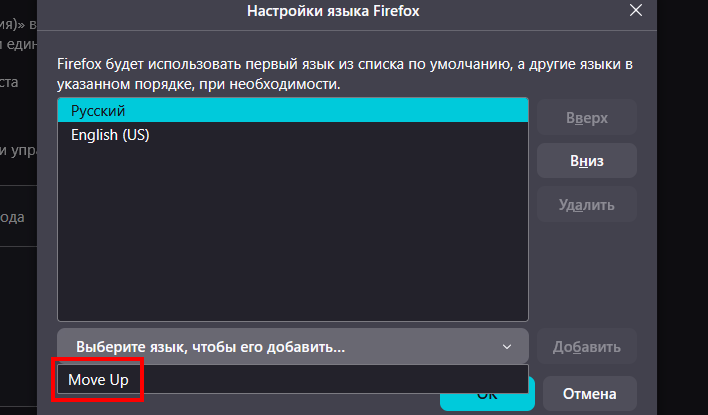
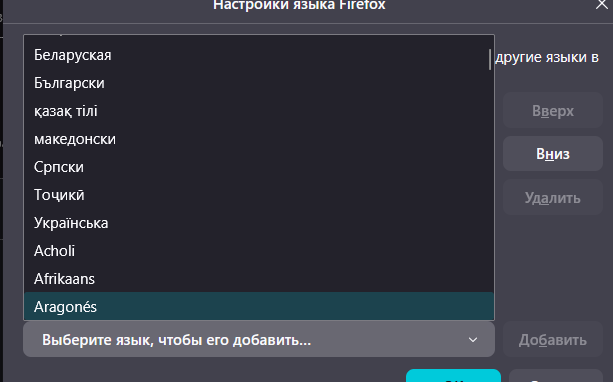
Also, here's more when you click on 'Choose language to add it...' it shows 'Move Up' in dropdown list, but when you choose Move Up it closes and if you click on that button again it shows normal languages list.
Giải pháp được chọn
Apparently, it was localization issue. Just checked on Pontoon for my language and reported it!