


Syncing
When following the instruction to sync bookmarks on Android phone it leads me to items that are not there. Open Firefox mobile on phone. Ok. Hit the 3 dots drop down. Ok. Choose sync and save. Not there? I click my email and it shows sync. I click that and it shows the last time I sync my phone. 0 minutes. Ok. It shows a QR code to scan from the Firefox app. It instructs to click ready to scan. That's not there either. If instructions lead you down paths that are not present, the instructions are useless. Anyone else having this experience? Thanks..........
Tất cả các câu trả lời (7)

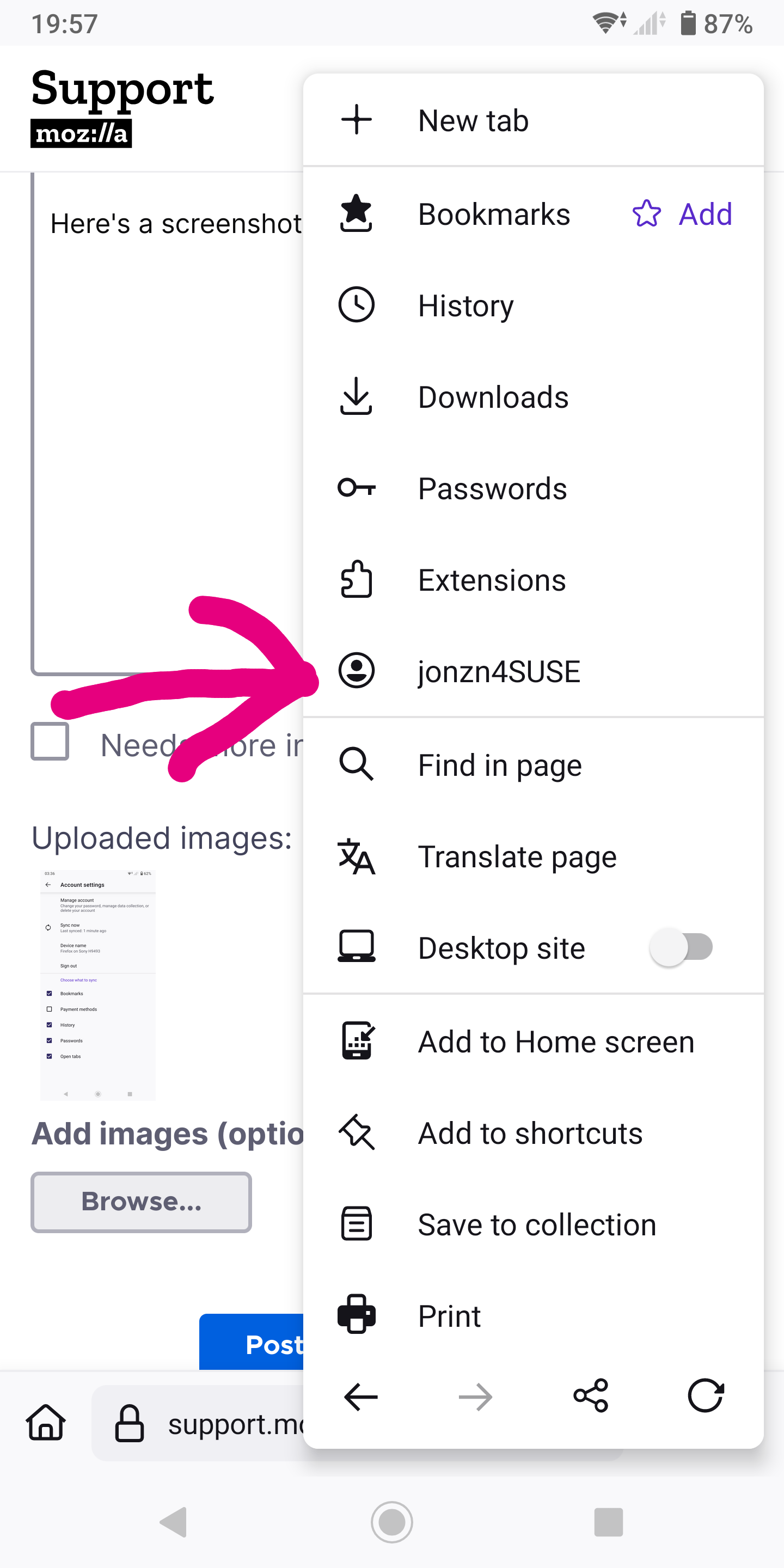
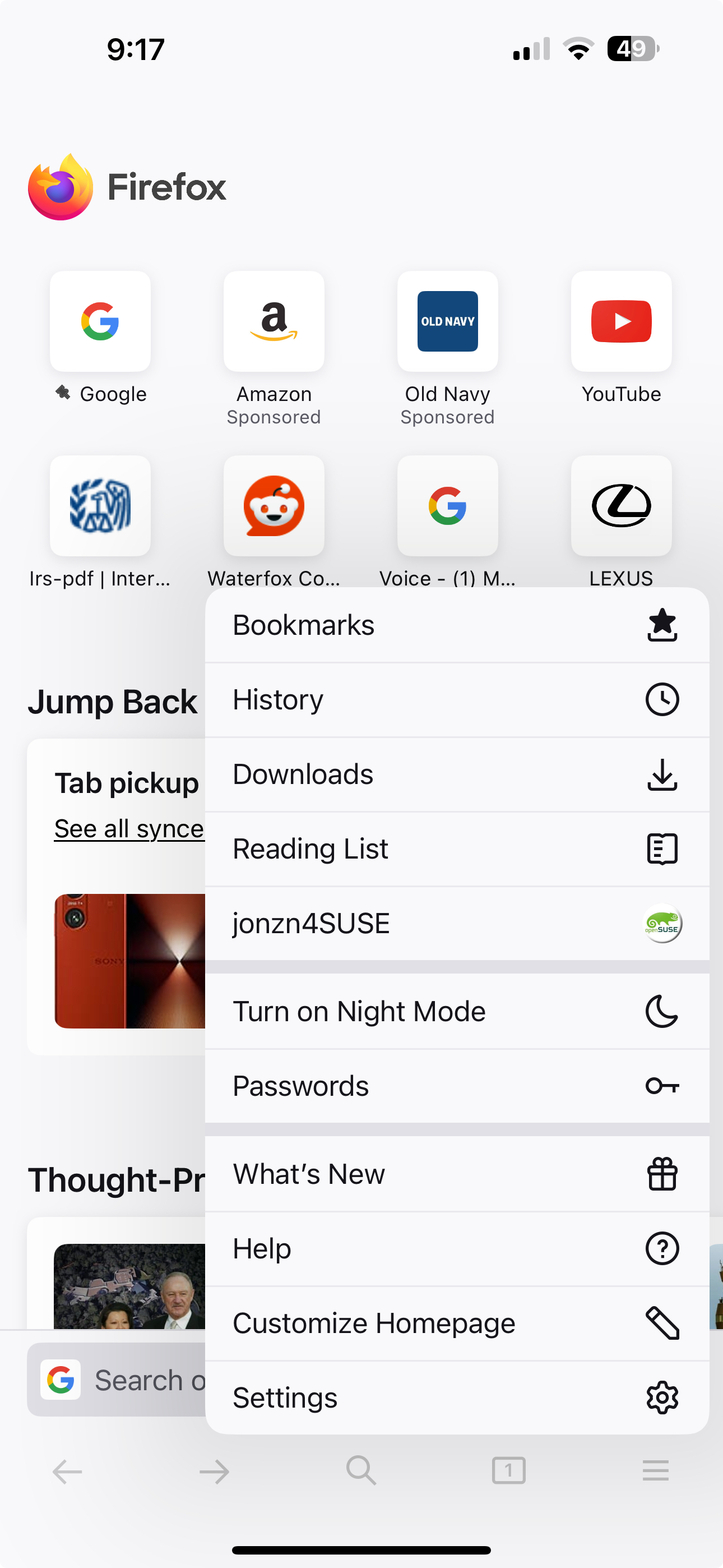
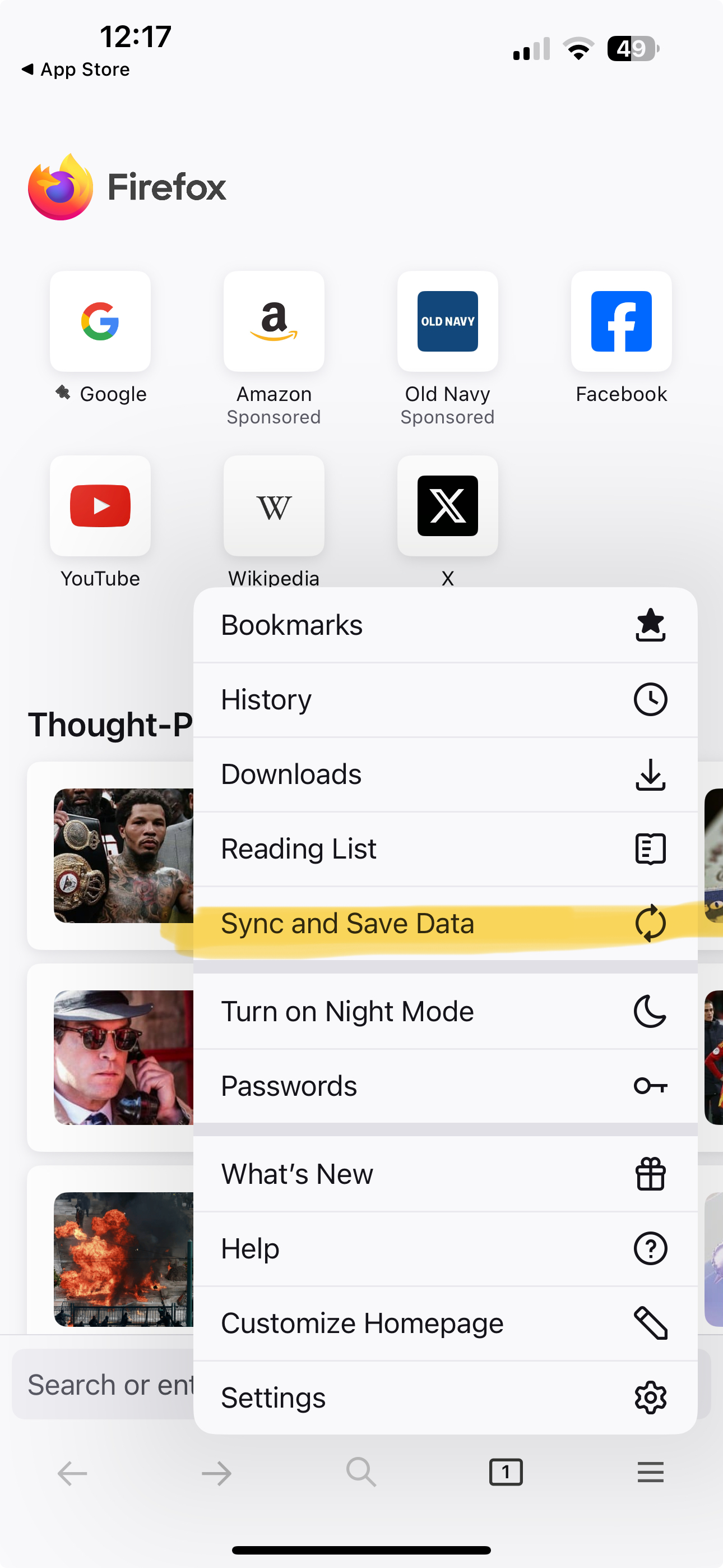
What phone? Post a similar screenshot showing the menu you say not showing the option. My Android and iphone screenshots show the option and my account signed in.
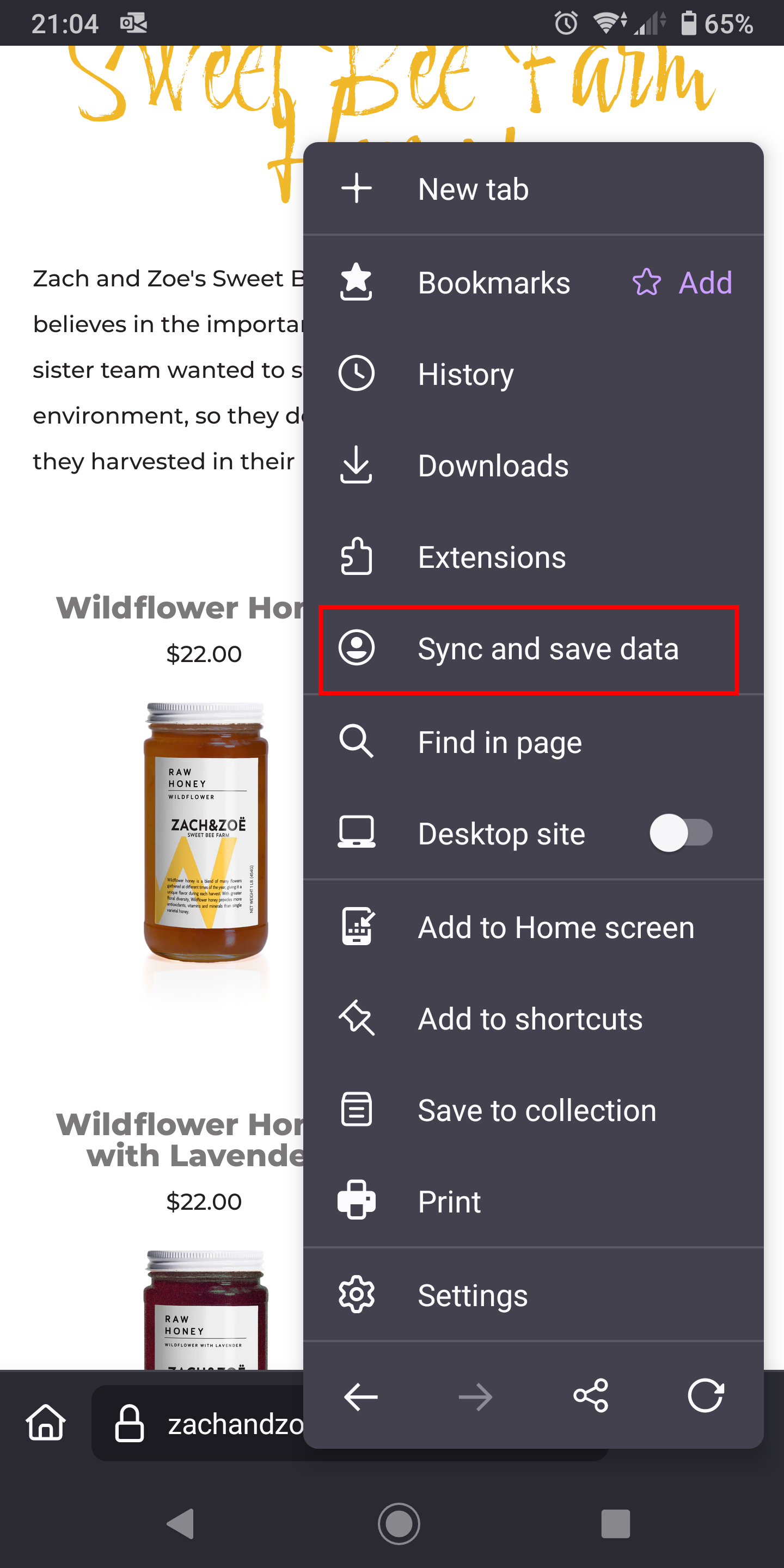
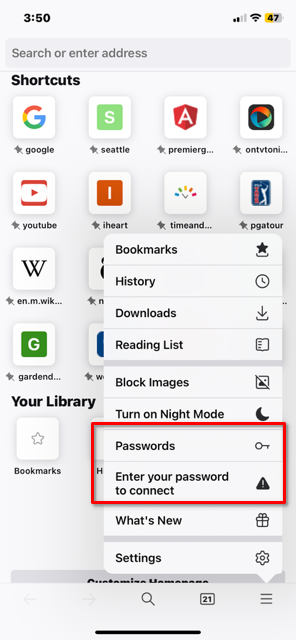
Thanks for the response. Here are a couple screen shots. No Sync and Save. No Ready to Scan.
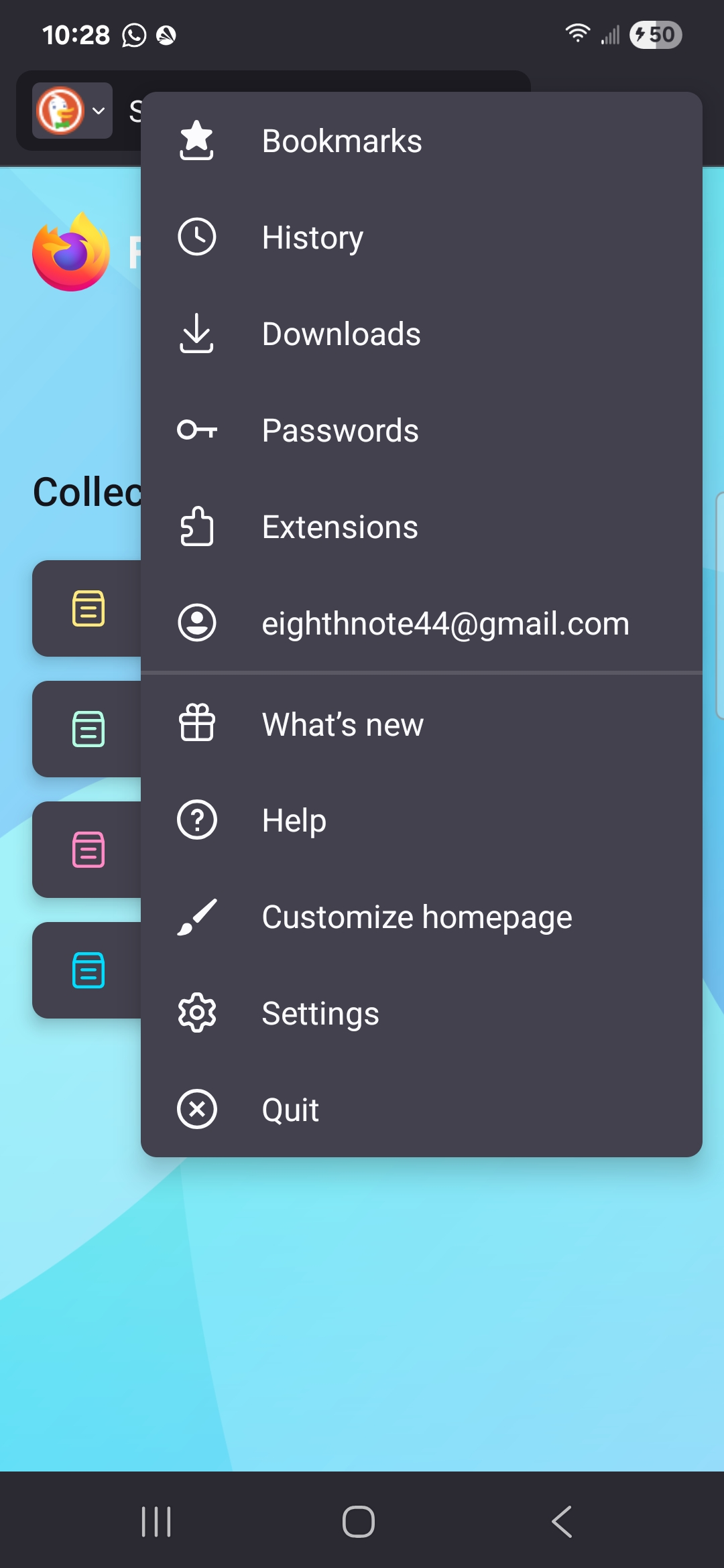
You're already singed in. see screenshot showing your email address. So you should be able to see you pc from your phone and vice versa.
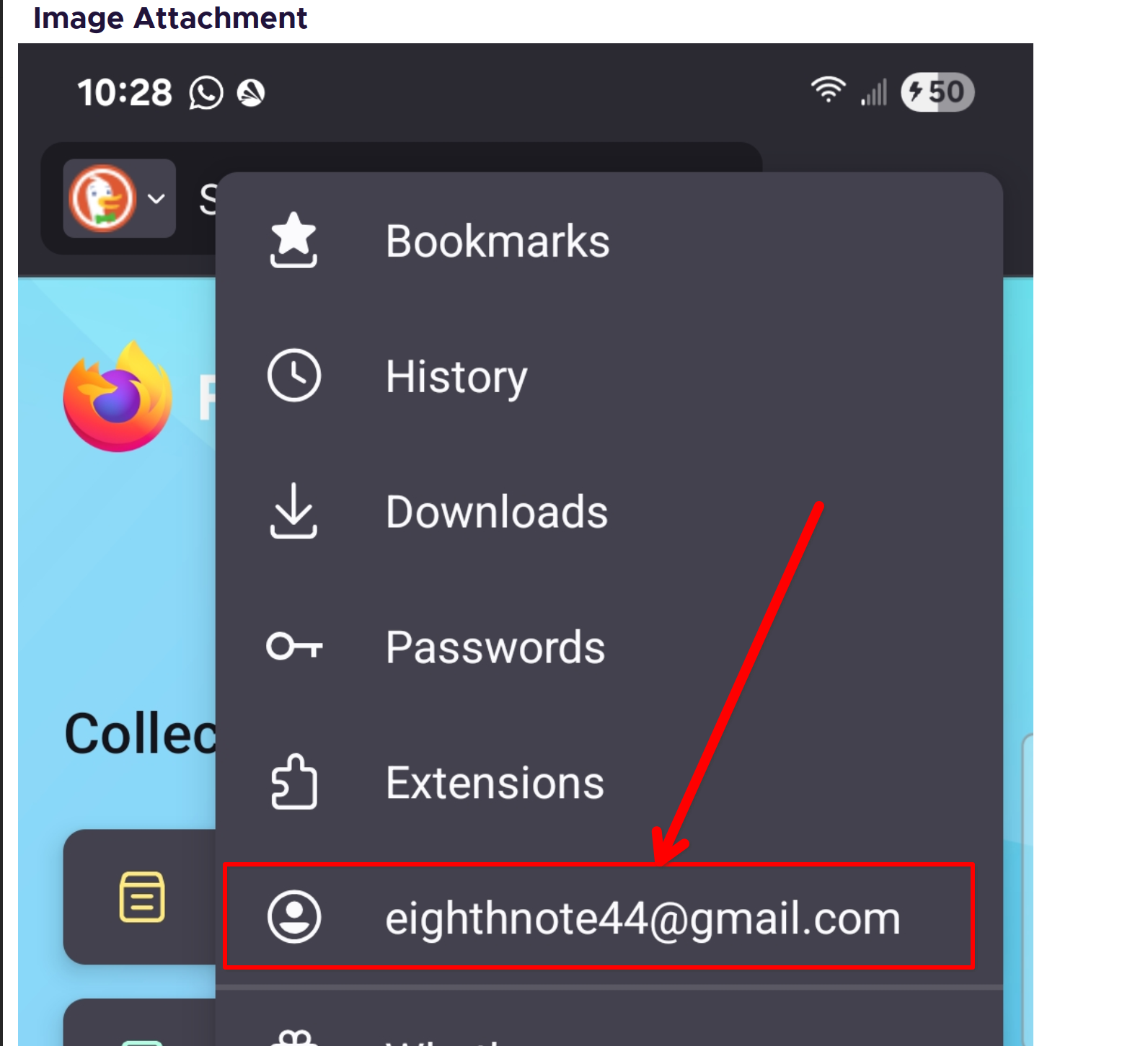
I see that I'm signed in on both my laptop and phone. What I'm trying to do is sync my bookmarks between the two devices. My phone shows syncing is complete , however the bookmarks are not moving between devices.
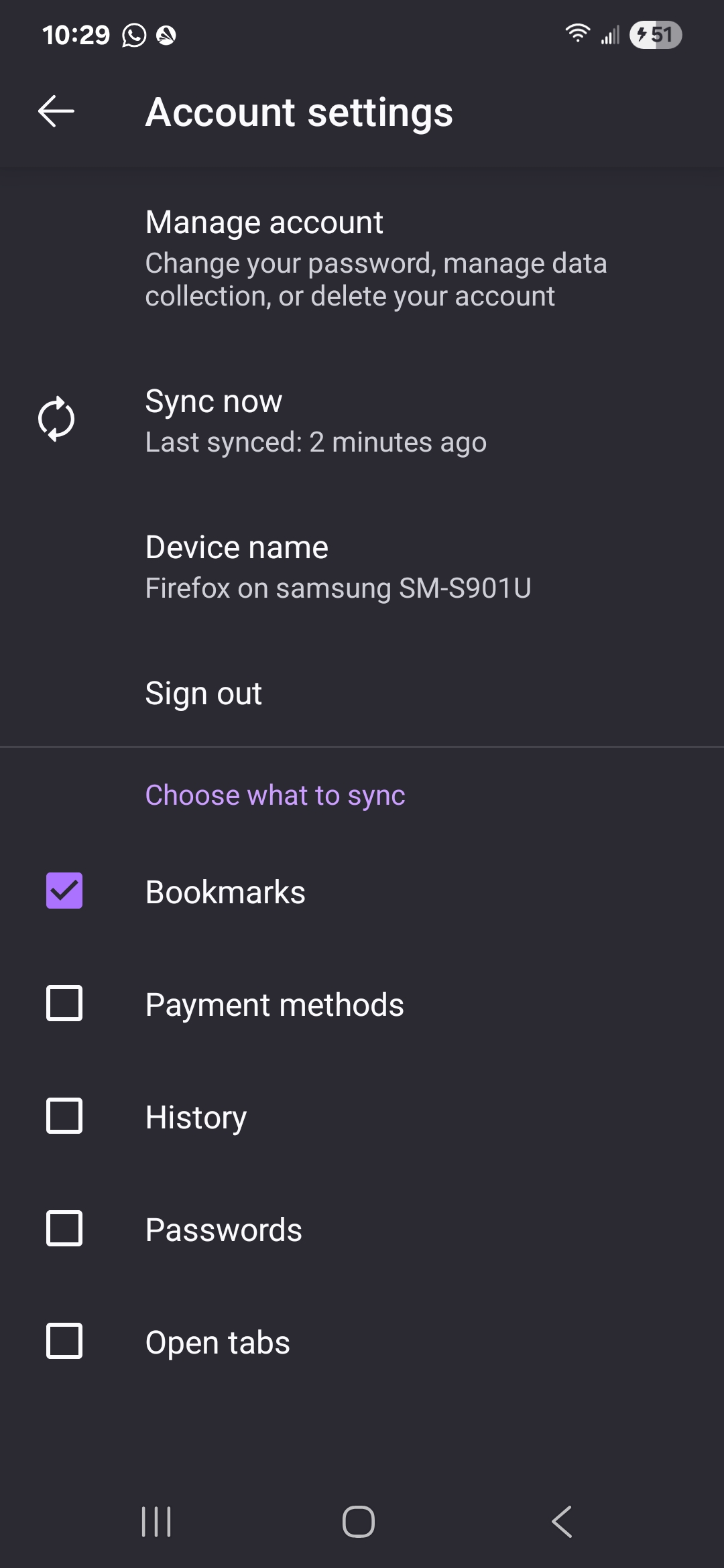
Check your sync settings. see screenshot
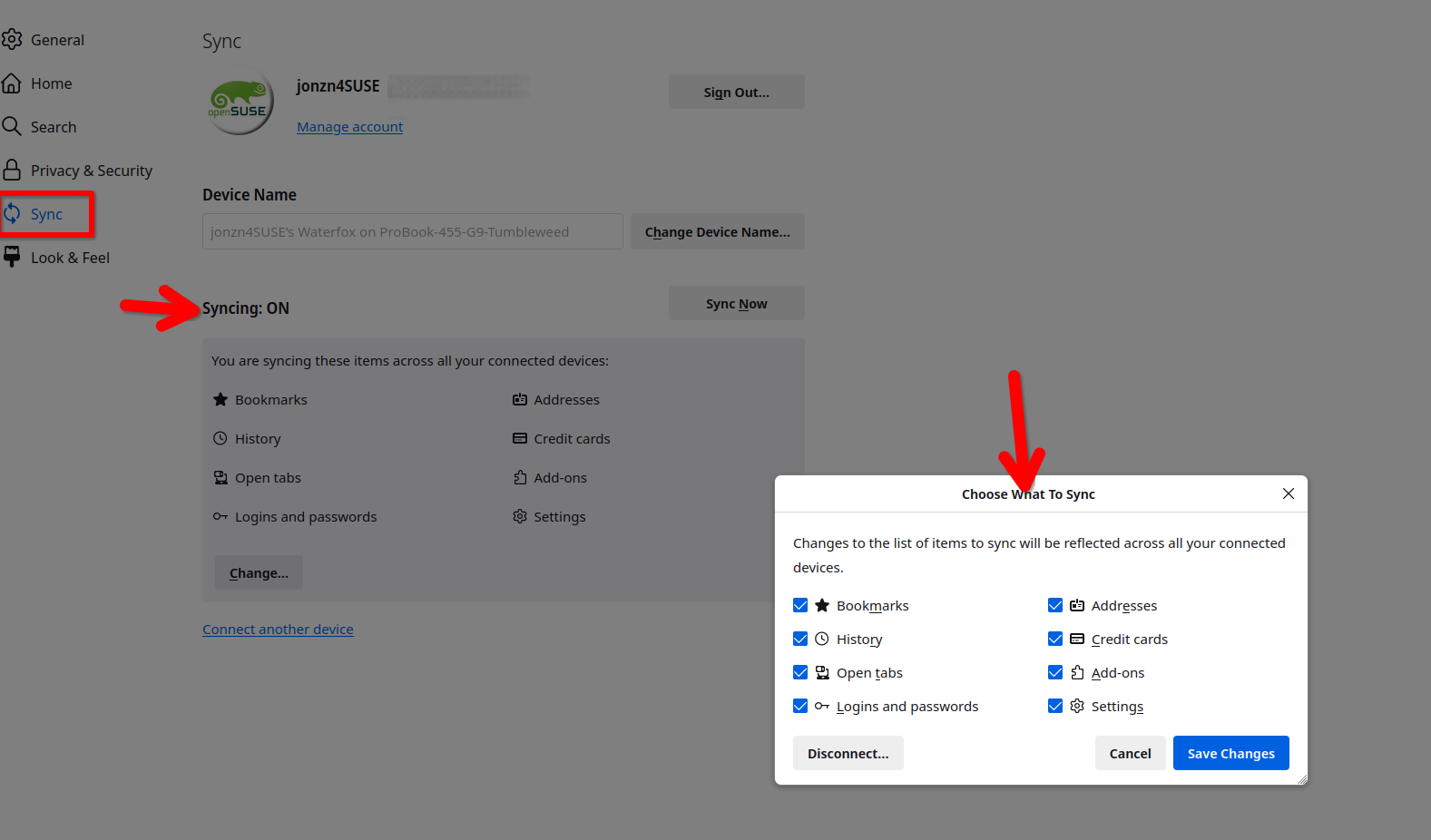
It seems I have everything set the way your screenshot illustrates. Thank you for the help. Just posted another screenshot.
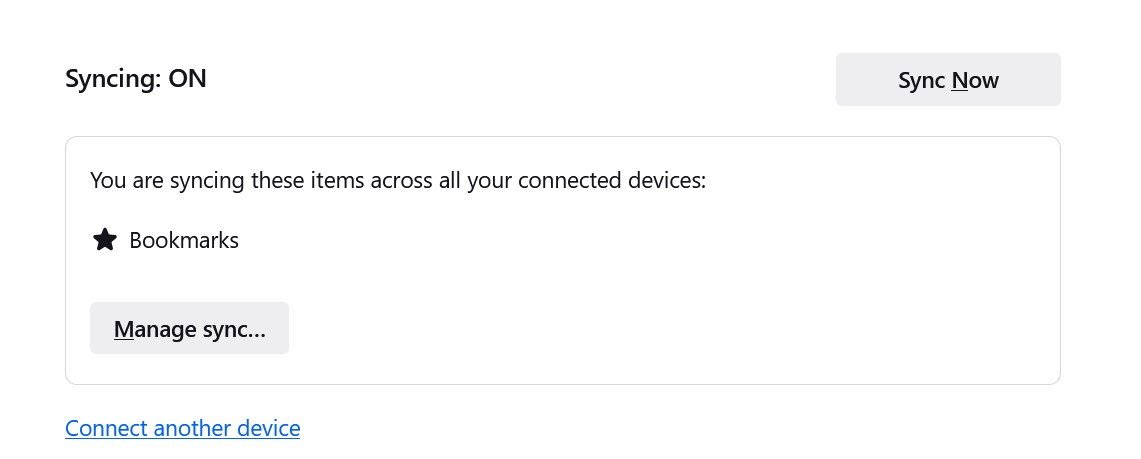
Issue resolved? If so, mark it as resolved and have a nice day.