


secure sign in to government accounts

Hello
With the new update to Firefox v137 I am no longer able to sign in to Government sites using my bank as a sign in partner. Google Chrome will sign in so it has something to do with the new update. I have cleared cache and all data and still no luck with the sign in. Any help would be appreciated because Firefox has been my default browser for years and I'm not interested in changing.
Regards
Roger Flagg

Giải pháp được chọn
OUTSTANDING!!!! Mark it as resolved and have a good day.

Tất cả các câu trả lời (7)
Just telling us there's an issue doesn't help us help you. Need screenshots, links, and steps to replicate the issue. Let me go test my VA account... What OS?
No issues for me. see screenshot Did you try with Firefox in Troubleshoot Mode? https://support.mozilla.org/en-US/kb/diagnose-firefox-issues-using-troubleshoot-mode#w_how-to-start-firefox-in-4troubleshoot-modesf5safe-modesf If windows, home or pro? If windows, are you running any security software besides MS Defender?

Thanks for your reply's. I have attached screenshots with browser and system info. Besides Defender I am running a security package by F secure which my service provider includes in my plan. I have not tried troubleshoot mode but will try that. I also will try shutting down some add-ons. As I said this problem started with the most recent Firefox update.
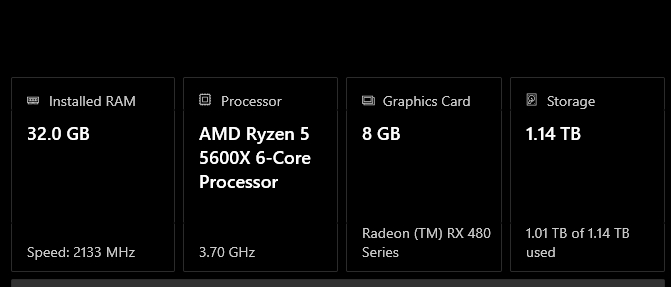

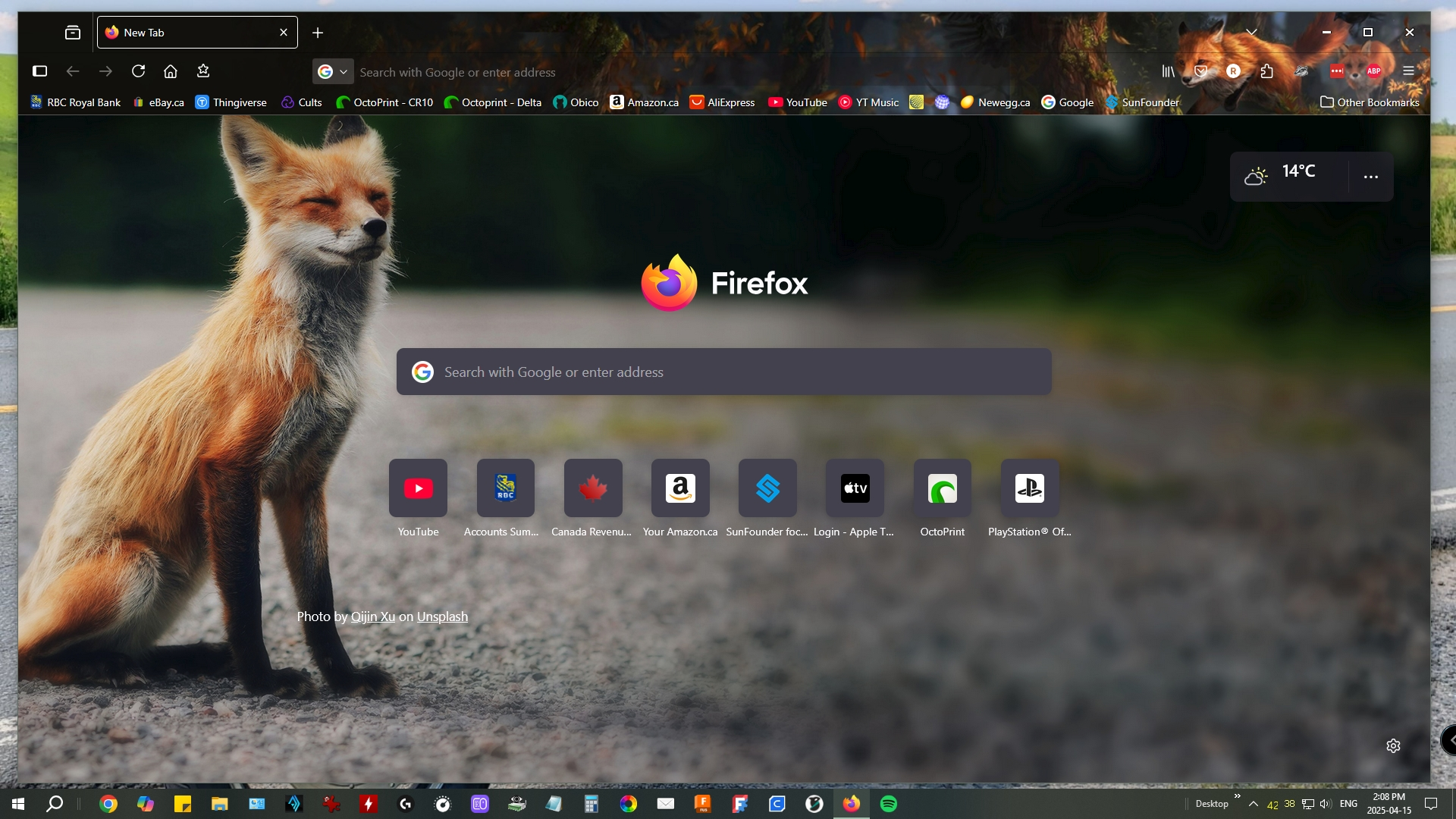
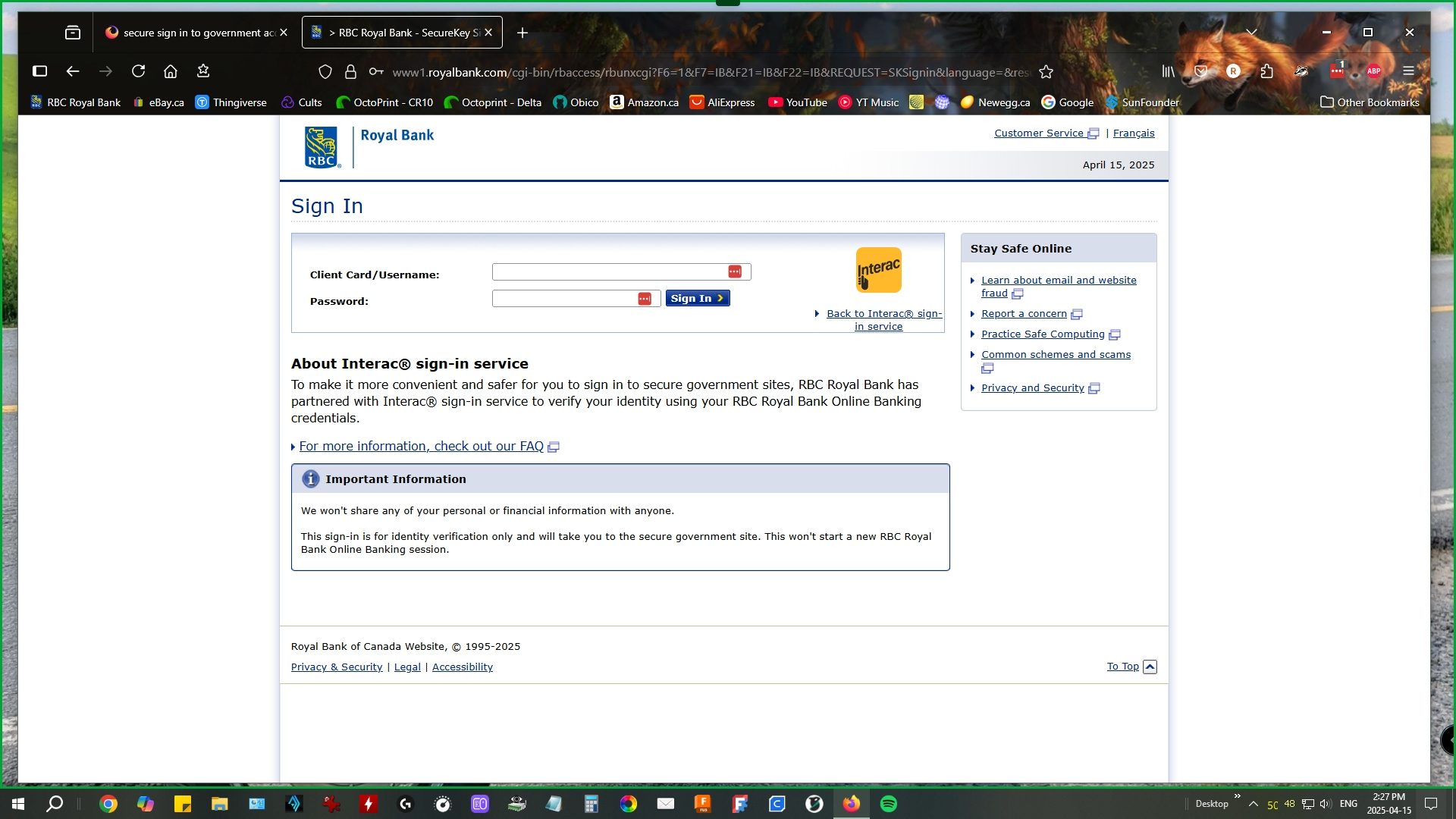
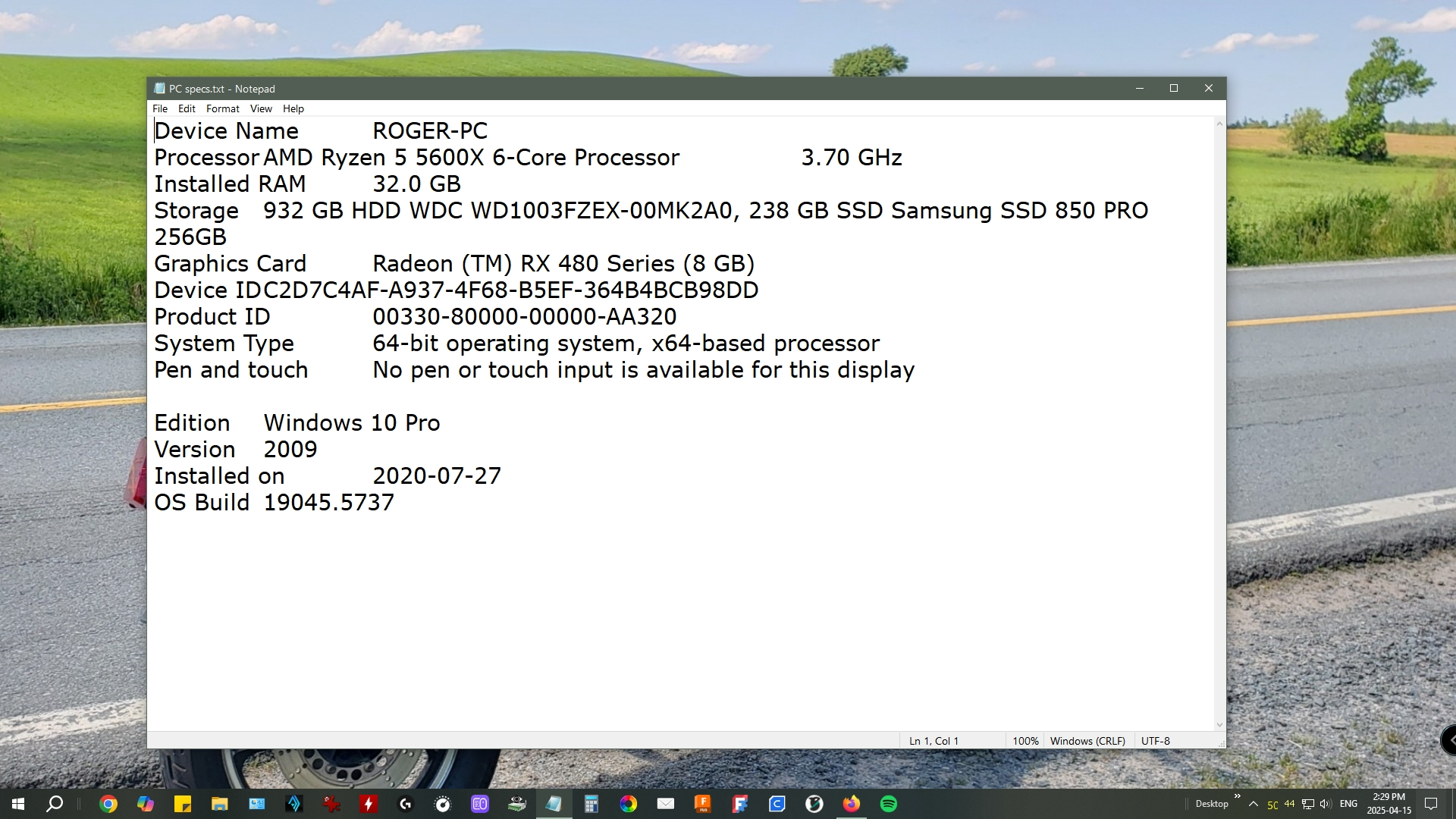
I just tried troubleshoot mode and was able to sign in so I will check that out and might have to disable some add-ons.
thanks again
We'll leave the light on for ya. ;-))
I disabled the add-on "ClearURLs" and my secure sign in is working again. Thanks for your help.
Cheers
Roger Flagg
Giải pháp được chọn
OUTSTANDING!!!! Mark it as resolved and have a good day.