


Twitch streams not playing

I just installed Firefox on a new PC build and Twitch will load but just gets a spinning circle instead of playing the stream. The streams play fine on other browsers but i can't figure out why its lagging so bad/not working on Firefox. I did some digging and tried resetting cache and cookies and switched of recommended settings but nothing seems to work.
Tất cả các câu trả lời (2)
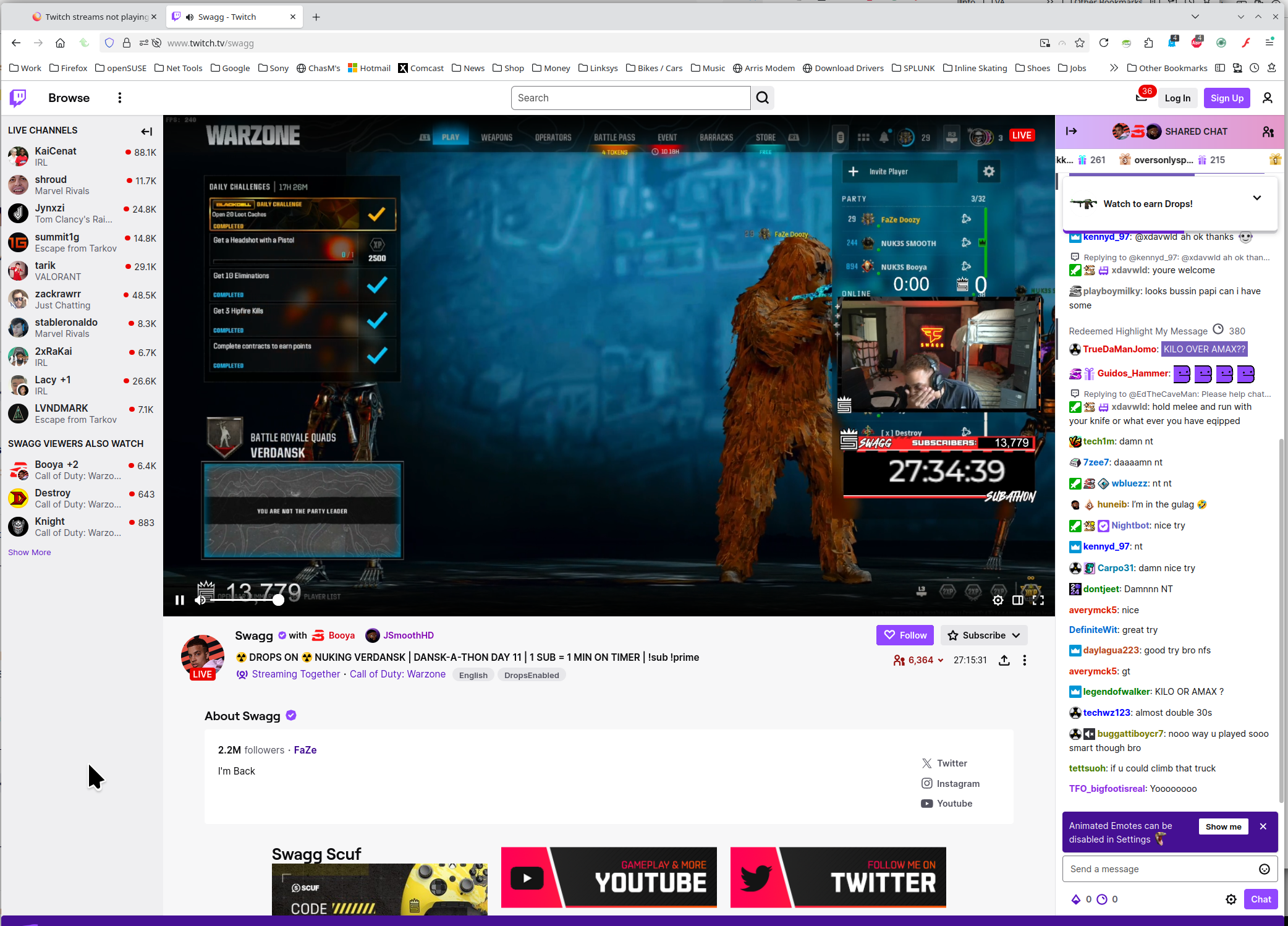
What OS? If windows, home or pro and are you running any security software besides MS Defender? What version of Firefox? Show the issue. Provide steps to replicate the issue. Twitch working for me. see screenshot Did you try with Firefox in Troubleshoot Mode? https://support.mozilla.org/en-US/kb/diagnose-firefox-issues-using-troubleshoot-mode#w_how-to-start-firefox-in-4troubleshoot-modesf5safe-modesf
Did you clear your browser cache? https://support.mozilla.org/en-US/kb/clear-cookies-and-site-data-firefox
Do other video sites work normally?
Is this applicable: Fix video and audio problems on Firefox for Windows N editions