


Hmm. We’re having trouble finding that site. Firefox but not Brave.

Hi.
I've been having this problem for a few months now with Firefox displaying the message "Hmm. We’re having trouble finding that site".
It's intermittent and not related to a particular site.
Usually, if I click "Try Again", the page loads perfectly. Sometimes, a second attempt is required.
I'm having the problem with 2 of our desktop PCs (different profiles).
It got so frustrating I switched to Brave for a while. It doesn't have the same problem.
I'm just guessing here, but I've noticed that some sites (again, no particular sites, it varies) take 10s-15s to come up. Is Firefox giving up and reporting "Server not Found" while Brave keeps trying?
The computers are rebooted daily and I've tried cycling the power on our router.
No other responses to this problem have helped.
Tất cả các câu trả lời (3)

Since there is no screenshot error or error log to post or what the site is no one reading is going to be able to replicate or see what the issue is.
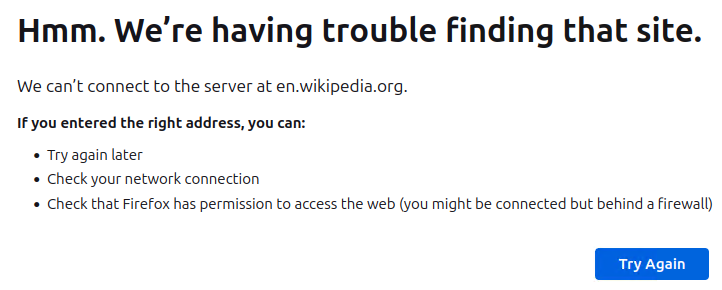
Since it was such a commonly reported error I didn't see the need for a screenshot.
Previously, the problem has been occurring on 2 different Windows 11 desktops. Here's one from a Linux VM I'm running right now. Again, I clicked on "Try again" and the site came straight up.
How do I find an error log?
You can check the connection settings and check for possible issues with a Proxy or VPN service.
- Settings -> General -> Network: Connection -> Settings
If you do not need to use a Proxy to connect to internet, select "No Proxy" if "Use the system proxy settings" or one of the others do not work properly.
See also: