


Firefox crashes when logging in to gmail

For several weeks now, whenever I try to log in to a google account, Firefox crashes. The crash happens on the screen where you enter your email address, before the page where you enter your password. I start to enter my email, and about 3 letters in to typing my entire browser freezes. The crash also happens in troubleshooting mode, so I know that it isn't a problem with one of my plug-ins. This isn't an urgent issue, I can get by with the gmail accounts that are already logged in, but it is really annoying.
Tất cả các câu trả lời (5)
What OS? What version of Firefox? If Windows, home or pro? If pro, you should have sandbox enabled for testing. https://www.howtogeek.com/399290/how-to-use-windows-10s-new-sandbox-to-safely-test-apps/ I have no issues in gmail. see screenshot
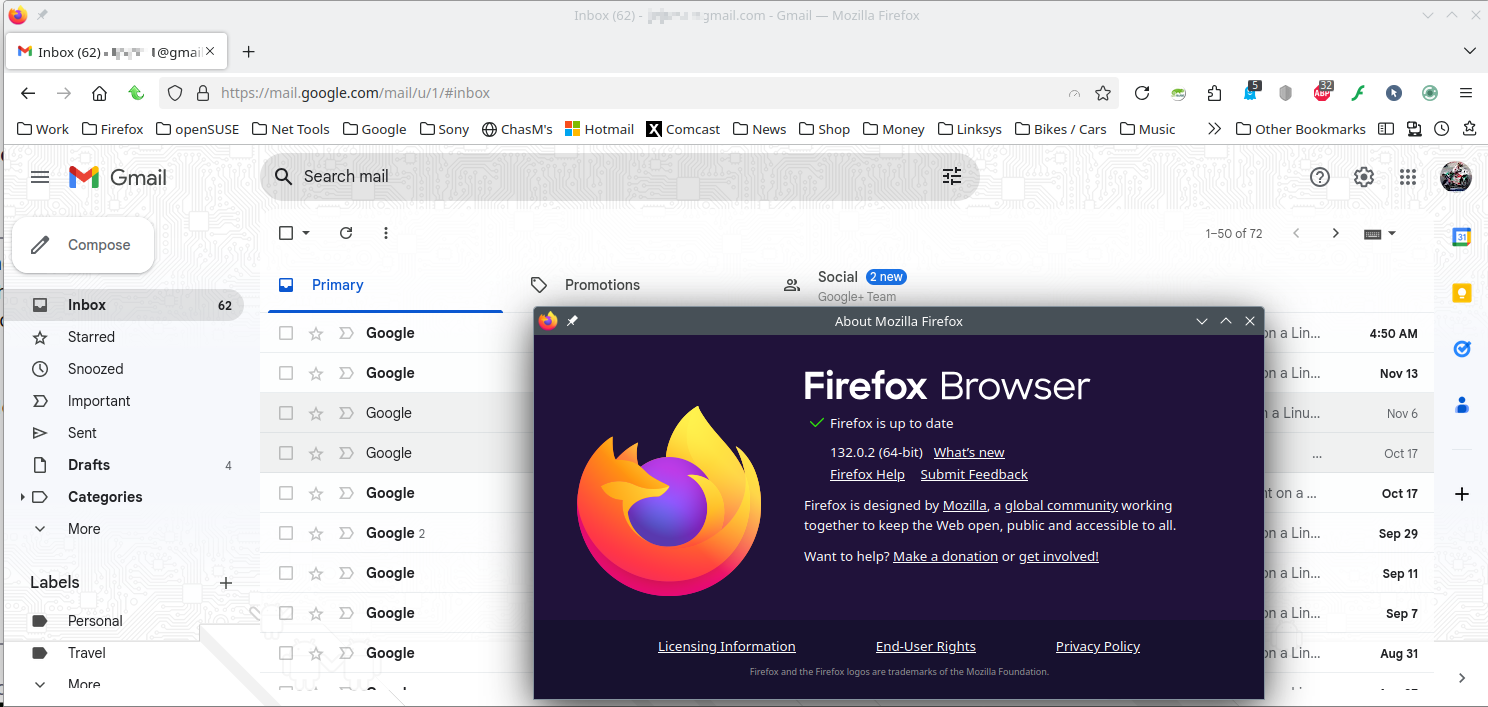
Được chỉnh sửa bởi jonzn4SUSE vào
We're sorry to hear that Firefox is crashing. In order to assist you better, please follow the steps below to provide us crash IDs to help us learn more about your crash.
The crash report is several pages of data. We need the report numbers to see the whole report.
- Enter about:crashes in the Firefox address bar and press Enter. A list of Submitted (and Unsubmitted, if any) Crash Reports will appear, similar to the one shown below.
- Copy the 5 most recent Submitted Report IDs that start with bp- and then go back to your forum question and paste those IDs into the "Post a Reply" box.
Note: If a recent Report ID does not start with bp- click on it to submit the report.
(Please don't take a screenshot of your crashes, just copy and paste the IDs. The below image is just an example of what your Firefox screen should look like.)

Thank you for your help!
More information and further troubleshooting steps can be found in the Troubleshoot Firefox crashes (closing or quitting unexpectedly) article.
Have you tried Firefox in Troubleshoot Mode? https://support.mozilla.org/en-US/kb/diagnose-firefox-issues-using-troubleshoot-mode#w_how-to-start-firefox-in-4troubleshoot-modesf5safe-modesf

Hi, I am having this problem too. I just bought a new laptop, and am trying to add a second gmail, but the computer keeps crashing. Can you help? I'd prefer to use Firefox, but I'm not having this problem in Chrome.
Thanks so much!
allieinnola said
Hi, I am having this problem too. I just bought a new laptop, and am trying to add a second gmail, but the computer keeps crashing. Can you help? I'd prefer to use Firefox, but I'm not having this problem in Chrome. Thanks so much!
No issues for me. see screenshot What OS? What version of Firefox? Have you tried with Firefox in Troubleshoot Mode? https://support.mozilla.org/en-US/kb/diagnose-firefox-issues-using-troubleshoot-mode#w_how-to-start-firefox-in-4troubleshoot-modesf5safe-modesf
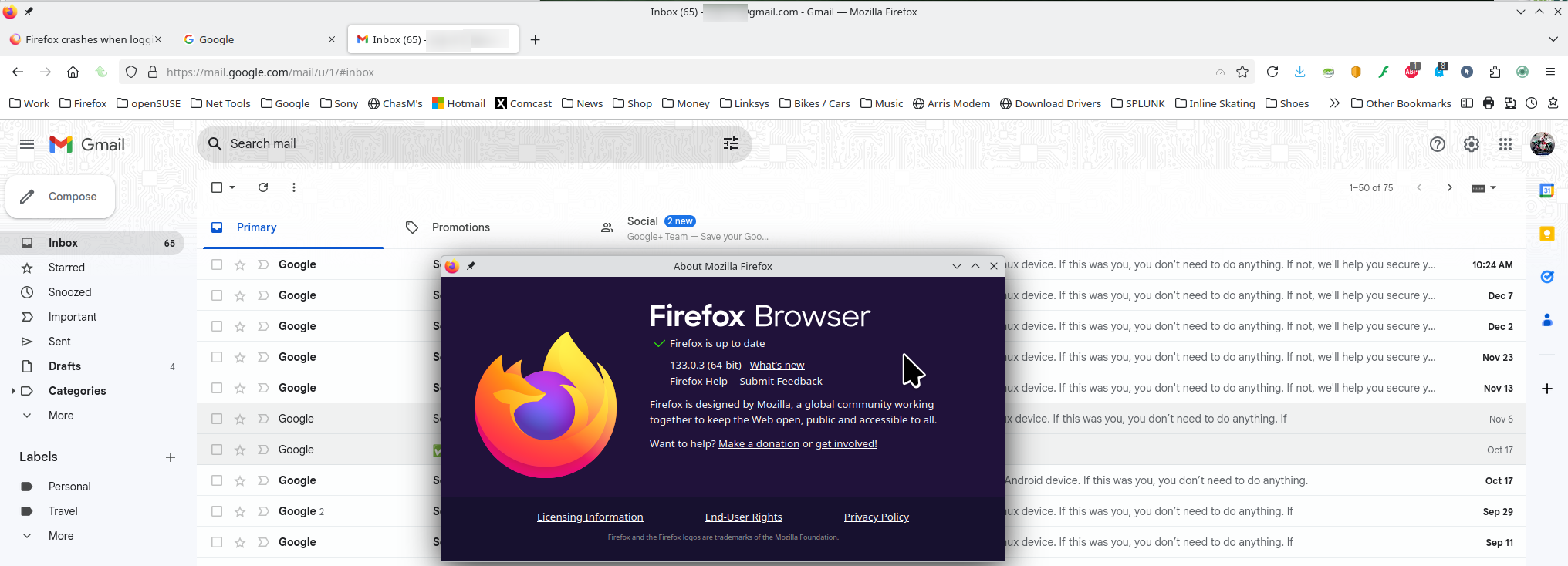
Được chỉnh sửa bởi jonzn4SUSE vào