


problem printing
Good morning,
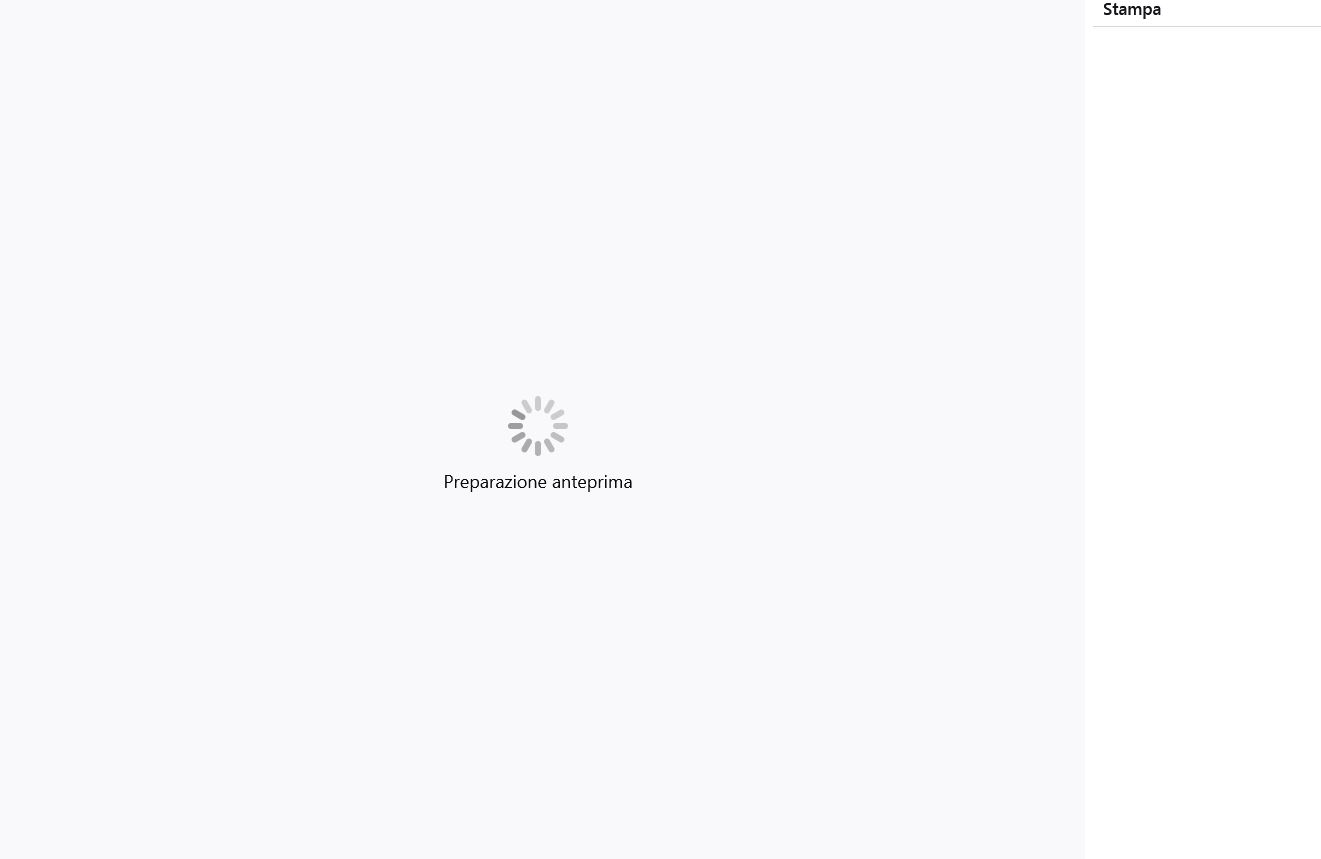
after the last update of Mozilla Firefox Browser I found a problem launching the printer. In particular, after I launch the print, it start to load the document in order to print it, but without an end. The result is that I have to close the page without being able to print.
Tất cả các câu trả lời (2)
Giải pháp được chọn
Ciao, ti rispondo in italiano dato che siamo nella sezione italiana di SuMo.
Per escludere che il problema dipenda da qualche componente aggiuntivo, prova ad avviare Firefox in modalità provvisoria: https://support.mozilla.org/it/kb/Modalit%C3%A0%20provvisoria
In alternativa puoi disabilitare la nuova interfaccia di stampa e ritornare a quella precedente:
- dai il comando about:config in una nuova scheda
- se richiesto conferma di voler procedere
- nella casella di ricerca cerca l'impostazione print.tab_modal.enabled
- portane il valore da true a false con un doppio click
- riavvia Firefox
Được chỉnh sửa bởi next vào
Grazie, ho disabilitato la nuova interfaccia di stampa. Peccato perché prima dell'ultimo aggiornamento funzionava ed era sicuramente più bella rispetto al pop-up "tradizionale". Forse c'è qualche incompatibilità con Windows 7. Grazie ancora.