


Check Spelling

I would like to know if there is a way to have 'check spelling' automatically selected in the right click menu. Previously I had it working so that my spelling would be automatically checked when I was typing but now I have to right click and select 'check spelling' either before I start typing or after I have typed. I have to do this on every website, even the same website again if I refresh it.
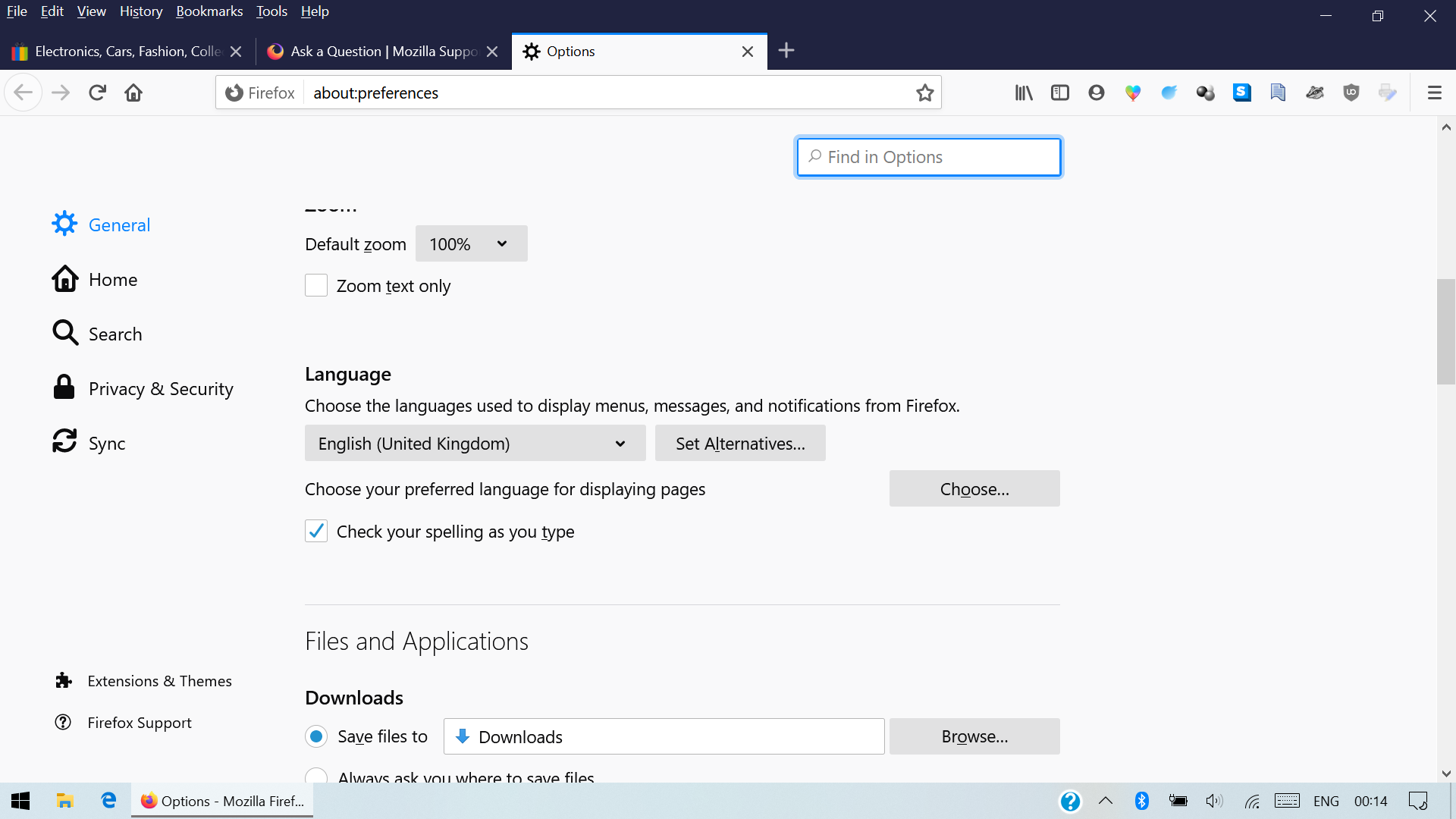
The "check your spelling as you type" box is ticked under about:preferences - language and I have the correct language pack installed and the correct dictionary. I've tried uninstalling and reinstalling Firefox completely but that did not help.
I just want to have it happen automatically.
Tất cả các câu trả lời (2)
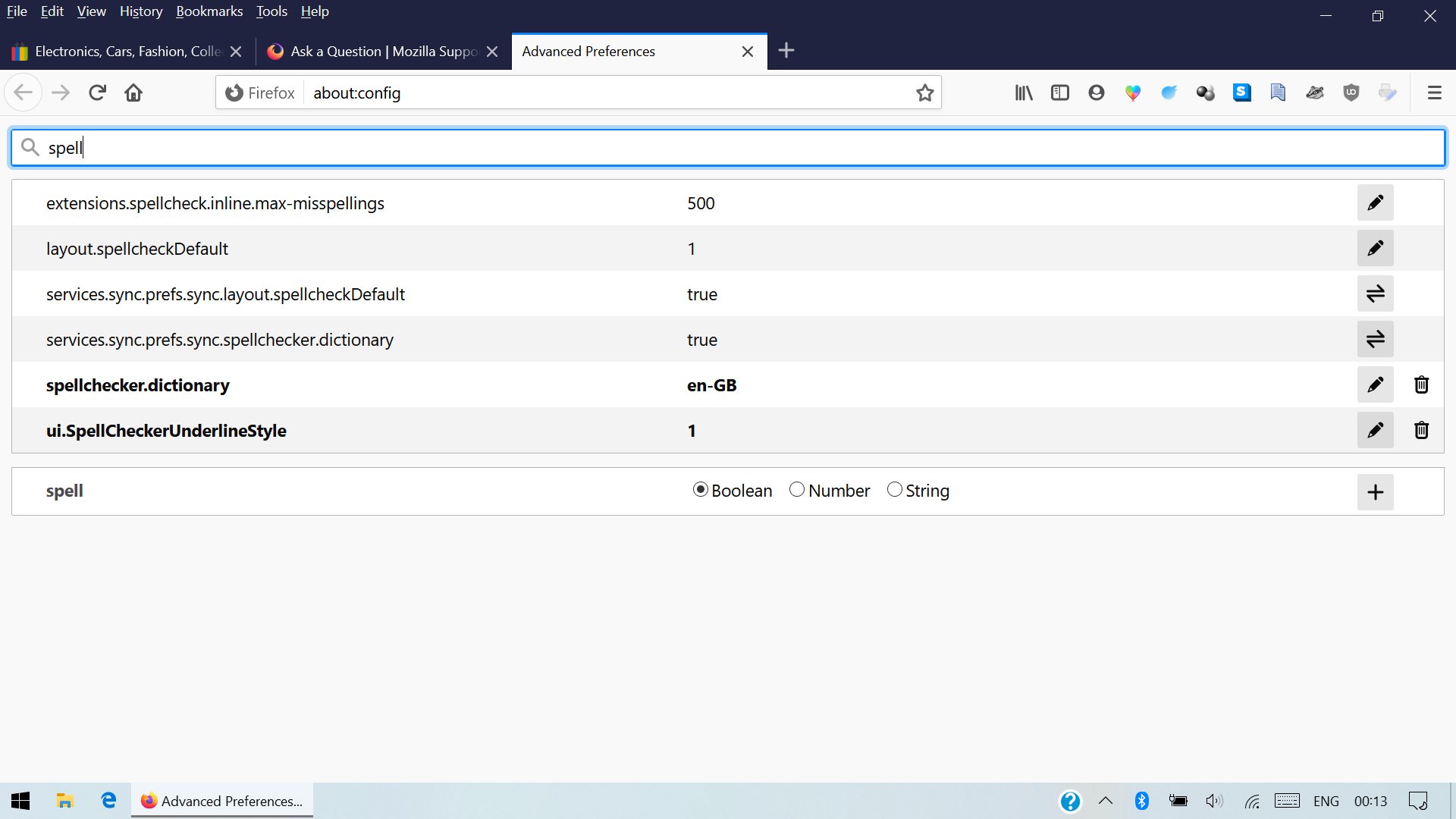
Do you keep the 1 or 2 value of layout.spellcheckDefault or does this value change ?
Are you possibly using Sync as layout.spellcheckDefault is a pref that is synced to other devices ?
You can check on the about:config page that layout.spellcheckDefault is set to 1 (multi-line) or 2 (single-line).
Start Firefox in Safe Mode to check if one of the extensions ("3-bar" menu button or Tools -> Add-ons -> Extensions) or if hardware acceleration or userChrome.css is causing the problem.
- switch to the DEFAULT theme: "3-bar" menu button or Tools -> Add-ons -> Themes
- do NOT click the "Refresh Firefox" button on the Safe Mode start window
cor-el said
Do you keep the 1 or 2 value of layout.spellcheckDefault or does this value change ? Are you possibly using Sync as layout.spellcheckDefault is a pref that is synced to other devices ? You can check on the about:config page that layout.spellcheckDefault is set to 1 (multi-line) or 2 (single-line).
Start Firefox in Safe Mode to check if one of the extensions ("3-bar" menu button or Tools -> Add-ons -> Extensions) or if hardware acceleration or userChrome.css is causing the problem.
- switch to the DEFAULT theme: "3-bar" menu button or Tools -> Add-ons -> Themes
- do NOT click the "Refresh Firefox" button on the Safe Mode start window
Changing layout.spellcheckDefault from '1' to '2' helps on some websites, for instance on Amazon in the search field, but not on other websites, such as ebay in the search field, I still have to right click and select 'check spelling' either before or after I have typed something. Disabling all add-ons also disables the dictionary so I don't believe there is a way of checking whether that works or not.