


Unable to use text boxes on some Forums

On some forums - not this one - I am unable to complete the relevant text box to compose a reply. EG the Devon forum: https://discourse.devontechnologies.com/t/sync-between-mac-and-ipad-works-and-iphone-not-working/87390/7 No text appears and the text box is completely inoperative. The problem is not confined to that site, but I have experienced similar on other Forums.
I use Ublock Origin which I thought might be causing a problem but disabling it has no effect, neither does disabling Little Snitch. As a result I've concluded this is probably caused by something in my settings but I don't know which or where to look.
Any suggestions appreciated.
Mac Mini M2 Pro; MacOS 15.7.8. Firefox 153.0.1 (British English)
Chosen Solution
I've had another play with profiles and as I thought that appears to be the source of the original problem. Native zoom seems to work fine with ZoomPage WE disabled. Might need a bit more fine tuning with font sizes to get the visuals exactly to my liking but that's no problem. Devon Forum text entry boxes seem to work OK. Zoom Page WE is an excellent extension so it might be worth getting in touch with the devs
One point: I notice now that the FireFox icon in the dock has a small text box appended to it. What's the significance of this. It's obvs harmless, but it would be good to know what it represents.
A final point. when I login to Mozilla support I get an email with a numerical code to prove it's me. However I can't see anywhere to input this - there was no notification at login. It doesn't stop me from logging in to support so it seems redundant.
Many thanks for the help.
എല്ലാ മറുപടികളും (7)
Some quick diagnostic options:
- Try running Firefox in Troubleshoot Mode. If the problem doesn't persist, please follow the steps from this article to troubleshoot further.
- If nothing from the list helps, try creating a new Firefox profile and check if the issue persists there. If it doesn't, you can start copying files from your old profile to the new one to identify which one causes the issue. See this article on what files to copy.
That is very helpful :)
I followed your step 1 and concluded the problem was related to one of the extensions. By elimination I tracked it down to ZoomPageWE - disable that and the forum reply box becomes fully operative. On the Devon Forum site I get the msg that ZoomPageWE is making Firefox slow and suggests I cancel it. I assume there's an unresponsive script running somewhere: the only way to stop this is to disable the extension.
The underlying cause of all this may be related to how I run apps. These are all installed in the admin account and I then run in a user. account Doing this makes the native FireFox zoom inoperative so I turned to the zoompage WE extension which works fine on all sites save those forums using this method of data entry for replies.
Various methods were tried to make the native Firefox zoom work but to no avail. You may know of a workround. Could it be related to profiles? EG Firefox is trying to run a profile that is only valid for the admin account. which disables the native zoom.
I'll have a go at creating another profile and see how that works.
Many thanks for the help.
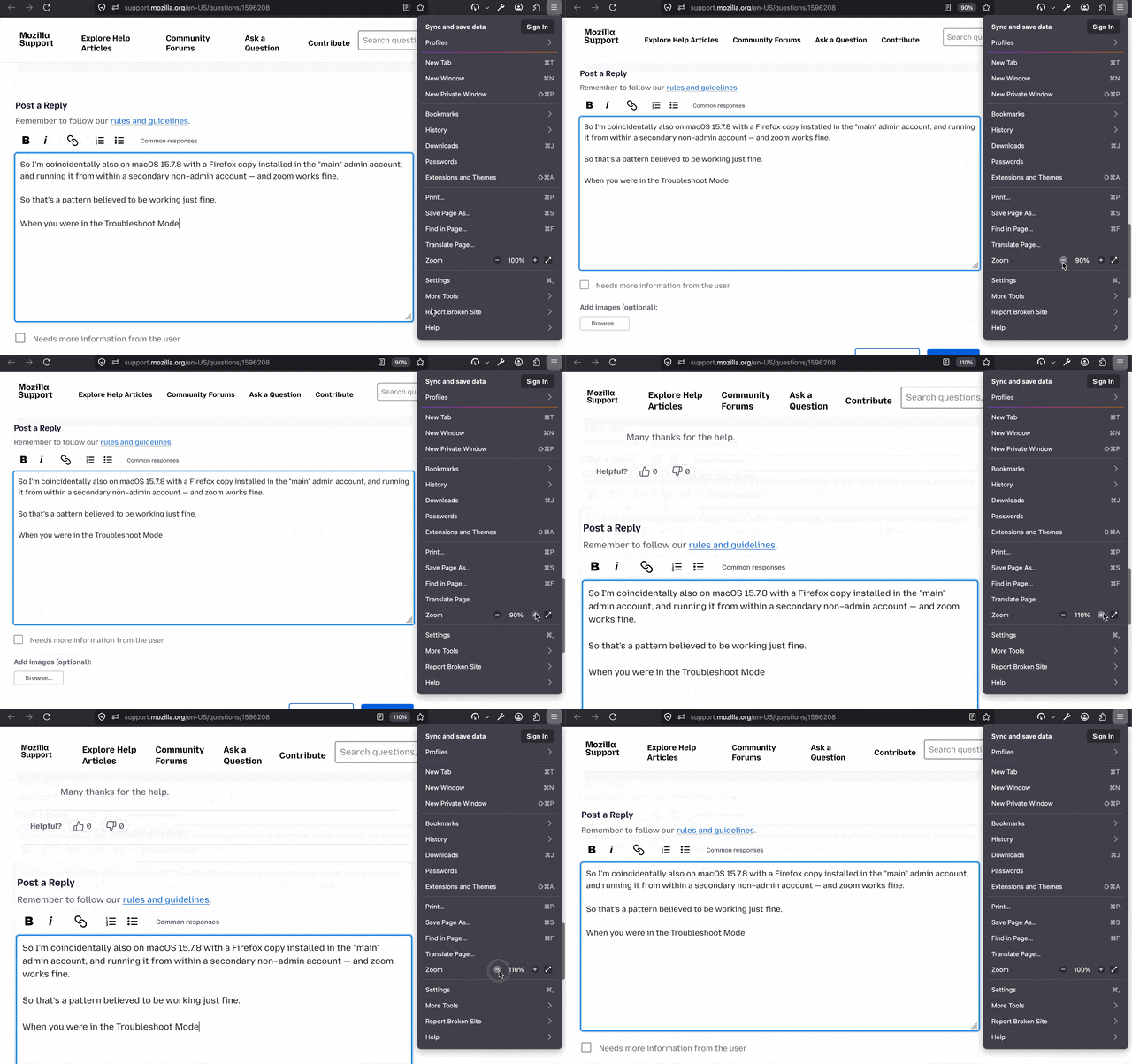
So I'm coincidentally also on macOS 15.7.8 with a Firefox copy installed in the "main" admin account, and running it from within a secondary non–admin account — and zoom works fine.
So that's a pattern believed to be working just fine.
When you were in the Troubleshoot Mode, have you tried zooming there to see whether, when loaded with more conservative profile setup, the browser zoom controls work in that mode perhaps?
Chosen Solution
I've had another play with profiles and as I thought that appears to be the source of the original problem. Native zoom seems to work fine with ZoomPage WE disabled. Might need a bit more fine tuning with font sizes to get the visuals exactly to my liking but that's no problem. Devon Forum text entry boxes seem to work OK. Zoom Page WE is an excellent extension so it might be worth getting in touch with the devs
One point: I notice now that the FireFox icon in the dock has a small text box appended to it. What's the significance of this. It's obvs harmless, but it would be good to know what it represents.
A final point. when I login to Mozilla support I get an email with a numerical code to prove it's me. However I can't see anywhere to input this - there was no notification at login. It doesn't stop me from logging in to support so it seems redundant.
Many thanks for the help.
It doesn't seem to be updated any longer, but feel free to leave the author a note via addon review: addons.mozilla.org/firefox/addon/zoom-page-we/reviews/ — there are a few to that same tune already.
For the superfluous account signin emails (which probably are not needed here since you were already trusted from that description) I'm wondering where to best file this. Do you want to open that in github.com/mozilla/fxa — or I can file it for you there (there has been multiple reports of the same).
What you're seeing superimposed over the dock icon is probably now your profile icon, see support.mozilla.org/questions/1581870 — it should disappear once you only have a single profile again; now it's just for you to distinguish the running one.
I'll post a note on the reviews page for ZoomPageWE.
Re the account signin emails, it might be better if you post something on github if you wouldn't mind. TBH I'm not familiar with the workings of Git so it might get lost somewhere if I do it.
At present there are two profiles: the "default-release" and my new user profile. It's set to default to my user on startup, so I suppose I could delete the "default-release" unless that's likely to cause problems.
Thanks again for the help. Despite using FireFox for some years I've learnt something about its workings. It would be a real shame it it got edged out by the proliferation of Chromium based browsers.
I'd definitely back up the whole …/Profiles/* folder (your Profile Manager - Create, remove or switch Firefox profiles would provide "Show in Finder" buttons to open the folder for your convenience, going one or two levels higher there would be a good place to make a backup archive of that "Profiles" folder before deleting anything), not just for the backup of the data stored in the old profile, but also the profile layout proper if you'd need to go back in time to reach it again — and once you're happy with the move of all your existing data you might need to the new one, then yes, the original "release–default" could be removed, if the app shows that as safe (unused, not default, showing "Remove" button…)