


Problem logging into google from Mozilla

Every time I try to log in to gmail I receive this message: We've detected a problem with your cookie settings. Enable cookies Make sure your cookies are enabled. To enable cookies, follow these browser-specific instructions I've tried enabling cookies in Mozilla. Apparently I'm doing something wrong because I'm still getting the same message from google.
Every time I try to log in to gmail I receive this message: We've detected a problem with your cookie settings. Enable cookies Make sure your cookies are enabled. To enable cookies, follow these browser-specific instructions I've tried enabling cookies in Mozilla. Apparently I'm doing something wrong because I'm still getting the same message from google.
എല്ലാ മറുപടികളും (1)

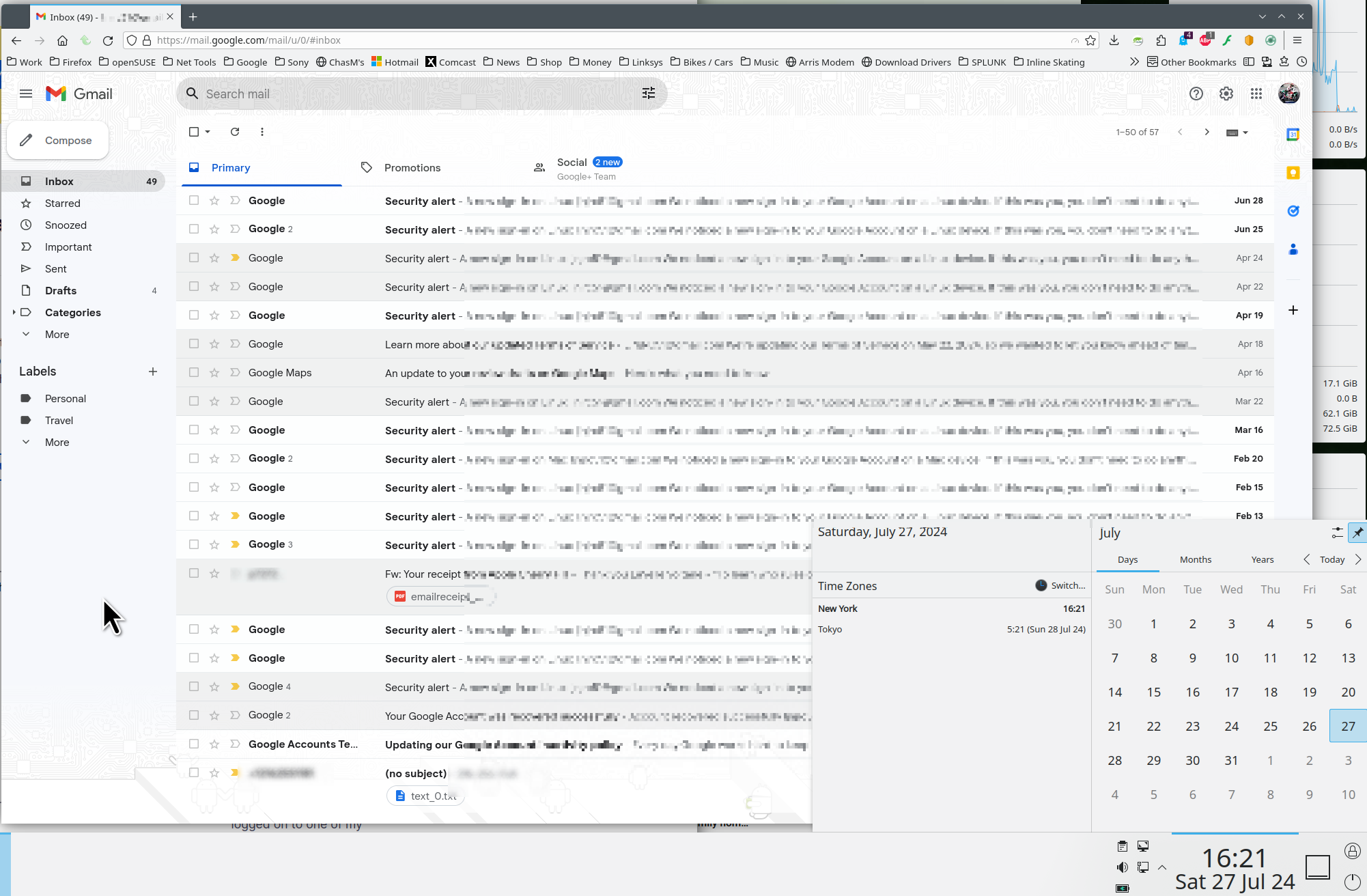
Show your settings and post a full browser screenshot showing the issue using anything other than Firefox screenshot option. I was able to log into my gmail account. see screenshot Do you have the same issue with Firefox in Troubleshoot Mode?
Modified by jonzn4SUSE