

Lolu chungechunge lwabekwa kunqolobane.
Uyacelwa ubuze umbuzo omusha uma udinga usizo.

Kusonjululiwe
Okugcinwe kunqolobane
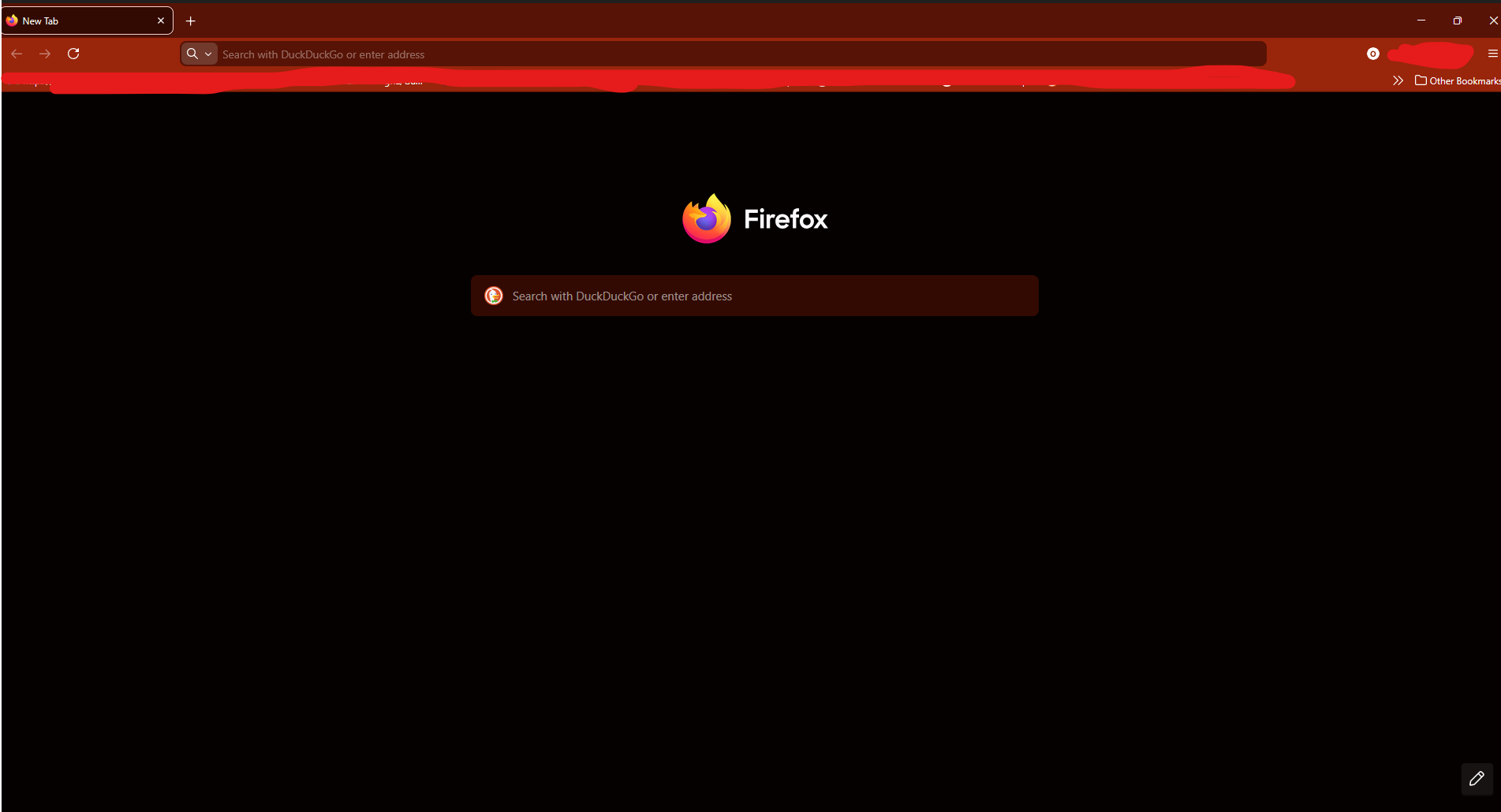
Black Bar at the top of the screen during fullscreen

popped up after an update, not only is it slightly distracting but also annoying as now when i try to pick up or select a tab by putting my mouse at the top of the screen it does nothing, as i select the useless black bar instead
popped up after an update, not only is it slightly distracting but also annoying as now when i try to pick up or select a tab by putting my mouse at the top of the screen it does nothing, as i select the useless black bar instead
All Replies (1)
Isisombululo Esikhethiwe
Hello
Is it this subject https://bugzilla.mozilla.org/show_bug.cgi?id=1993474
You can try. 1 - Go to configuration editor for Firefox https://support.mozilla.org/en-US/kb/about-config-editor-firefox 2 - Enter a search term widget.windows.windowsappsdk.enabled Double-click on the preference, to set its value to false