Open
I'm using Firefox on Windows 11, but the Home page widgets are missing and there's no widget option in Settings either; I've attached a screenshot—how can I restore them?

Title: Home page widgets are missing in Firefox on Windows 11
Hello,
I'm having an issue with Firefox on Windows 11.
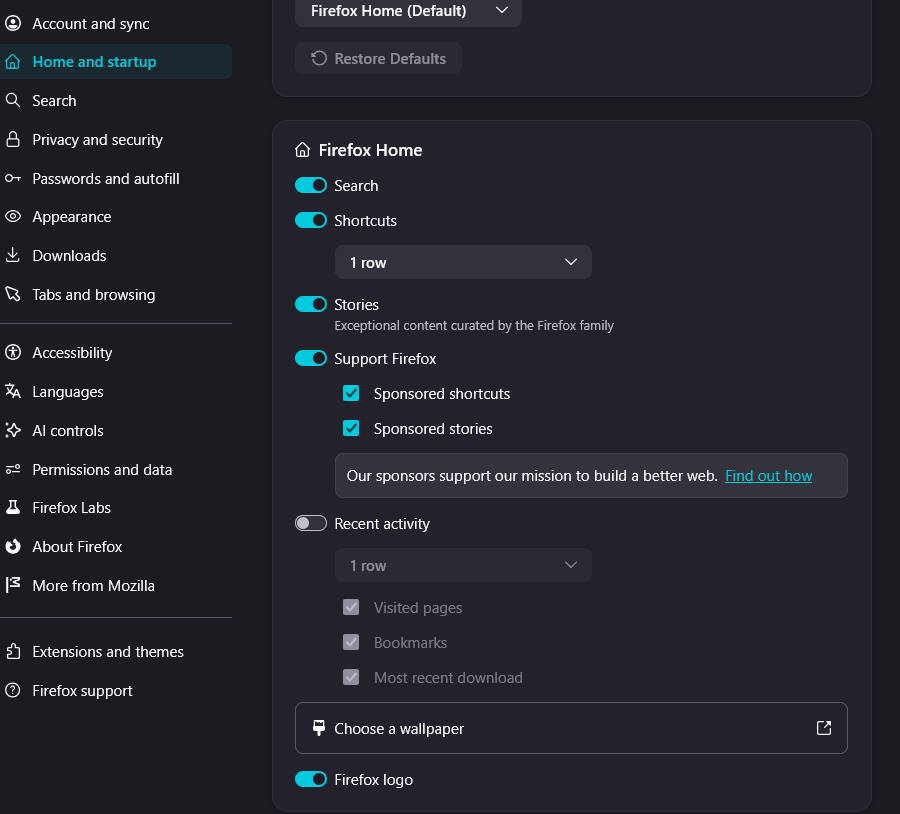
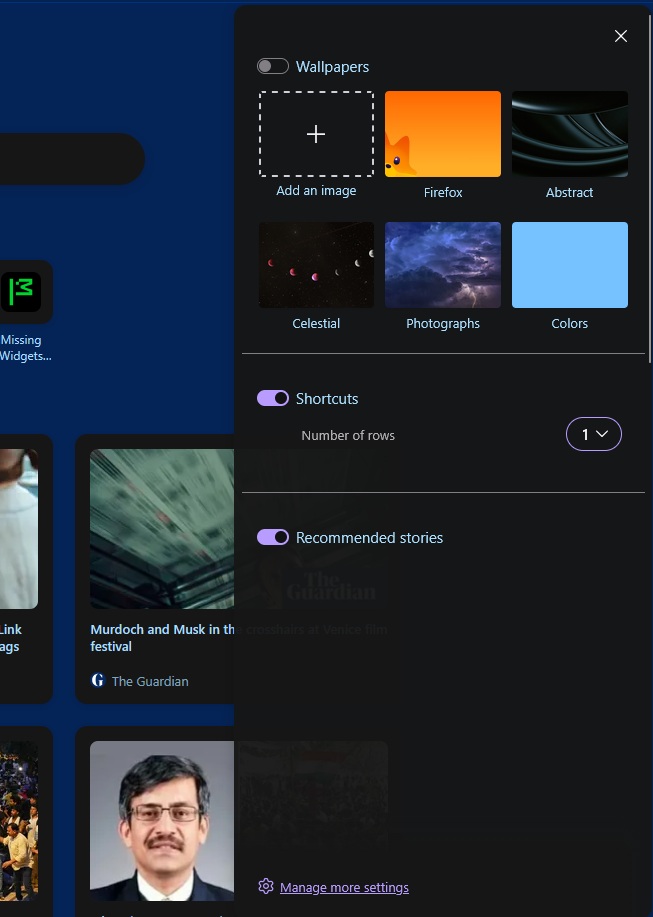
The widgets on the Firefox Home page are not showing. I also checked Settings, but I can't find any option related to widgets or Firefox Home customization. I've attached a screenshot showing the issue.
What I've tried:
-Restarted Firefox. -Checked Firefox Settings, but there is no widget option available. -The problem still persists.
Could someone help me understand why the widgets are missing and how I can restore them?
Thank you.
Title: Home page widgets are missing in Firefox on Windows 11
Hello,
I'm having an issue with Firefox on Windows 11.
The widgets on the Firefox Home page are not showing. I also checked Settings, but I can't find any option related to widgets or Firefox Home customization.
I've attached a screenshot showing the issue.
What I've tried:
-Restarted Firefox.
-Checked Firefox Settings, but there is no widget option available.
-The problem still persists.
Could someone help me understand why the widgets are missing and how I can restore them?
Thank you.