


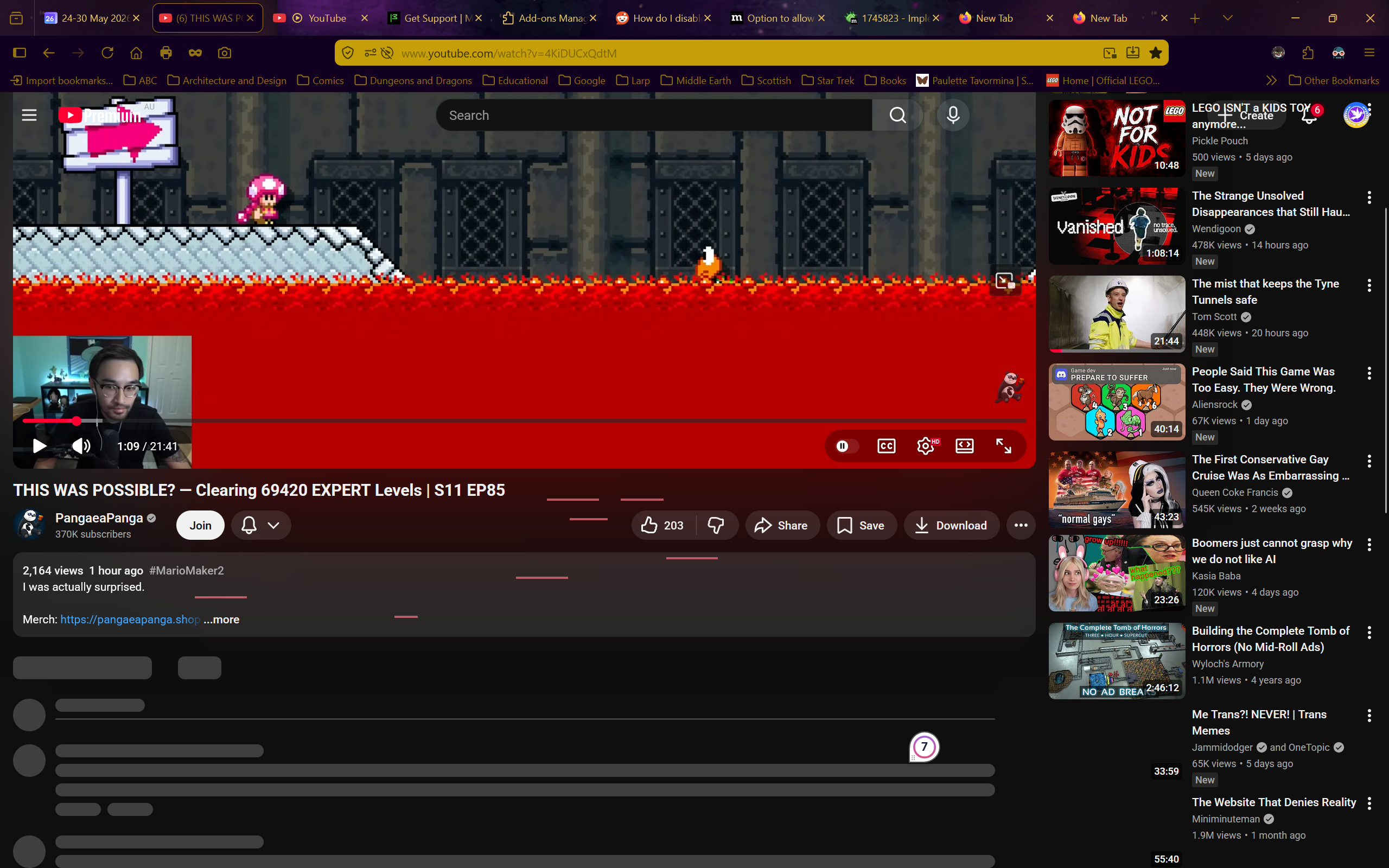
Youtube freezes constantly and irreversably
I have no idea what is happening. Whenever I try to use youtube on firefox the site just freezes. I can still scroll up and down, but nothing that wasn't already loaded loads, I can't click on anything, and nothing except scrolling does anything.
The reload, home, and even screenshot buttons don't work in these frozen youtube tabs. The only way to do anything is to open a new tab and close the frozen youtube one.
Youtube is completely unusable because of this.
I turned off every single addon, I restarted firefox, I restarted the entire computer, I tried in a private tab. It still freezes every time.
I don't have a VPN, I do not have the problem on any other website (even other media-players), and I don't have a clue what is happening.
I do have youtube premium.
Any help would be appreciated. I need to watch stuff for my studies but I just can't
Operating system: Windows 11

All Replies (4)
To add more information, I have a video of this although I can't upload it here. Also, frozen youtube tabs NEVER unfreeze.
Ilungisiwe ngu Starfleet Personnel 9256316 Leiutenant Commander Everdene
You can try downloading https://nightly.mozilla.org/ just to see it has any impact. (You'll have no profile, no addons etc. there, so it's like a clean start — its profile is isolated from your current release one)
In case there's an appliance or a security solution interfering along the line, you can also try disabling some protocols (e.g. disabling QUIC in about:config for testing purposes) to see if there's any change.
I'm off to bed and will try the suggested action in the morning. I will say that I forgot to mention that I even uninstalled and then reinstalled firefox and not even that fixed the issue.
Reinstalling the app makes no impact to user data when done correctly, as to not cause any profile loss on reinstall — so that is not a way to try a "clean slate".
Trying a release version in a minimized setup is actually described in Use Troubleshoot Mode in Firefox — the former "Safe Mode" — that's a recommended step if you haven't tried yet.