


MS Teams hyperlink fails when I click on it. It works in MS Edge...

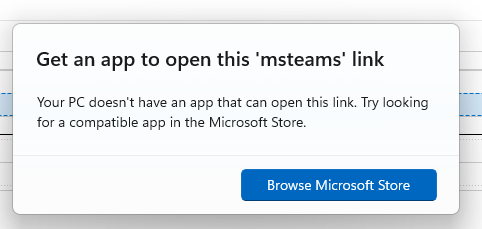
Client emails me a URL that is an invite to his MS Teams meeting. I click on it in Firefox and I get a pop up box that states I don't have an App and wants to direct me to the MS Store. I have a MS365 License....
I have already placed 7 MS recommended URLs in the FireFox "Allow" List
When I copy and paste the same hyperlink into MS Edge everything works the way it USED to work in FireFox....
What changed and what do I need to do to get back to "As Desired" (in FireFox)
All Replies (1)

You might need to check your Firefox protocol handlers. If you go to about:preferences and scroll down to the Applications section, search the list for 'Teams.' Mine was glitching out, but once I switched the action to 'Use Microsoft Teams' (the work version), the links started working again. You might have to browse for the .exe file if it doesn't show up in the list automatically.
Let me know if that works for you!