


Đã giải quyết
Open a search link in a new tab
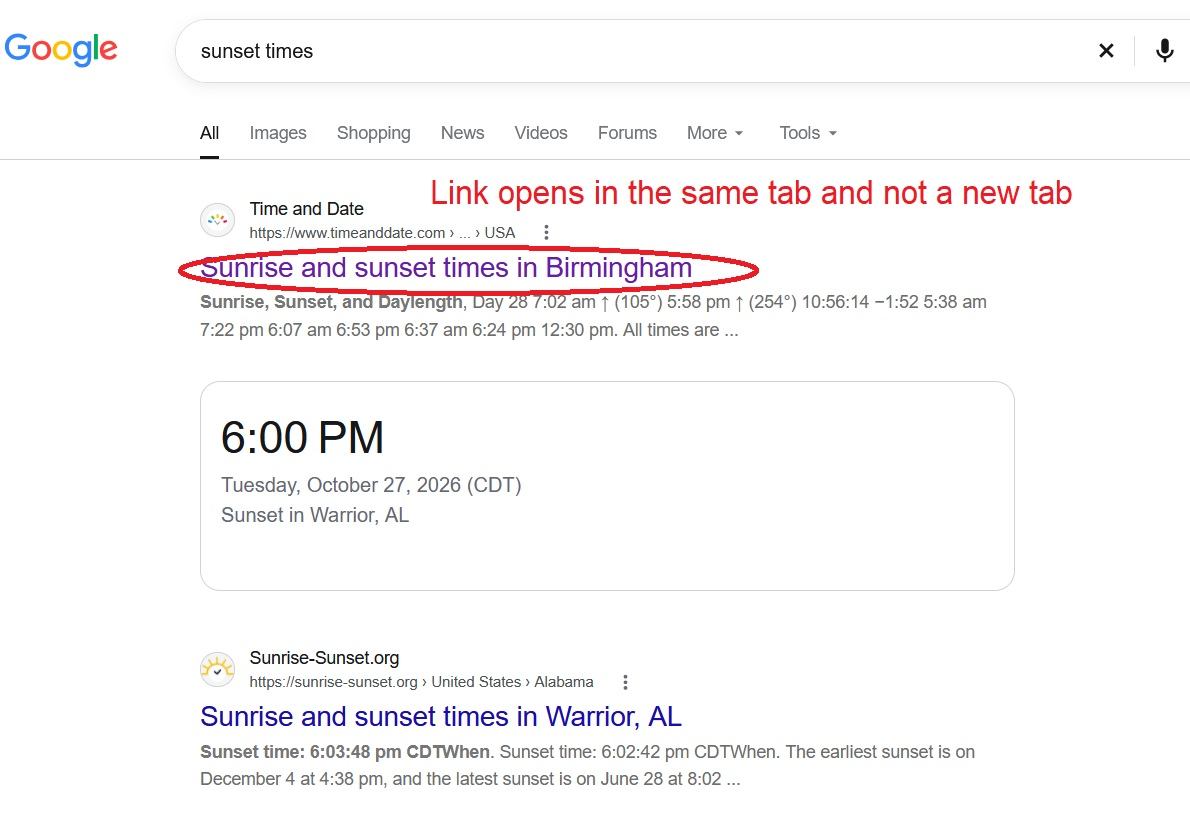
I updated to Firefox 159.0 and now when I click on a link it doesn't open the link in a new tab. I tried the extensions and they did not work. I also tried changing some of the setting in "about:config" and restarting Firefox after making the changes and the links still open in the same tab.
Thank you, Rafal
I updated to Firefox 159.0 and now when I click on a link it doesn't open the link in a new tab. I tried the extensions and they did not work. I also tried changing some of the setting in "about:config" and restarting Firefox after making the changes and the links still open in the same tab.
Thank you,
Rafal
Tất cả các câu trả lời (2)
Giải pháp được chọn
Hi Rafal, Firefox doesn't have a good setting for this, but Google does.
Possibly your Google setting was lost when a cookie was cleared? You should be able to find it here:
https://www.google.com/preferences#tabVal=1
Under "Other settings" look for "Results in a new window"
Success?
Thanks jscher2000, that did it!!!!
Thank you, Rafal