


I am sick of MOZILLA not woring anymorre!

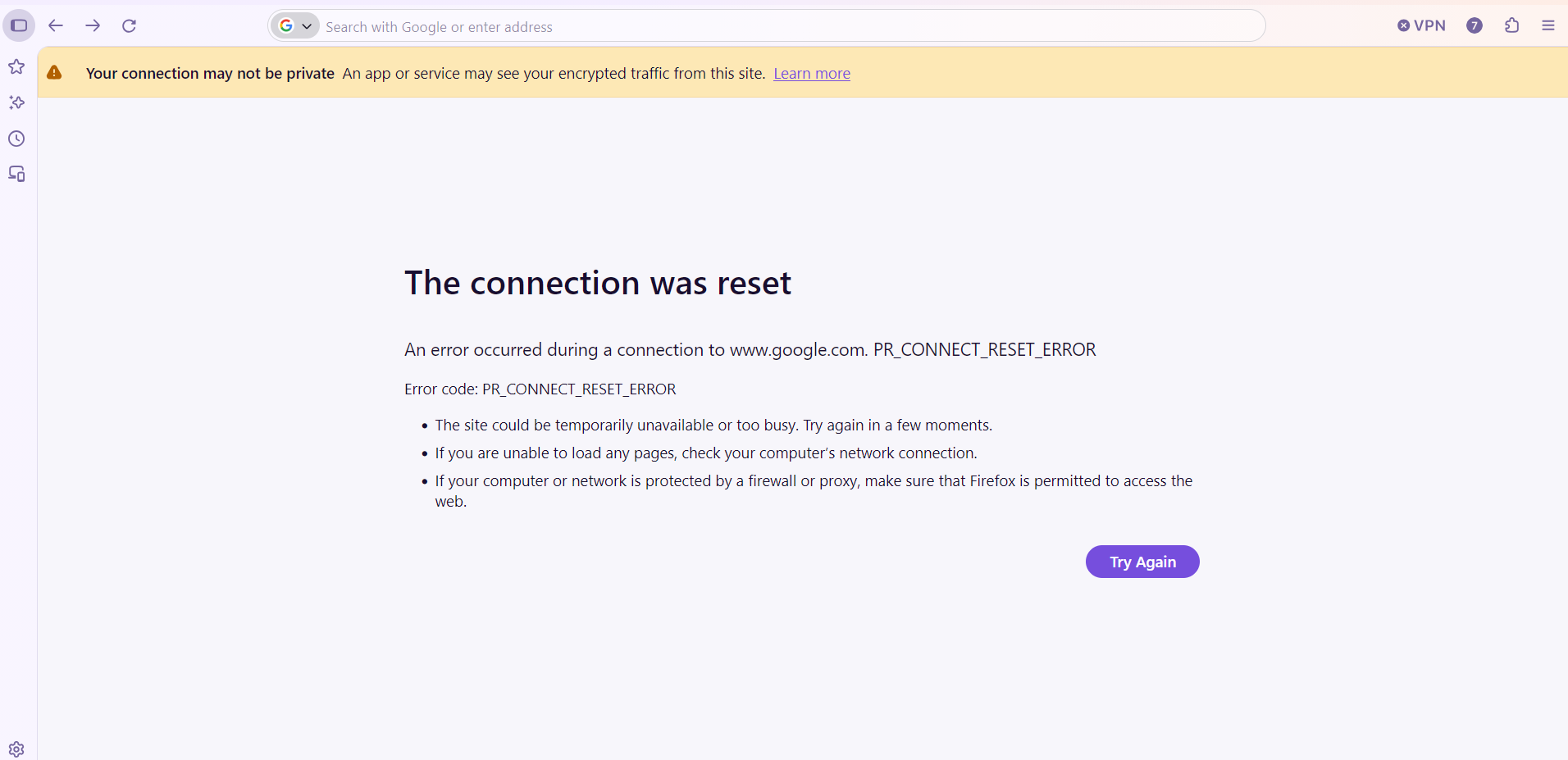
So MANY times I see this warning!......
Your connection may not be private Learn more
The connection was reset
An error occurred during a connection to www.google.com. PR_CONNECT_RESET_ERROR
Error code: PR_CONNECT_RESET_ERROR
   The site could be temporarily unavailable or too busy. Try again in a few moments.
   If you are unable to load any pages, check your computer’s network connection.
   If your computer or network is protected by a firewall or proxy, make sure that Firefox is permitted to access the web.
Then I have to close everything out and start allover. I have cleared my browsing history, cleared all cookies and everything else possible,turned off my desktop, unplugged it and pressed the power button just to browse a few more minutes before that message pops up again. I have even goe so far as to unplug my modem, and router for 20 minutes. My desktop is hard wired to the internet.
Tất cả các câu trả lời (3)
The yellow banner shows you the reason — ask your antivirus/security vendor why are they mangling your secure connections.
The error code PR_CONNECT_RESET_ERROR indicates that the server, or a website security system, or a filter (like security software, family safety software, etc.) instructed Firefox to stop trying to connect to that address. That may or may not be related to the message in the yellow banner.
I think it's interesting that restarting Firefox resolves that issue (at least for a while), almost like something is changing in your configuration as you browse. Not sure what that would be.