


Cloudflare infinite loop on Firefox Nightly 134 vs missing bottom shortcut customization in Nightly 155

Hi Firefox Support / Dev Team,
I am writing regarding an issue with Firefox Nightly on Android.
The Problem:
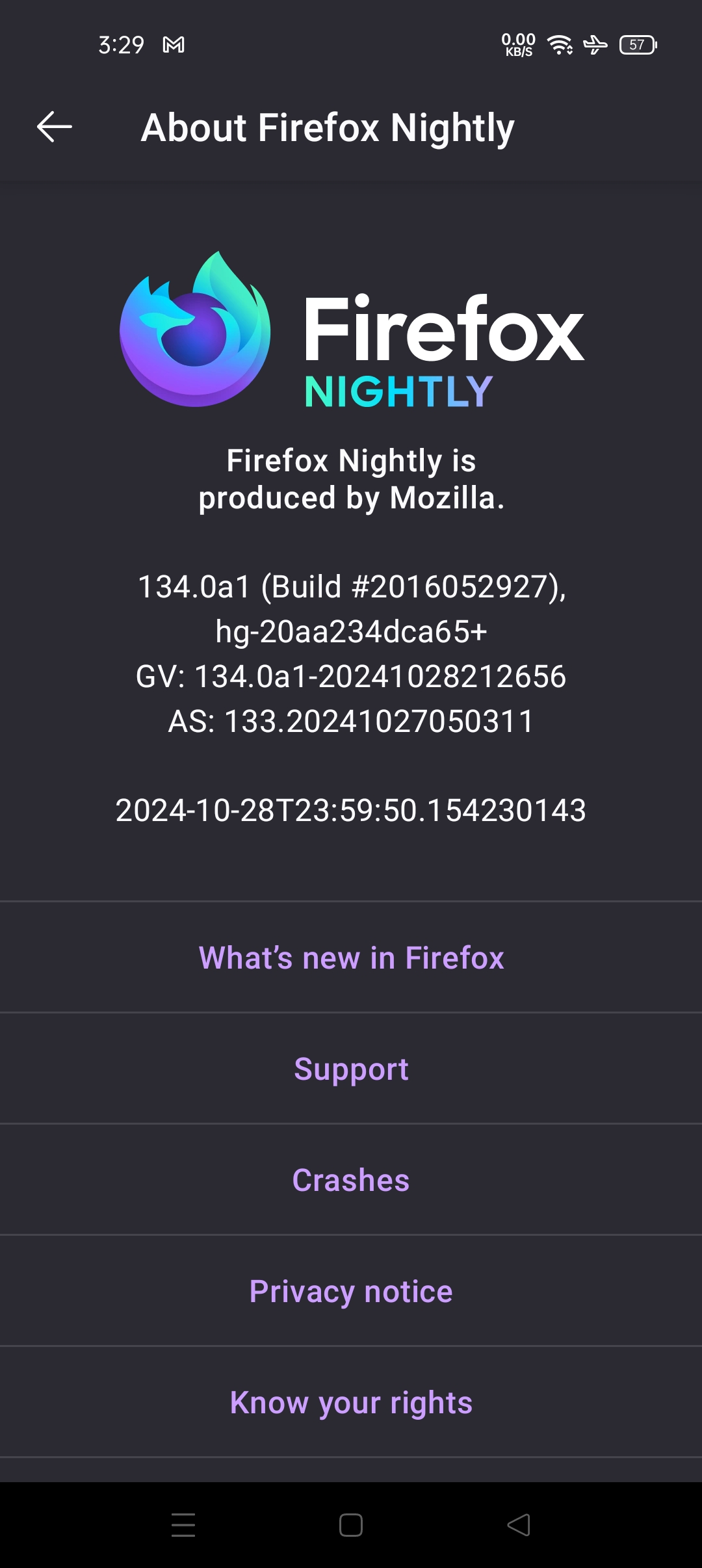
I use Firefox Nightly v134 as my daily browser (134.0a1 - Build #2016052927). I really depend on the bottom navigation bar shortcuts because it has dedicated Back and Forward buttons next to the + button. This allows me to go forward and backward instantly without opening the three-dot menu, which is extremely convenient.
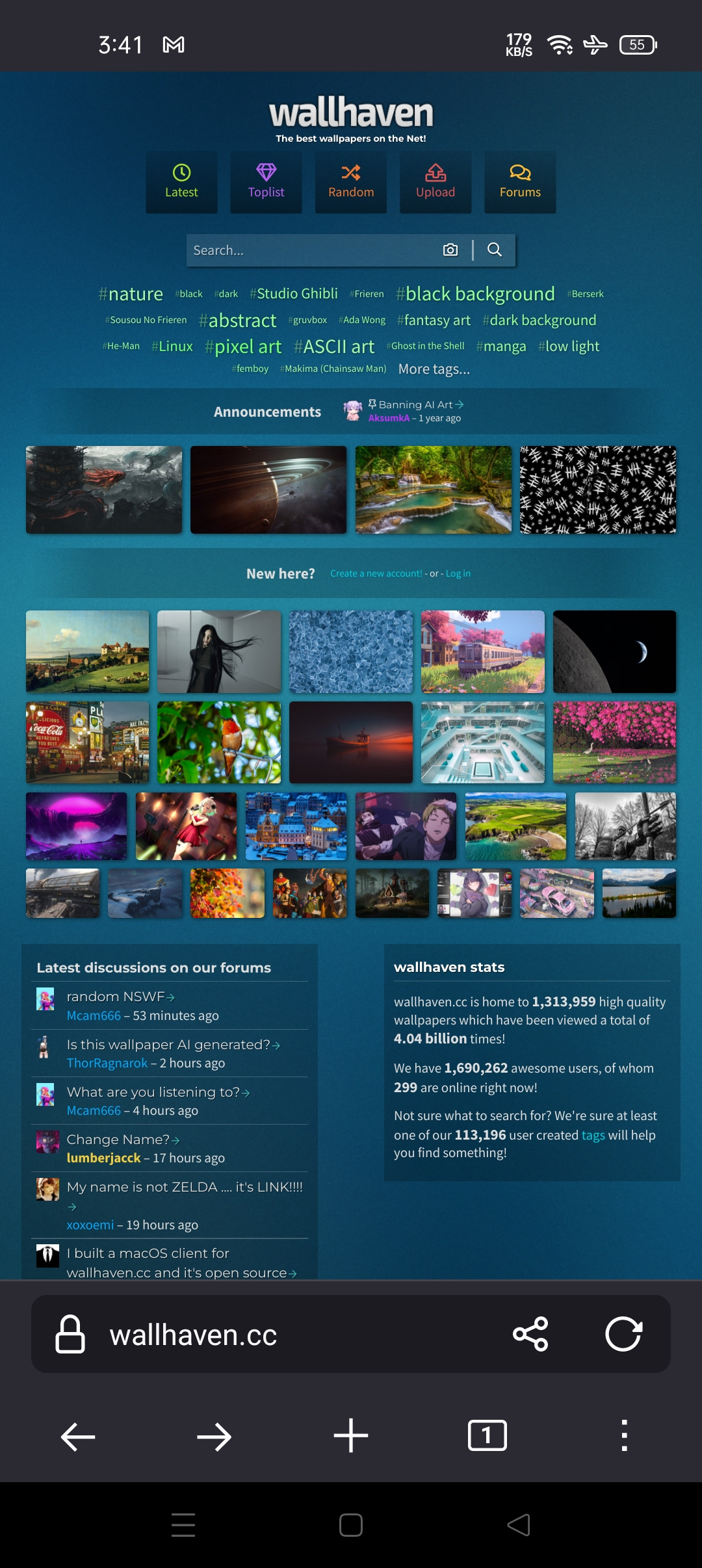
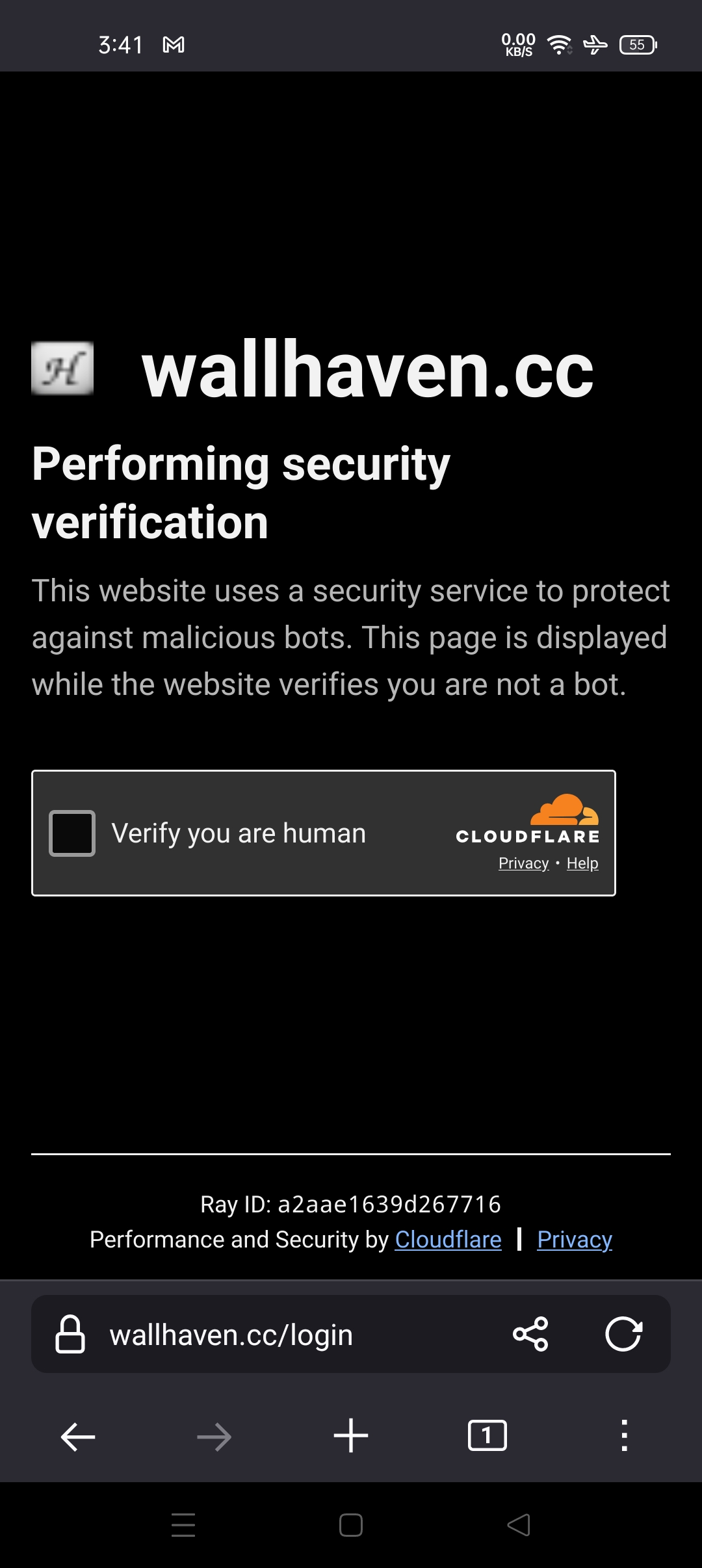
Recently, Cloudflare verification (challenges.cloudflare.com on sites like wallhaven.cc) stopped working in version 134. Every time I check the "Verify you are human" box, the page refreshes and asks me to check the box again in an endless loop.
Version Comparison:
Firefox Nightly v134: Has the custom bottom navigation shortcuts (Back & Forward buttons directly accessible), but Cloudflare verification is broken (endless verification loop).
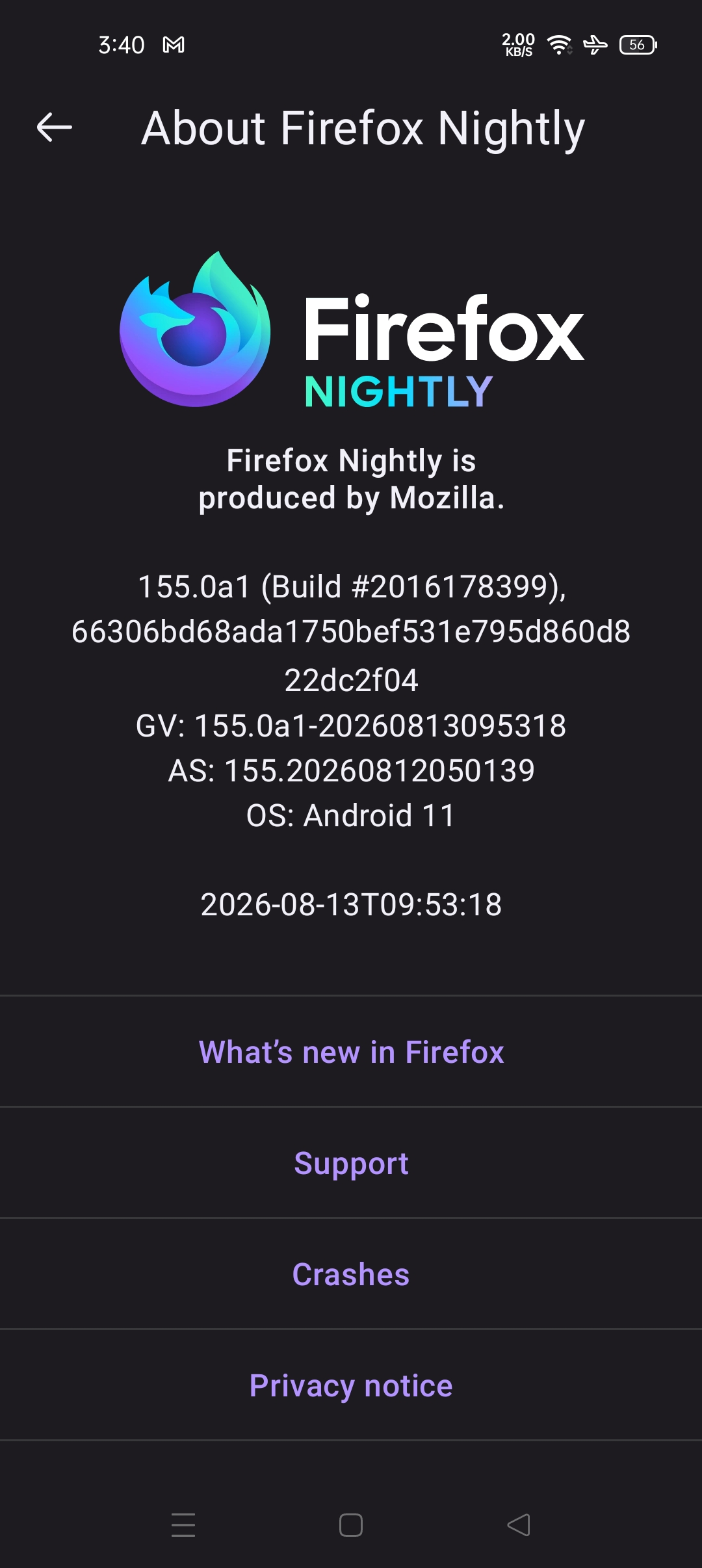
Firefox Nightly v155: (155.0a1 - Build #2016178399) Cloudflare verification works, but the bottom bar layout/shortcuts changed and no longer displays the Forward button shortcut.
My Request:
Is there a fix for the Cloudflare verification challenge on version 134?
Or, if v134 is deprecated, could you please add the option to customize/restore the Forward button shortcut on the bottom navigation bar in version 155?
Device Info:
OS: Android 11
Affected versions: Firefox Nightly 134.0a1 and 155.0a1
Thanks for your help!
Tất cả các câu trả lời (4)
not solved
Hi
Thank you for helping to test the Nightly builds of Firefox for Android. As you may be aware, these are very much a work in progress and may have unresolved issues that our engineers are still working on.
You may wish to file a bug to make sure that this issue is reported. Please see File a bug report or feature request for Mozilla products for details.
Or, if v134 is deprecated
The Firefox 134.0a1 was depreciated when 135.0a1 started builds on Nightly development channel and 134.0 was on Beta channel and 133.0 was the Release.
Release < Beta (b#) < Nightly (a1)
Hi,
Returning to the original issue: I think the best you can do is filing an enhancement requst on Bugzilla, asking to expand the toolbar customisation options.
For the Cloudflare issue, you can try clearing cache and site data (but there's no guarantee this will help).