


Facebook fails to load fully

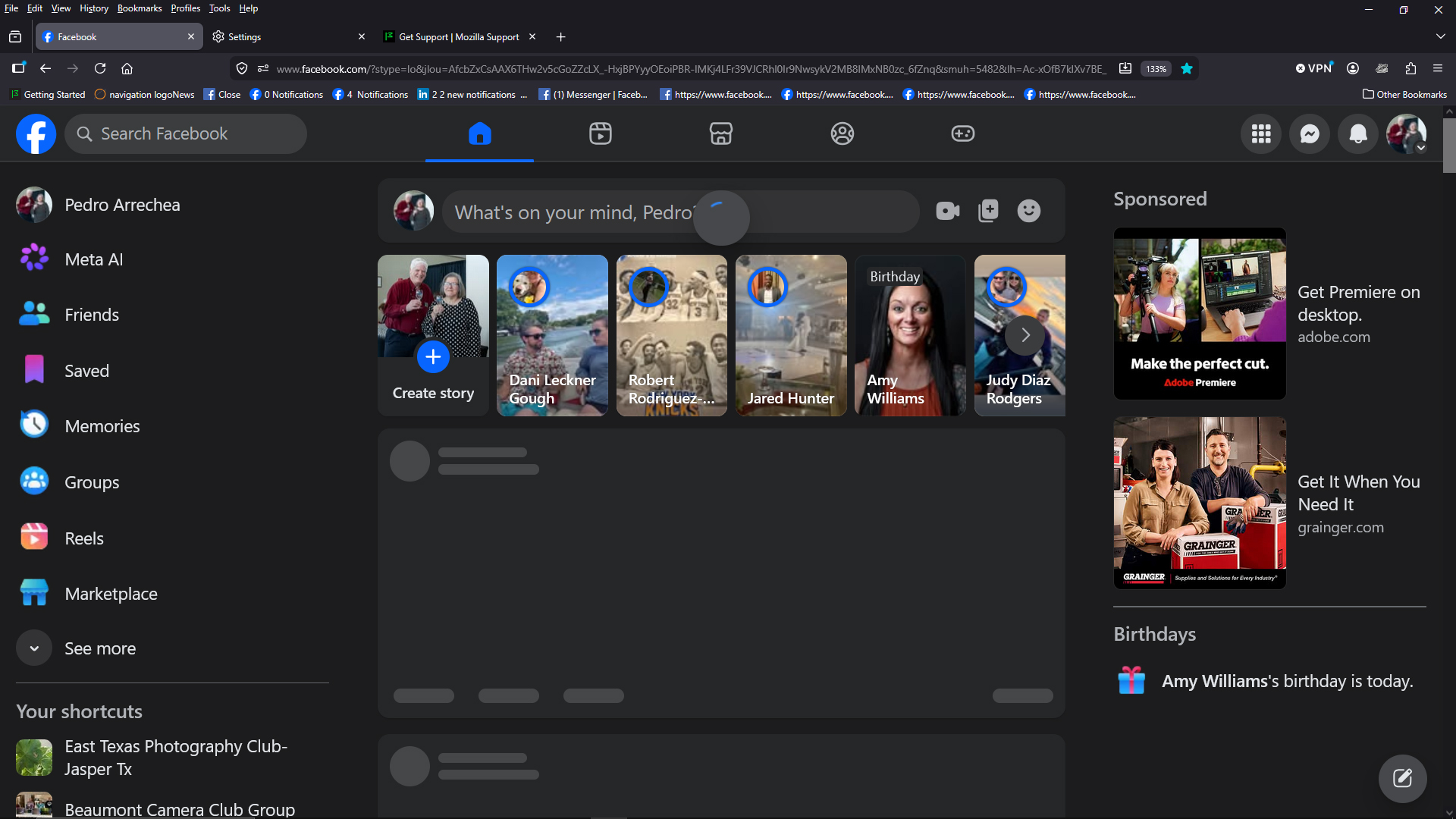
Facebook page fails to fully load often (not always) and in some occasions it load partially -instead of a picture it shows a blank box with a description of what it is supposed to be on the box.
Using other browser (Edge for example) loads the page fine in the affected Laptop and loading on an IPad using Firefox works fine too.
I have "flushed" the WI-Fi and "requested" a new IP for this computer and it is hard to tell if this solves the problem temporary or it is just the on-off nature of the problem.
In other occasions the page appears to load ok but the pull down menu (like notifications) are "blank" or it just appears to be loading and never navigate to the requested page.
In the sample below (image) is similar to the issue although in this case the page loaded after a few seconds. Note the missing information.
Tất cả các câu trả lời (3)
Giải pháp được chọn
See if changing your Norton 360 settings resolves the connection trouble: https://support.mozilla.org/questions/1587391
I PAUSED Norton and FB worked fine multiple times. I then changed the setting for FireFox to the same as Edge, and it appears to work fine too.... I will let it run like that for some time and see if it works but initial results seem encouraging...
I emailed Norton with the issue, will publish the answer here for everyone... Will wait for some time before labeling as a solution but I think we are on the correct track..... Thanks
No luck.... with Norton completely paused the issue is on-off. Something is not compatible. Added a problem report on FB and a note to Norton.... will keep the group informed