


How can I manage my extensions using button in toolbar if it doesn't give me that option?

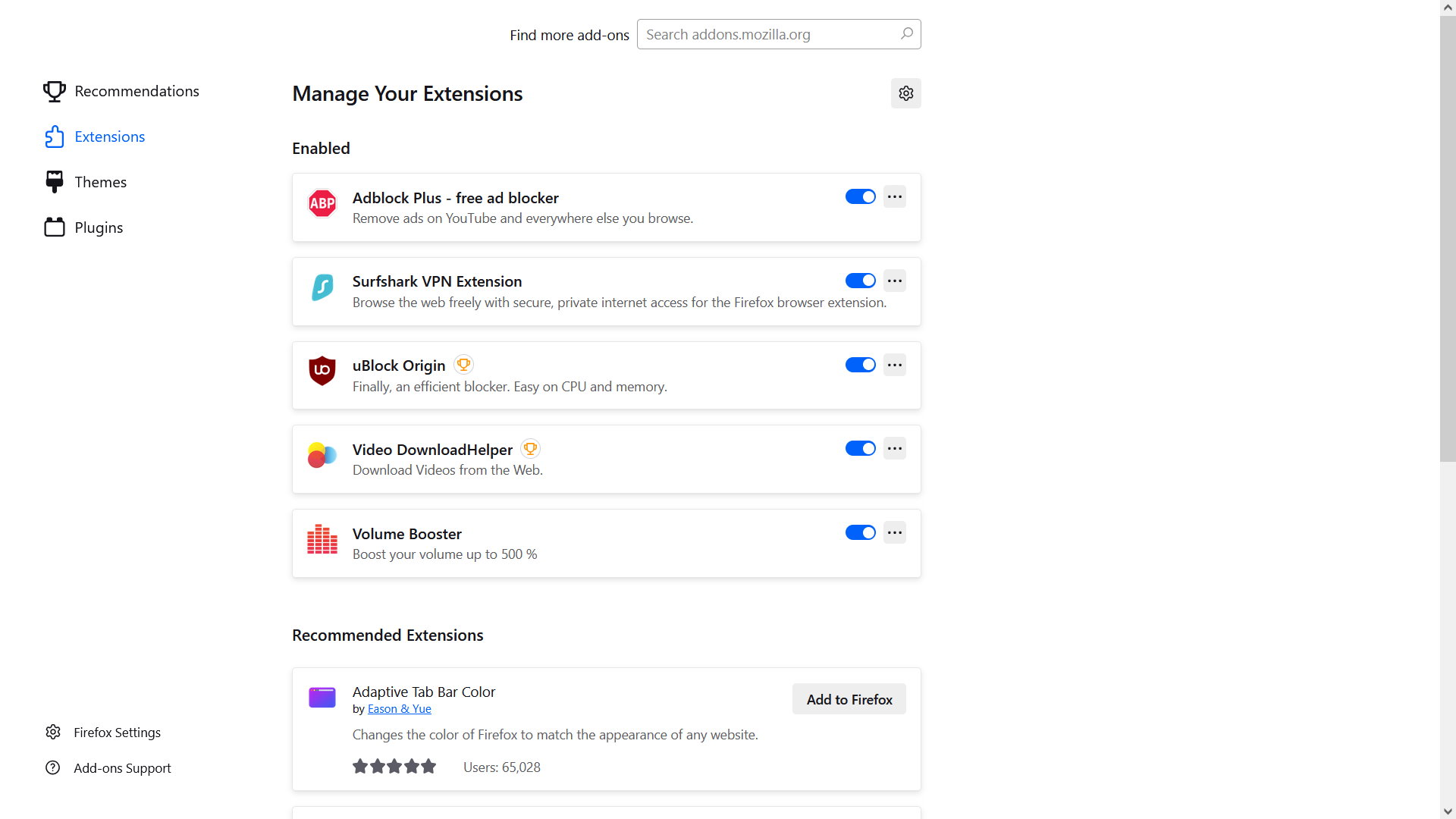
I have a few extensions in Firefox but if I click on the extensions button in the toolbar it now takes me to a Personalize Firefox page where, if I click on Extensions, it only gives me the option of turning them off or on and not to activate or access them. For instance, one extension is Volume Booster which cannot be adjusted on this page. How can I get back to being able to actually using these add-ons?
Tất cả các câu trả lời (5)
This image shows what I get when I click on the toolbar button to try to access my add-ons
Hi,
Generally, each extension should be displayed either on the toolbar or when clicking the Extensions button. Do I understand correctly that you don't see your extensions on the toolbar as well?
Yes, they usually display when clicking the Extensions button but what currently displays is what I posted above. Also, they do not appear on the toolbar.
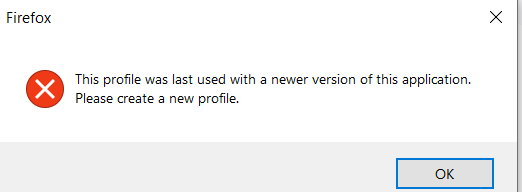
In addition, I keep getting this pop-up. I have reset Firefox twice, now, in the past couple of days and this keeps popping up even after creating a new profile.
I've been using Firefox for years and suddenly it's trying my patience. As if I have nothing else to do, when trying to get online, but grapple with a temperamental browser...

Michael Velten said
In addition, I keep getting this pop-up. I have reset Firefox twice, now, in the past couple of days and this keeps popping up even after creating a new profile. I've been using Firefox for years and suddenly it's trying my patience. As if I have nothing else to do, when trying to get online, but grapple with a temperamental browser...
It looks like you are using Firefox 140.11.0esr, which is considered an "older version" of Firefox since the current Firefox release is version 151. The Please create a new profile image you posted looks like an error you may get after you downgrade Firefox, since that would normally require a new profile. See Install an older version of Firefox and What happens to my profile if I downgrade to a previous version of Firefox?.
You could try deleting the compatibility.ini file from the Firefox profile folder, as suggested in https://support.mozilla.org/en-US/questions/1564583#answer-1806355 Need new profile for Firefox 140.7.0esr Windows 11 browser
I have a few extensions in Firefox but if I click on the extensions button in the toolbar it now takes me to a Personalize Firefox page where, if I click on Extensions, it only gives me the option of turning them off or on and not to activate or access them. For instance, one extension is Volume Booster which cannot be adjusted on this page. How can I get back to being able to actually using these add-ons?
Did you already read this article? Does it help at all?
For help with managing Volume Booster or other specific extensions, you would need to contact the add-on developer or visit their support site. This information should be available on the extension's page at https://addons.mozilla.org/firefox/ (or elsewhere),