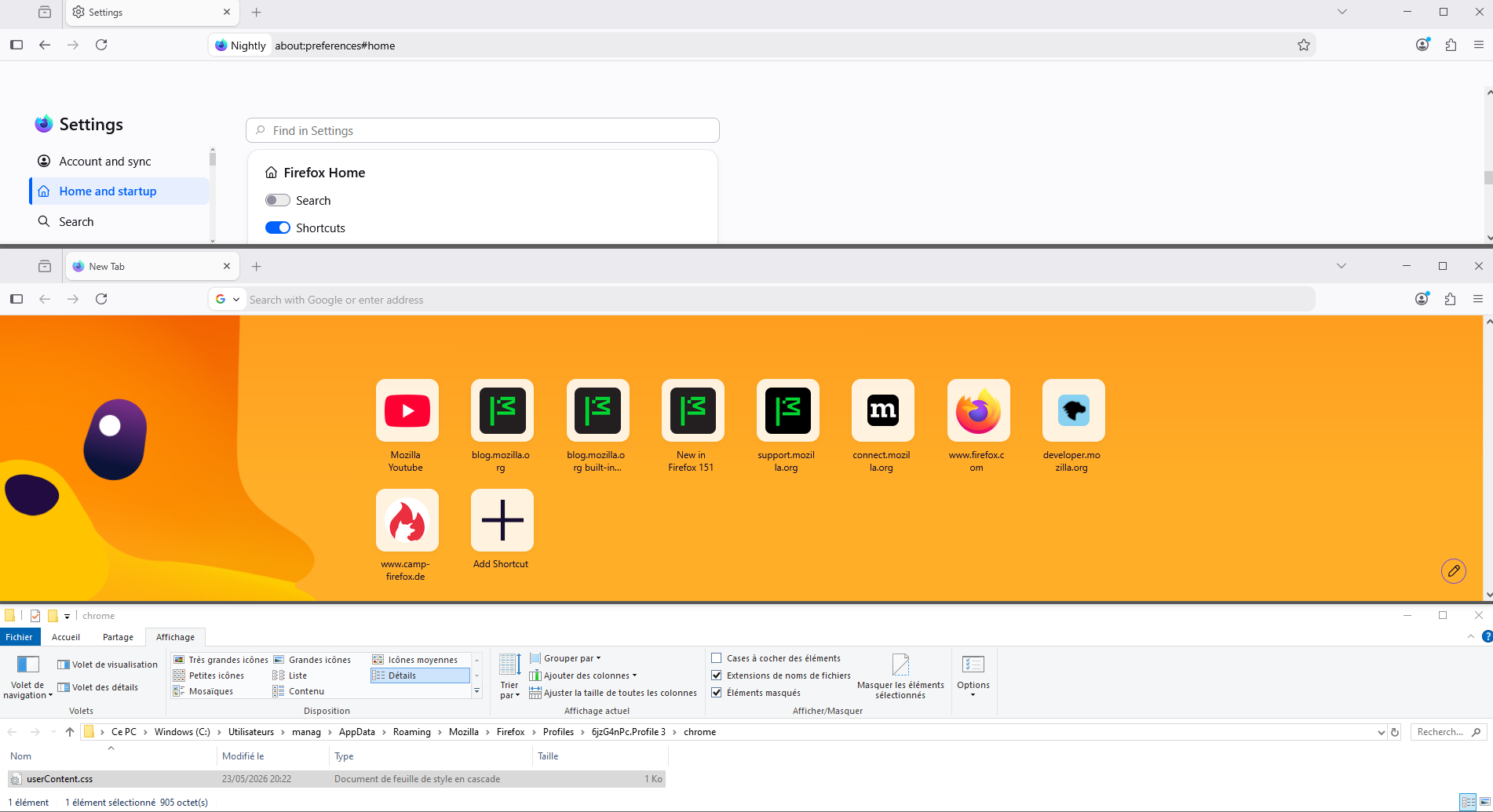
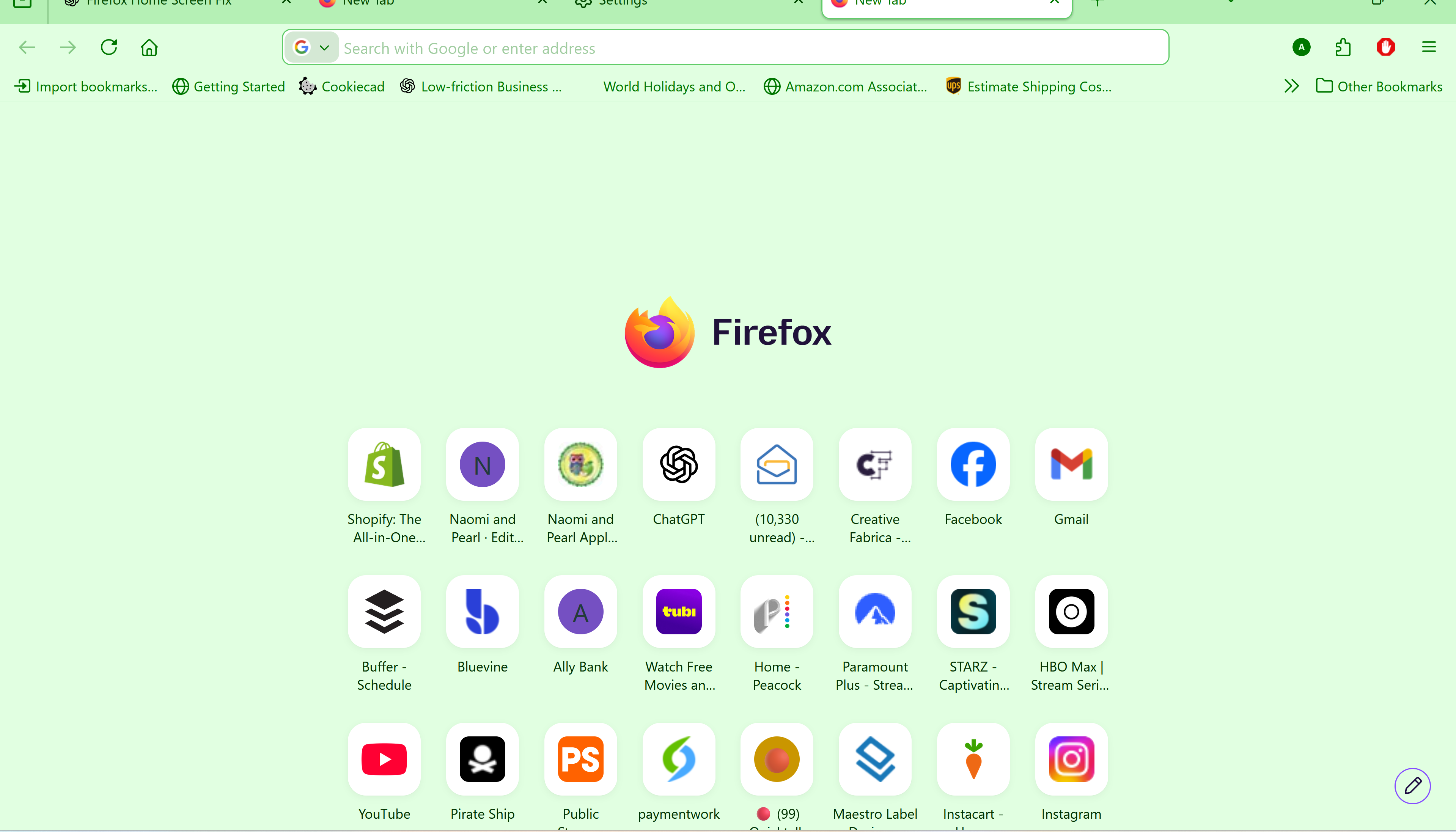
why did you mess up the home screen page

The new Firefox Home layout wastes screen space and pushes shortcut rows lower on the page. Please provide an option to restore the previous compact layout or remove the oversized centered Firefox logo. Productivity users need density and customization, not extra empty space.
I have to reduce the screen page size down to 67% to see the entire screen.
Giải pháp được chọn
Hello
This discussion thread https://connect.mozilla.org/t5/discussions/firefox-151-introduces-a-fresh-new-look-for-home-amp-new-tab/td-p/125715
To see, you can test, browser.newtabpage.activity-stream.nova.enabled
1 - Go to configuration editor https://support.mozilla.org/en-US/kb/about-config-editor-firefox 2 - Enter a search term browser.newtabpage.activity-stream.nova.enabled You can double-click on the preference to set the value to false
This discussion thread https://connect.mozilla.org/t5/discussions/a-huge-empty-field-with-the-firefox-logo-above-the-shortcuts/td-p/126063
Đọc câu trả lời này trong ngữ cảnh 👍 0Tất cả các câu trả lời (4)
Giải pháp được chọn
Hello
This discussion thread https://connect.mozilla.org/t5/discussions/firefox-151-introduces-a-fresh-new-look-for-home-amp-new-tab/td-p/125715
To see, you can test, browser.newtabpage.activity-stream.nova.enabled
1 - Go to configuration editor https://support.mozilla.org/en-US/kb/about-config-editor-firefox 2 - Enter a search term browser.newtabpage.activity-stream.nova.enabled You can double-click on the preference to set the value to false
This discussion thread https://connect.mozilla.org/t5/discussions/a-huge-empty-field-with-the-firefox-logo-above-the-shortcuts/td-p/126063
Được chỉnh sửa bởi Agent virtuel vào
Que sera, sera.
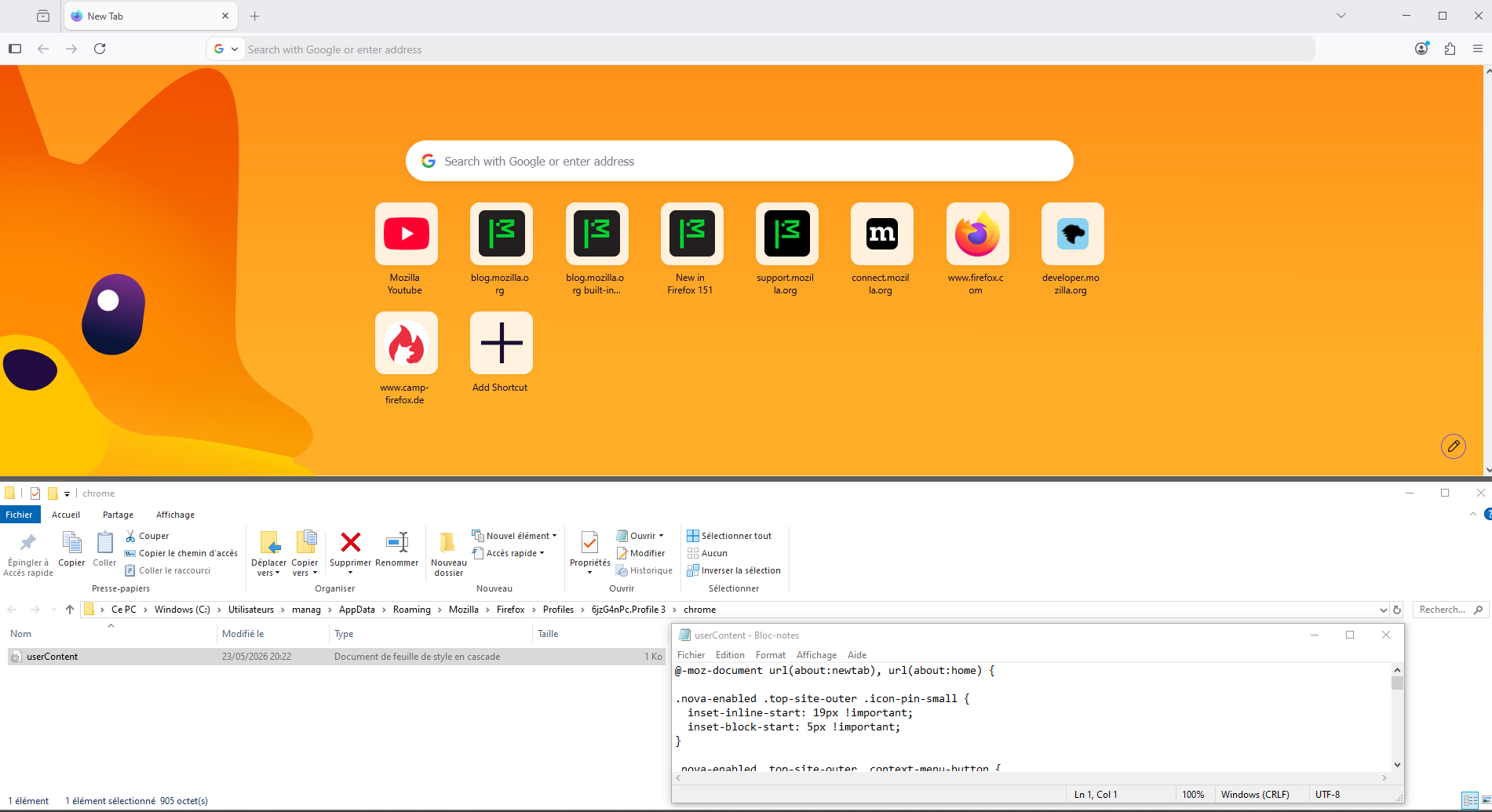
Maybe, with test, with userContent.css file, you can find tutorials on the web. Take a look at https://www.camp-firefox.de/forum/thema/140581-startseite-kacheln-kleiner/?postID=1289379#post1289379
Below, a test.
Được chỉnh sửa bởi Agent virtuel vào