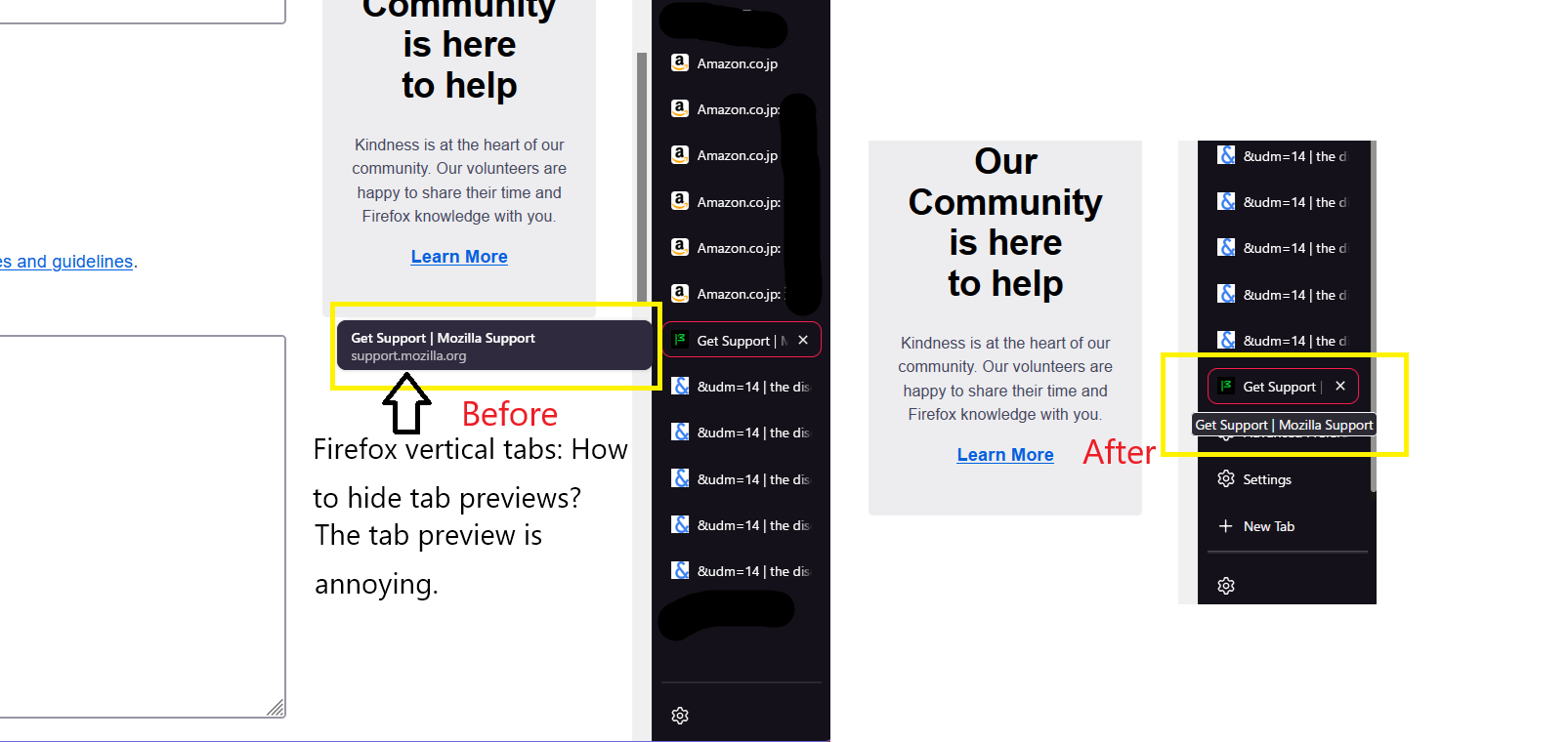
Firefox vertical tabs: How to hide tab previews?
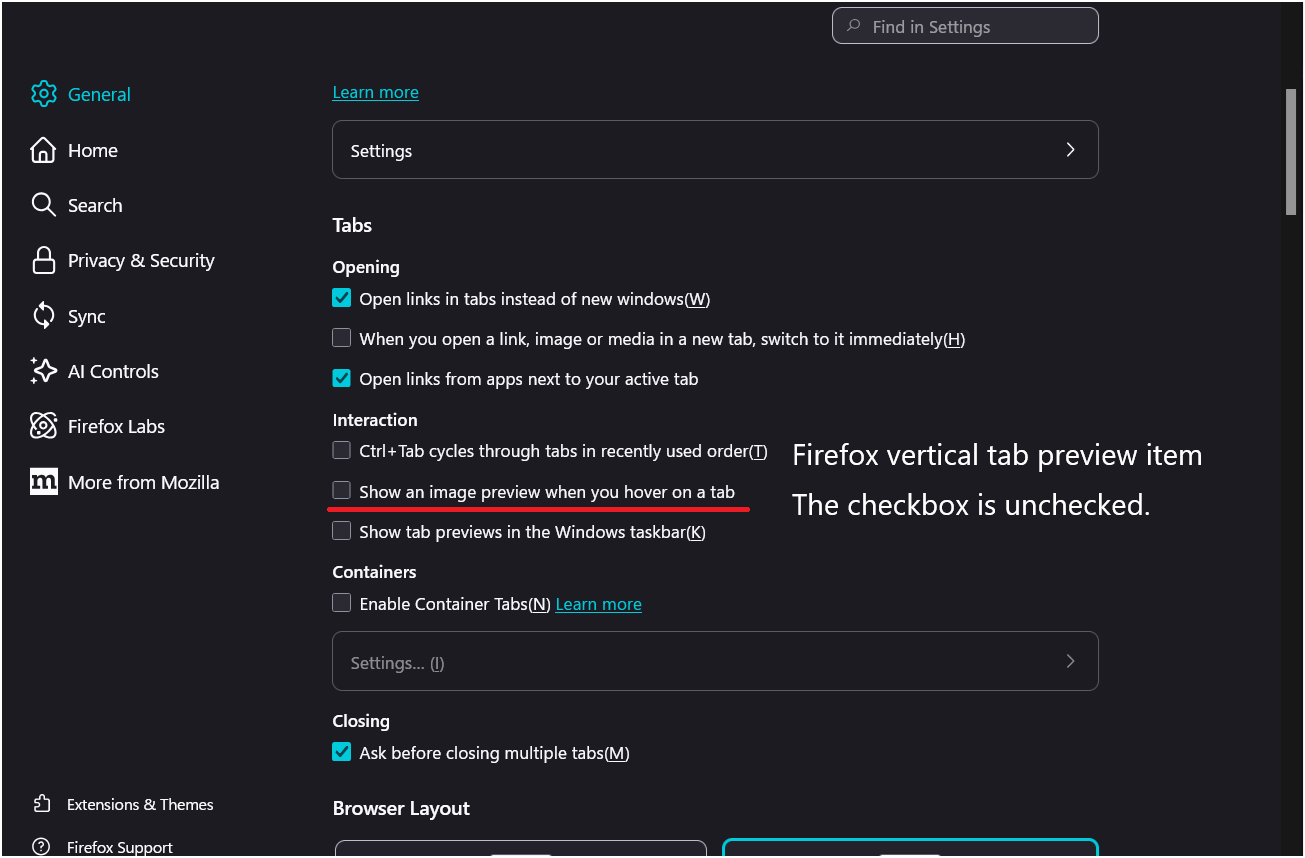
I'd like to know how to hide the previews for vertical tabs in Firefox. I've already unchecked the "Show preview image when hovering over tabs" option in the settings. Is it impossible to hide them?
Tất cả các câu trả lời (3)
I'd like to know how to hide the tab previews for vertical tabs in Firefox.
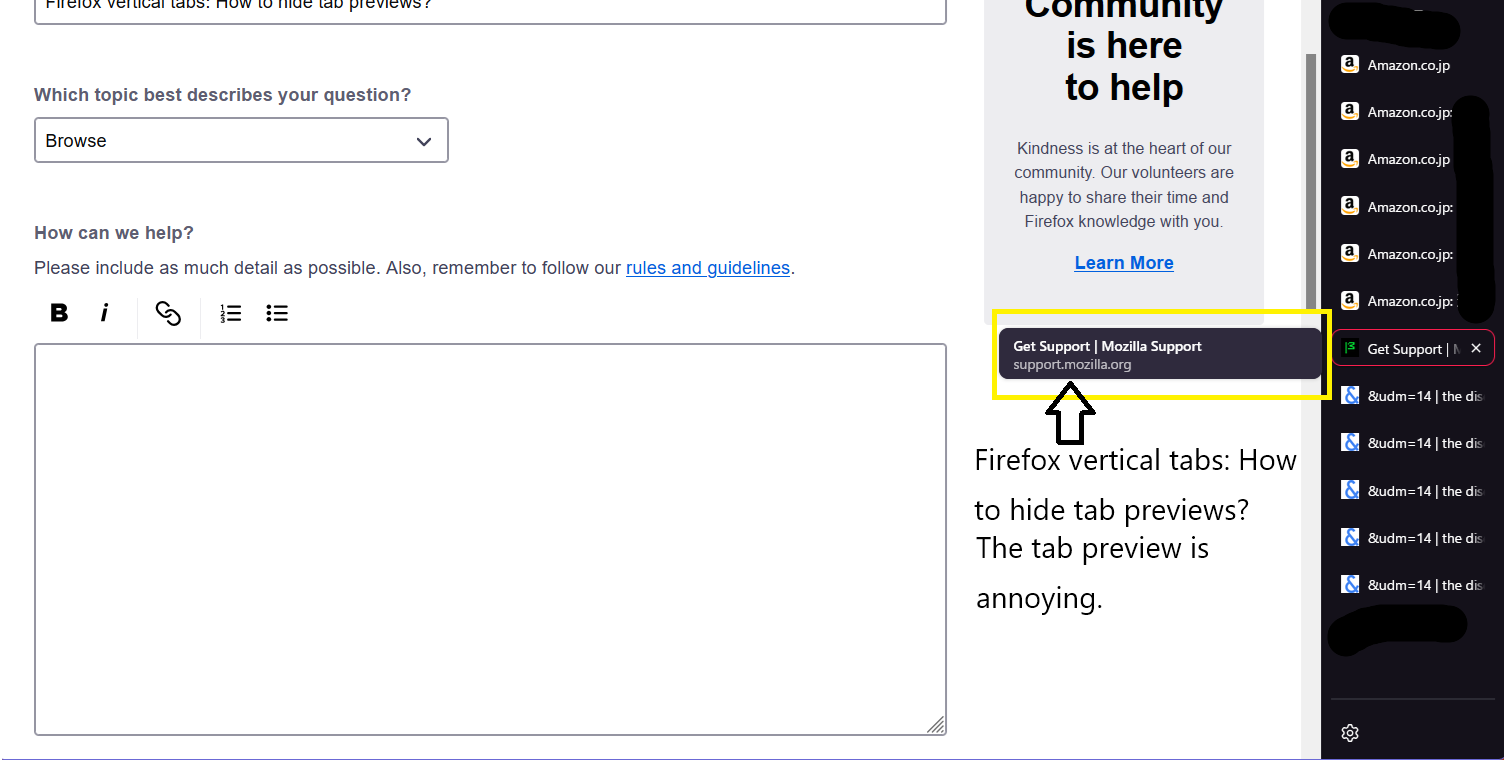
There are hoverPreview Boolean (true/false) prefs in about:config to control what to show when you hover a tab. The hoverPreview.enabled pref controls whether to enable this new hover feature or only show the legacy tooltip with the title.
- browser.tabs.hoverPreview.enabled
- browser.tabs.groups.hoverPreview.enabled
The showThumbnails pref controls whether to show a thumbnail or a two line tooltip with title and URL.
- browser.tabs.hoverPreview.showThumbnails
Showing the thumbnail can be controlled via "Settings -> General -> Tabs -> Show an image preview when you hover on a tab".
Hello Cor-el. In the "about:config" item you taught me, ・ browser.tabs.hoverPreview.enabled “true→false” ・ browser.tabs.groups.hoverPreview.enabled “true→false” Changed to Unlike the previous tab previews, it doesn't get in the way visually. Thank you for the information.