

Chủ đề này đã được lưu trữ.
Vui lòng hỏi một câu hỏi mới nếu bạn cần giúp đỡ.

Đã lưu trữ
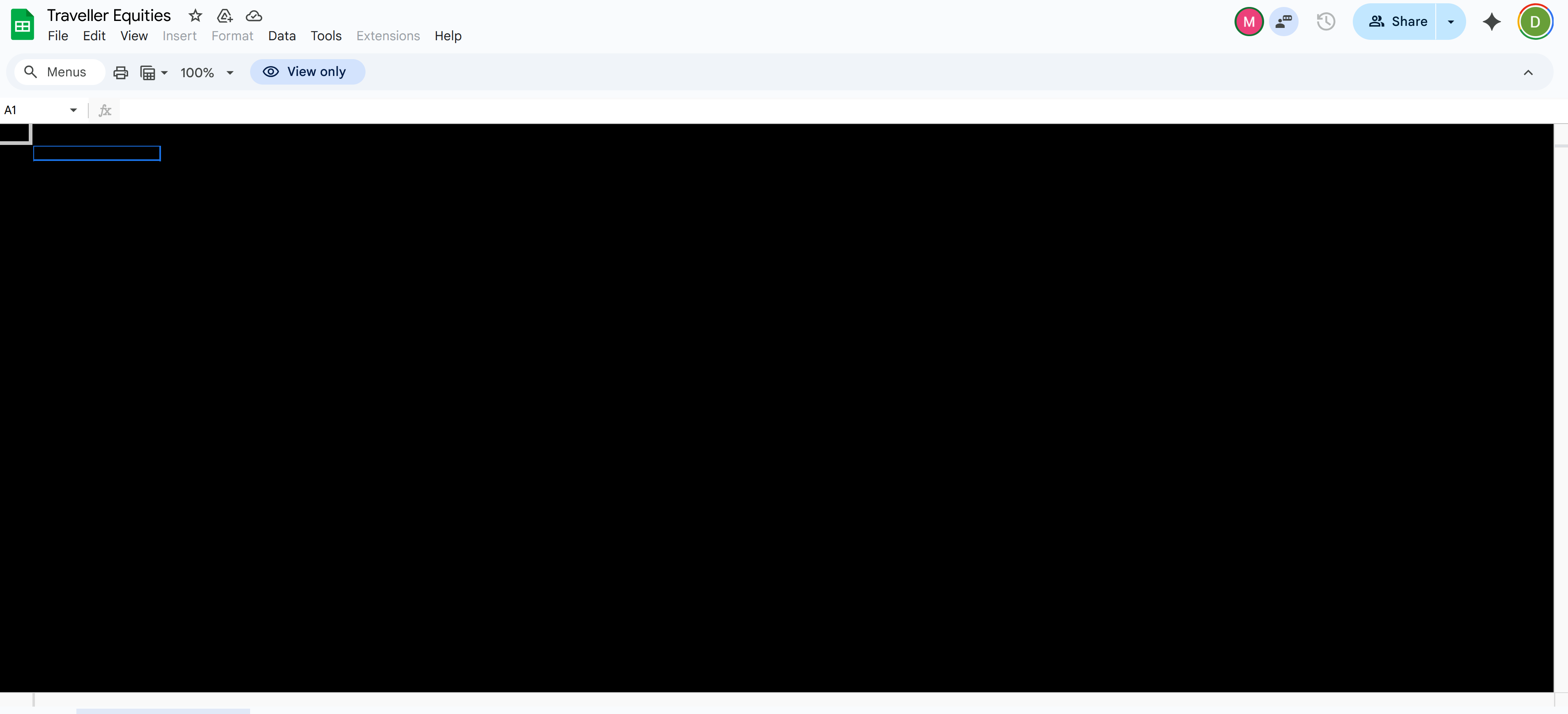
New Update Issue - Google Sheets Cells Black

Google sheets now gets the black screen issue again in the cells area.
Google sheets now gets the black screen issue again in the cells area.
Tất cả các câu trả lời (2)
Hi,
Sorry to hear that. Here are some standard troubleshooting steps that may resolve the issue:
- Please check if you have Enhanced Tracking Protection (ETP) enabled. You can do that by clicking the shield
 icon at the left of the address bar.
- If ETP is enabled, try disabling it.
- If the problem is not fixed, try clearing Firefox cache.
- If it does not help, also try clearing cookies and data for the website you experience troubles with (warning: you will be logged out on this website).
- If it also does not help, try running Firefox in Troubleshoot Mode. If the problem doesn't persist, please follow the steps from this article to troubleshoot further.
Does it help? Looking forward to your update!
Được chỉnh sửa bởi Denys vào

I was having this problem as well, but have resolved it.
Things that did not help:
- Disabling ETP
- Clearing cache
- Clearing cookies and data
What did help:
- Disabling hardware acceleration, as suggested by https://support.mozilla.org/en-US/kb/troubleshoot-extensions-themes-to-fix-problems
I am using an NVidia GeForce RTX 5070 Ti graphics card with Windows 11 Pro, version 10.0.26200. My drivers version is 591.59, updated 2025-12-18.