


bookmarks
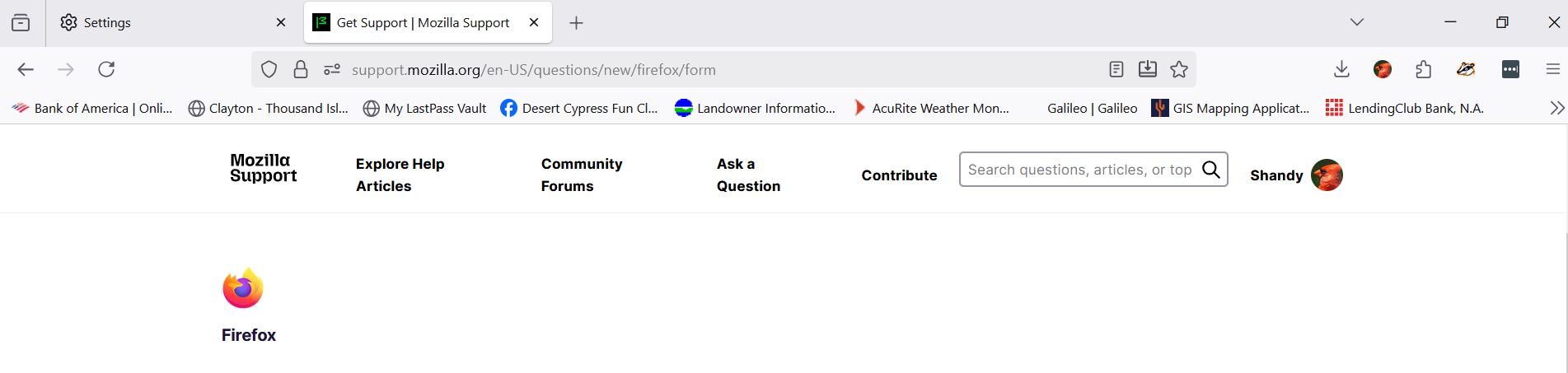
i even deleted ALL my bookmarks............I cant get rid of the ribbon across the top, no matter how many times i try. And now I see, the bookmarks live on even after I deleted all of them yesterday.
Giải pháp được chọn
yeah that sounds super annoying 😕 sometimes firefox keeps your old bookmarks synced to your account, so even if you delete them locally they come back. try turning off sync first (Settings → Sync → turn off bookmarks), then delete them again. as for the ribbon, go to “View” → “Toolbars” and uncheck the bookmarks toolbar. restart firefox after that, it should stay gone.
Đọc câu trả lời này trong ngữ cảnh 👍 1Tất cả các câu trả lời (2)

Giải pháp được chọn
yeah that sounds super annoying 😕 sometimes firefox keeps your old bookmarks synced to your account, so even if you delete them locally they come back. try turning off sync first (Settings → Sync → turn off bookmarks), then delete them again. as for the ribbon, go to “View” → “Toolbars” and uncheck the bookmarks toolbar. restart firefox after that, it should stay gone.