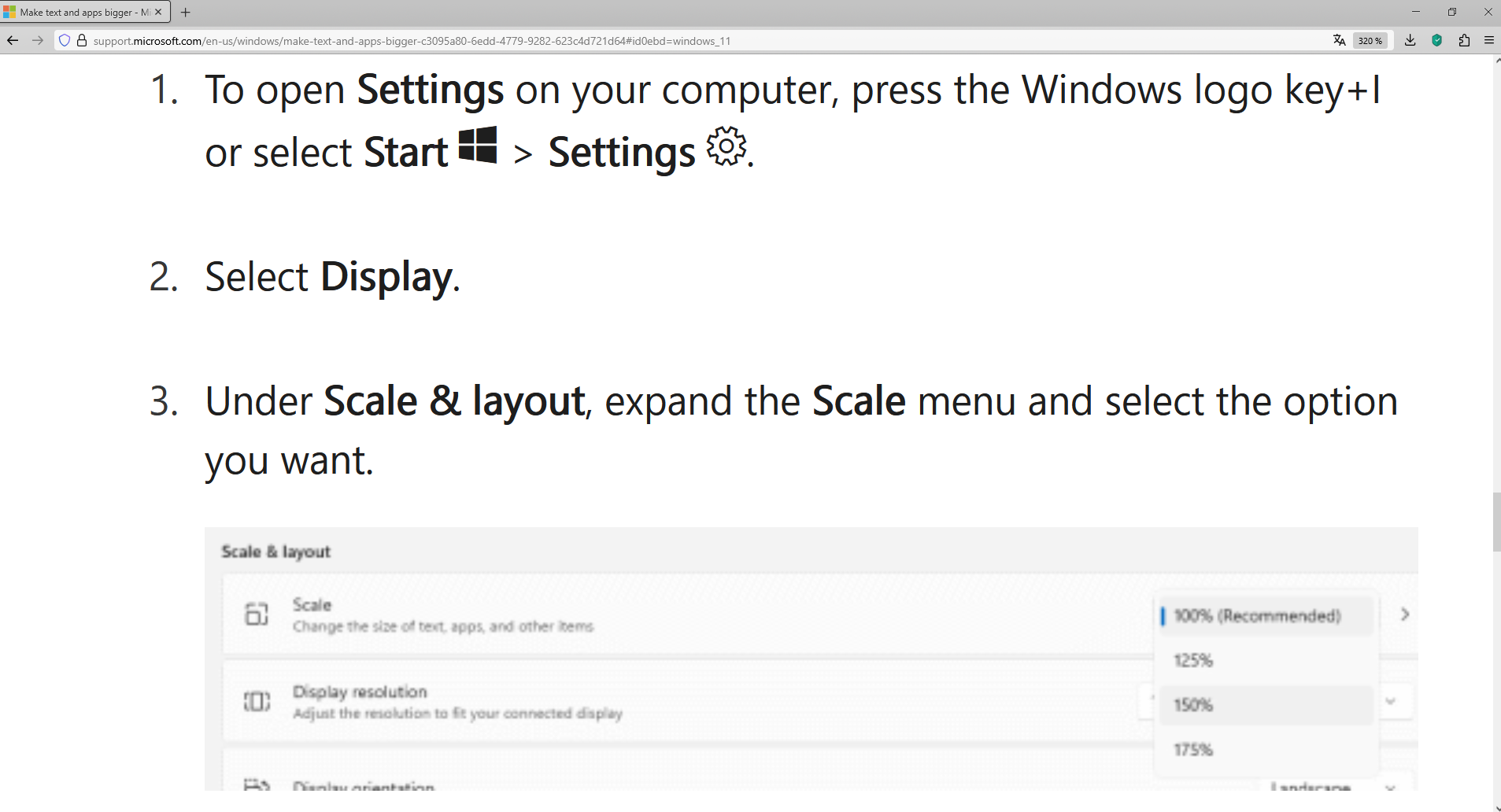
overlay

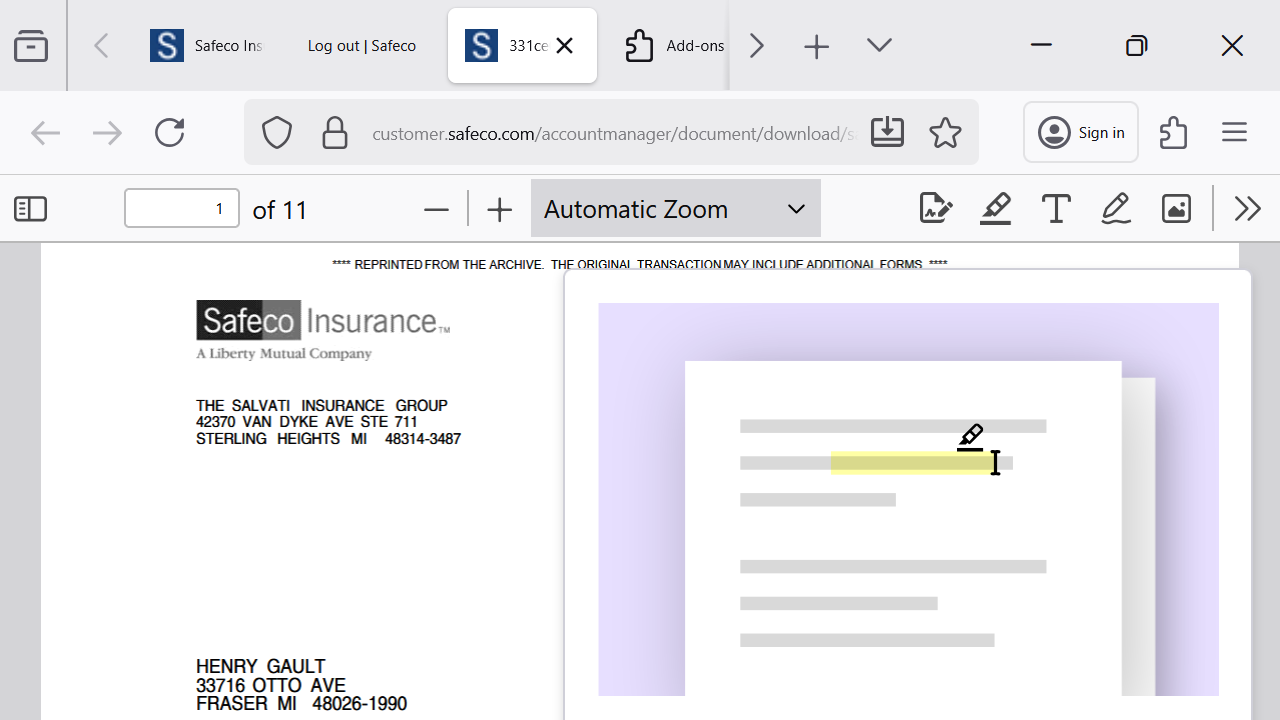
When I try to open a pdf on a certain site I get the pdf, but there is an overlay of a pencil editing a ghost document. How can i get rid of this overlay? I've tried everything.
Giải pháp được chọn
Hello
About Studies. https://support.mozilla.org/en-US/kb/shield
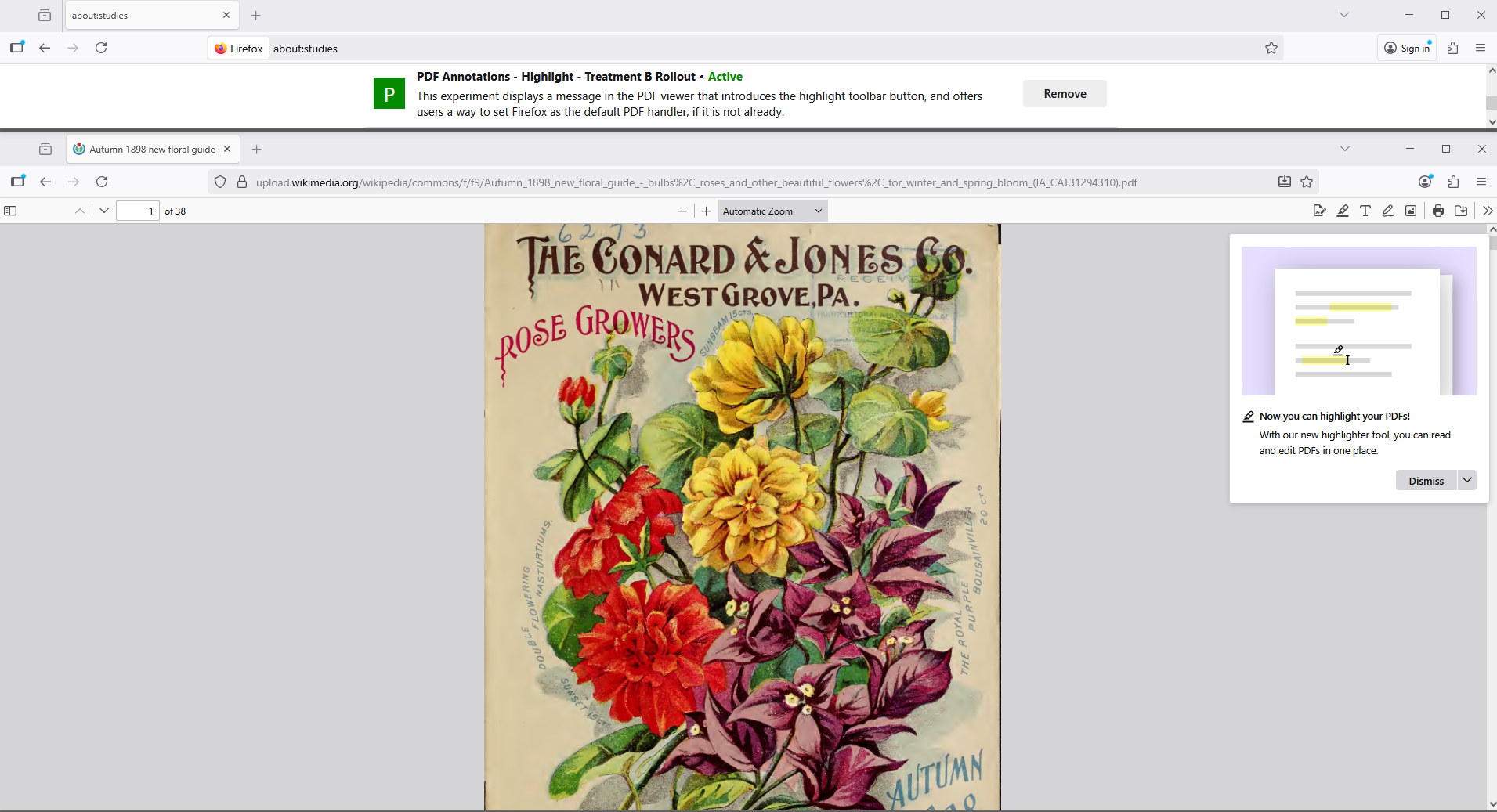
Type about:studies into your address bar to see a list of your studies. Click the Remove button next to the study you want to opt out of. And restart Firefox.
Tất cả các câu trả lời (5)

There should be a button to dismiss it, but it looks like you may be too zoomed in to see it.
Try zooming out several times (by pressing CTRL and the - key (minus). That may enable you to see it and dismiss the popup.
Afterwards, press CTRL and 0 to reset to your default zoom setting.
Didn't work. Probably a scaling issue, but that window does not react to <ctrl, - >, so cannot see close button, would be nice if it was a standard win window with minimize and close at the top. No hurry, it worked in chrome.
Giải pháp được chọn
Hello
About Studies. https://support.mozilla.org/en-US/kb/shield
Type about:studies into your address bar to see a list of your studies. Click the Remove button next to the study you want to opt out of. And restart Firefox.
It worked! In about:studies I removed "pdf annotations, reloaded firefox, solved problem. Thanks robot!
According to your screenshot, this hypothesis. Have you verified your screen.