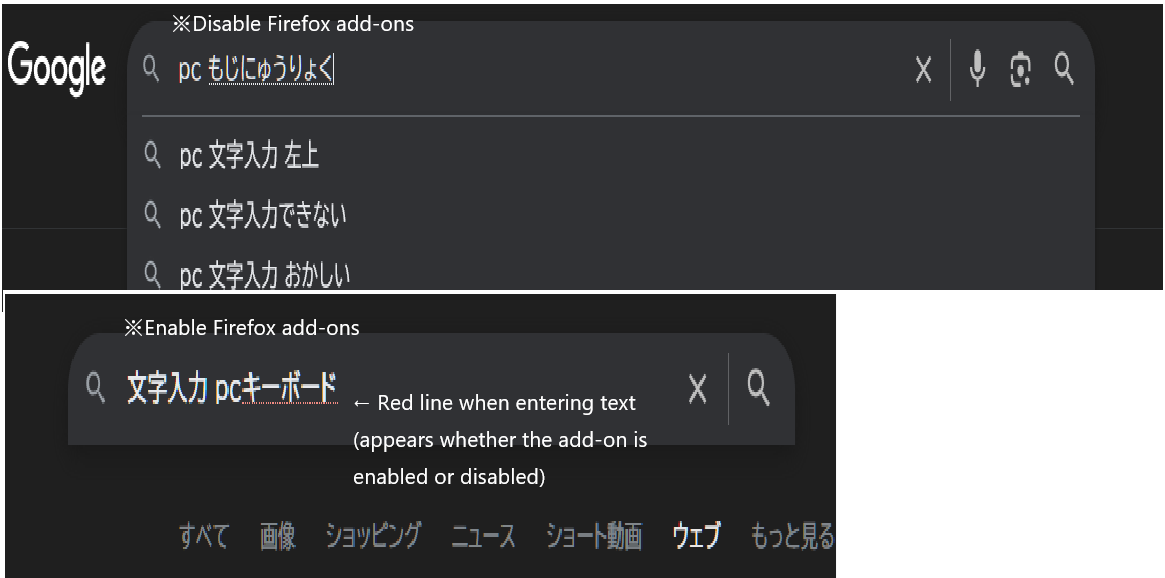
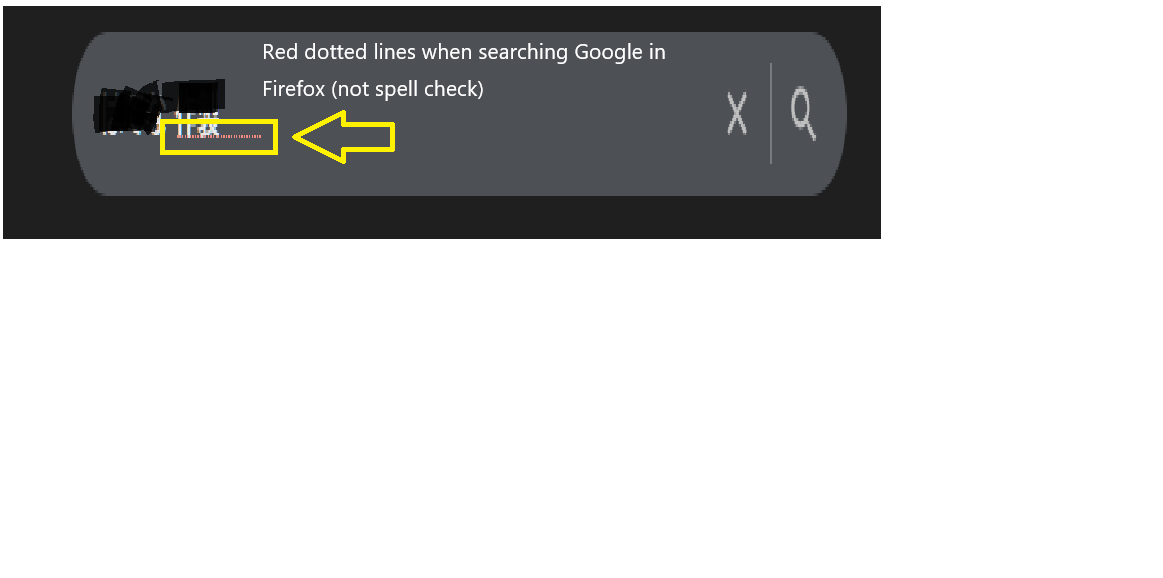
Red dotted lines when searching Google in Firefox (not spell check)
When I type in a Google search in Firefox, a red dotted line (not the wavy red line from Firefox's spell check; spell check is disabled) appears. What exactly is this red dotted line? Can I show or hide it in settings? Can I change the setting in about:config? Please help. It's very annoying.
When I type in a Google search in Firefox, a red dotted line (not the wavy red line from Firefox's spell check; spell check is disabled) appears.
What exactly is this red dotted line? Can I show or hide it in settings?
Can I change the setting in about:config?
Please help. It's very annoying.
Tất cả các câu trả lời (2)
Hi
Do you have any add-ons installed in Firefox?
Are you able to share a screenshot this issue without the text obscured?
Hello.
I have the add-on installed and am using Firefox.
I've provided a screenshot to make it easier to understand, but what do you think?
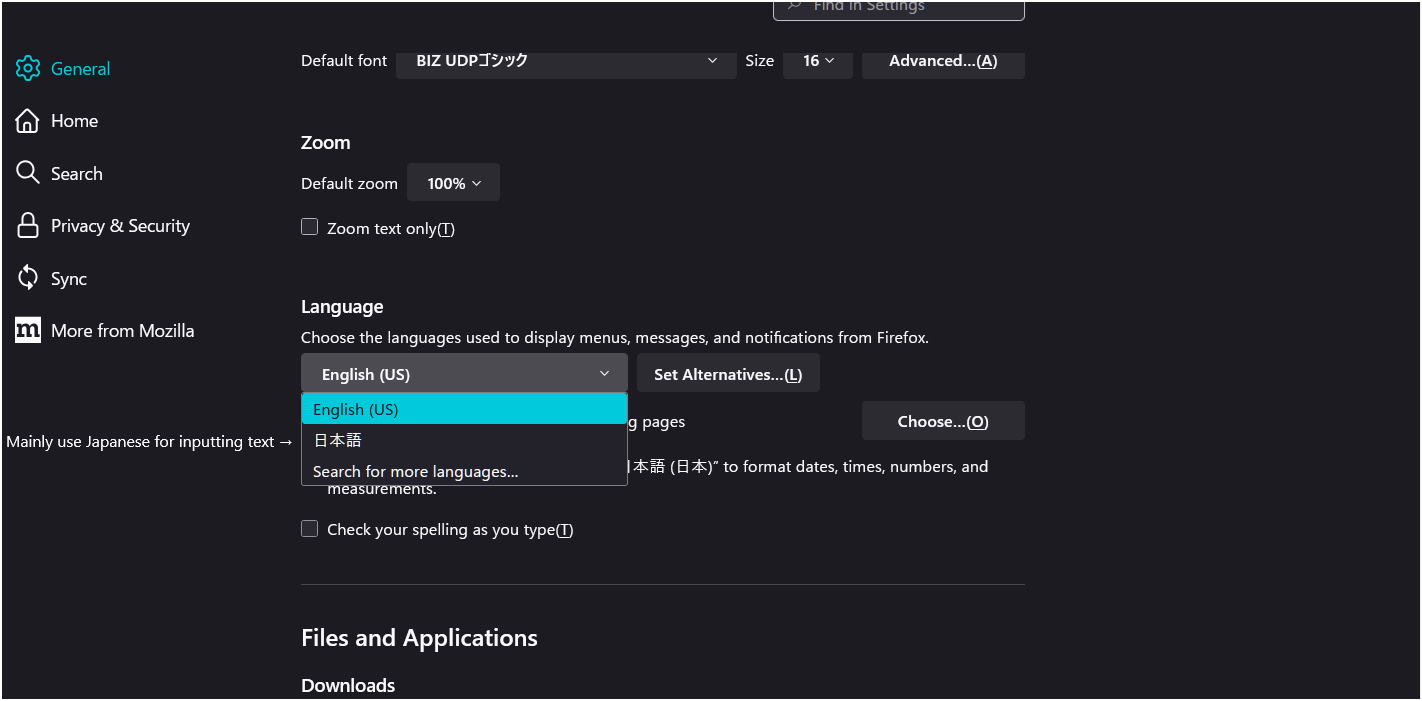
Whether the add-on is enabled or disabled, the red line appears when I type. The main language I use in Firefox is Japanese input.