


Amazon Prime Video no progress bar

Last week we lost the progress bar at the bottom of videos on Prime Video. When I cursor over the bar it returns Infinity:NaN:NaN. Switching to MS Edge and the progress bar appears as normal. I get the same results in Firefox on both my PC and Laptop. I have updated and reinstalled Firefox to the lastest version. I have NOT added any new extensions in the last year.
Tất cả các câu trả lời (2)

Giải pháp được chọn
Works for me. see screenshot Do you have the same issue with Firefox in Troubleshoot Mode? https://support.mozilla.org/en-US/kb/diagnose-firefox-issues-using-troubleshoot-mode#w_how-to-start-firefox-in-4troubleshoot-modesf5safe-modesf Windows home or pro and what security software are you running besides MS Defender?
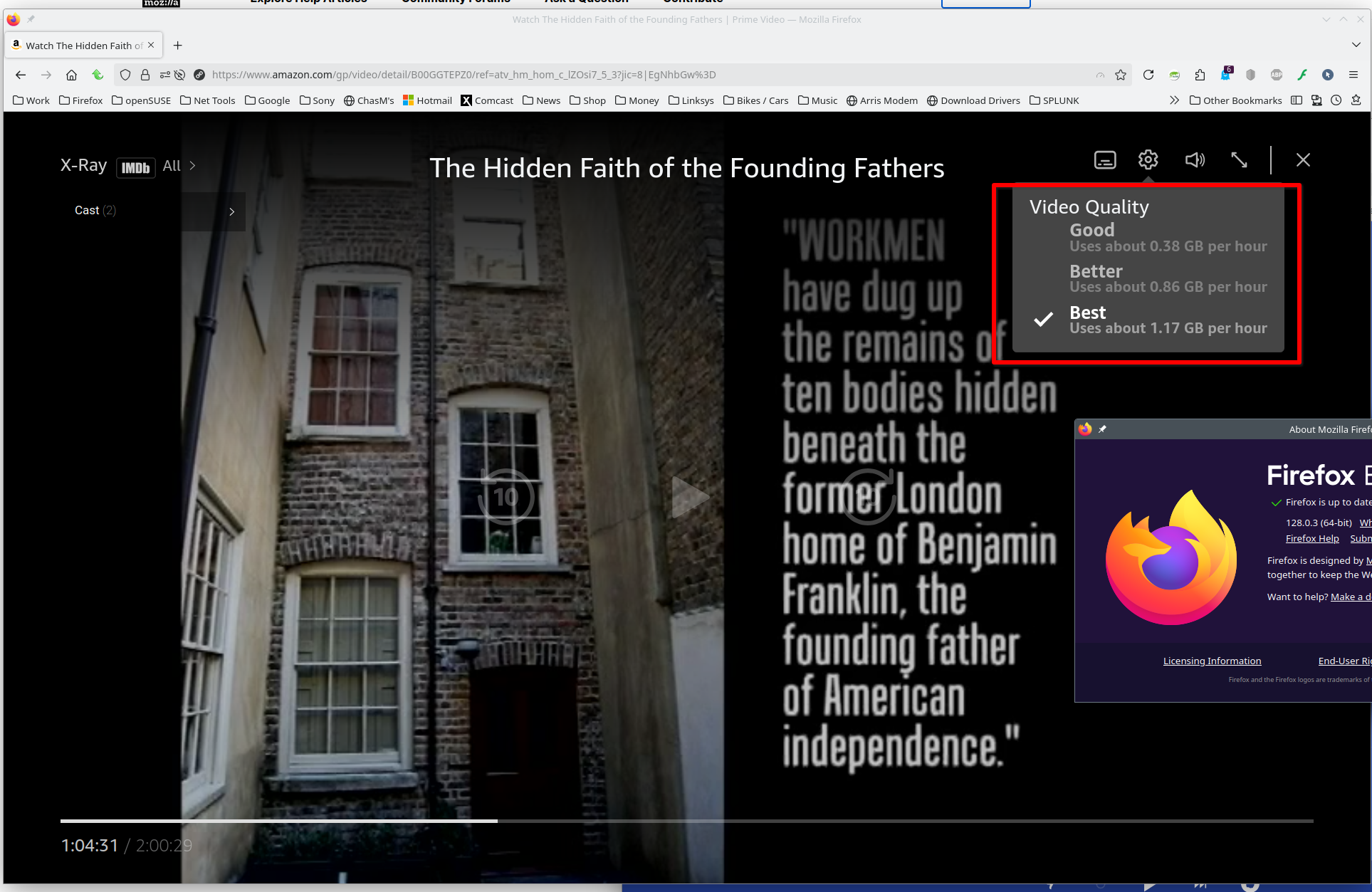
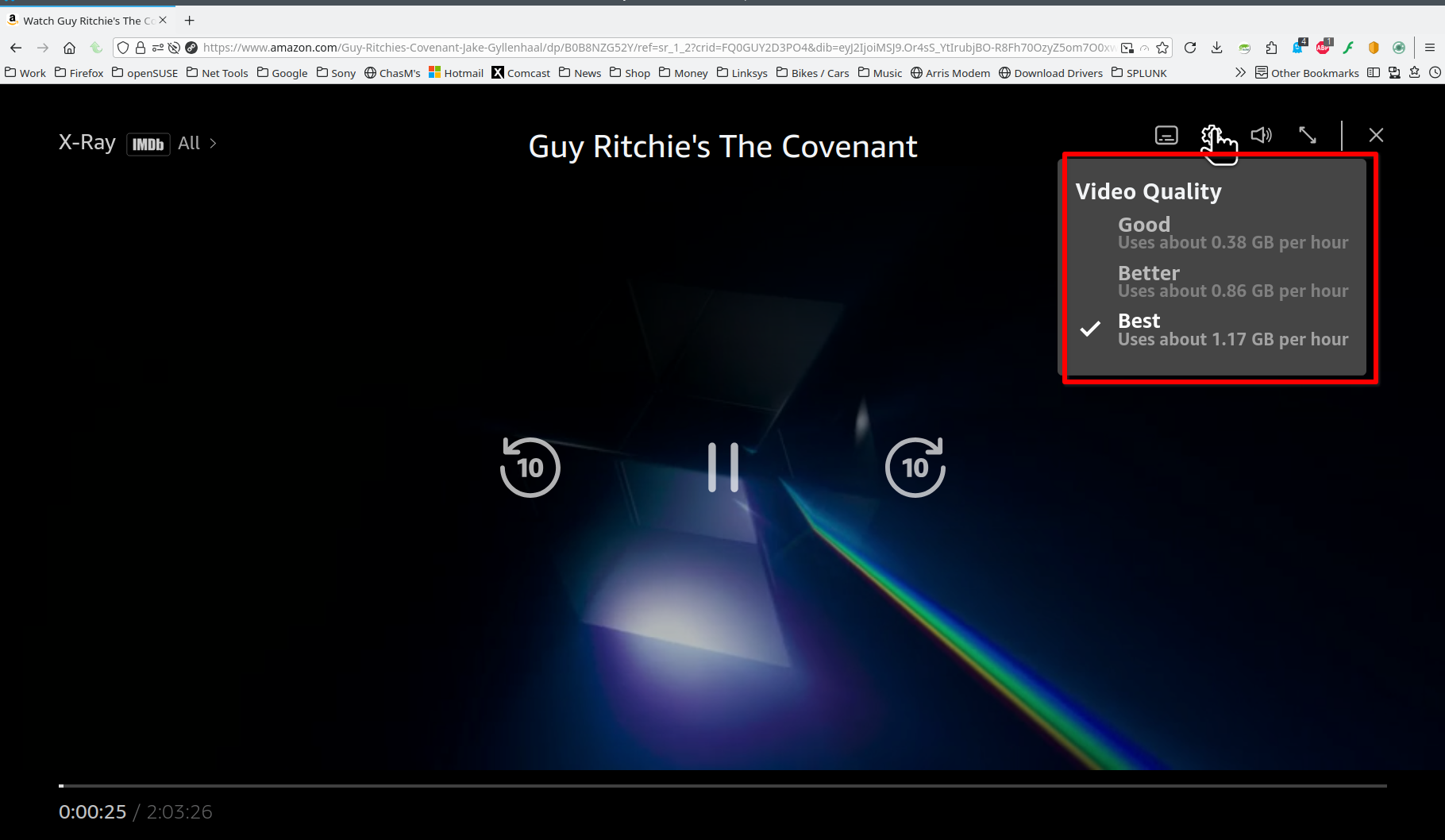
Được chỉnh sửa bởi jonzn4SUSE vào
Started Firefox in trouble shooting mode and narrowed the problem to one of the extensions I was using (Advanced Profanity Blocker). I just got an update and the progress bar is back.
Thanks