MOZILLA WON'T OPEN MY PREVIOUS TABS...

I used to leave many tabs opened in my browser so that when I got back I could easily find the one I wanted to use.
Now I can't because the Mozilla browser just won't save them. So each time that I open the browser they are all gone...
... Is there somersetting I can DO????
I used to leave many tabs opened in my browser so that when I got back I could easily find the one I wanted to use.
Now I can't because the Mozilla browser just won't save them. So each time that I open the browser they are all gone...
... Is there somersetting I can DO????
Tất cả các câu trả lời (2)
Yeah, press Ctrl + Shift + T on windows to open them again, and command + Shift + T on Mac. You can restore both on Mozilla and Chrome.
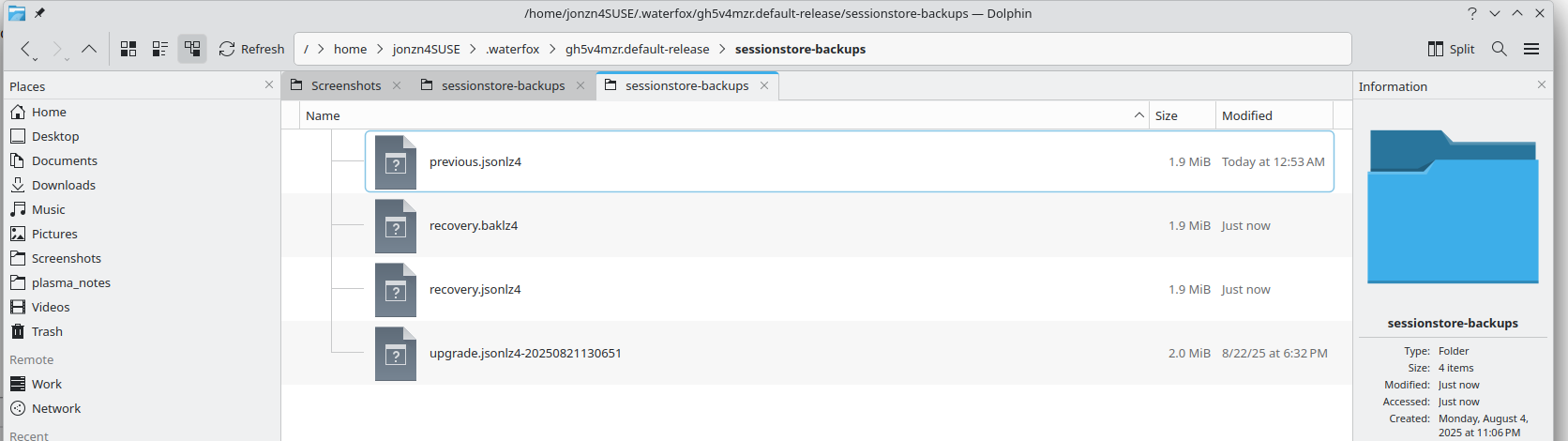
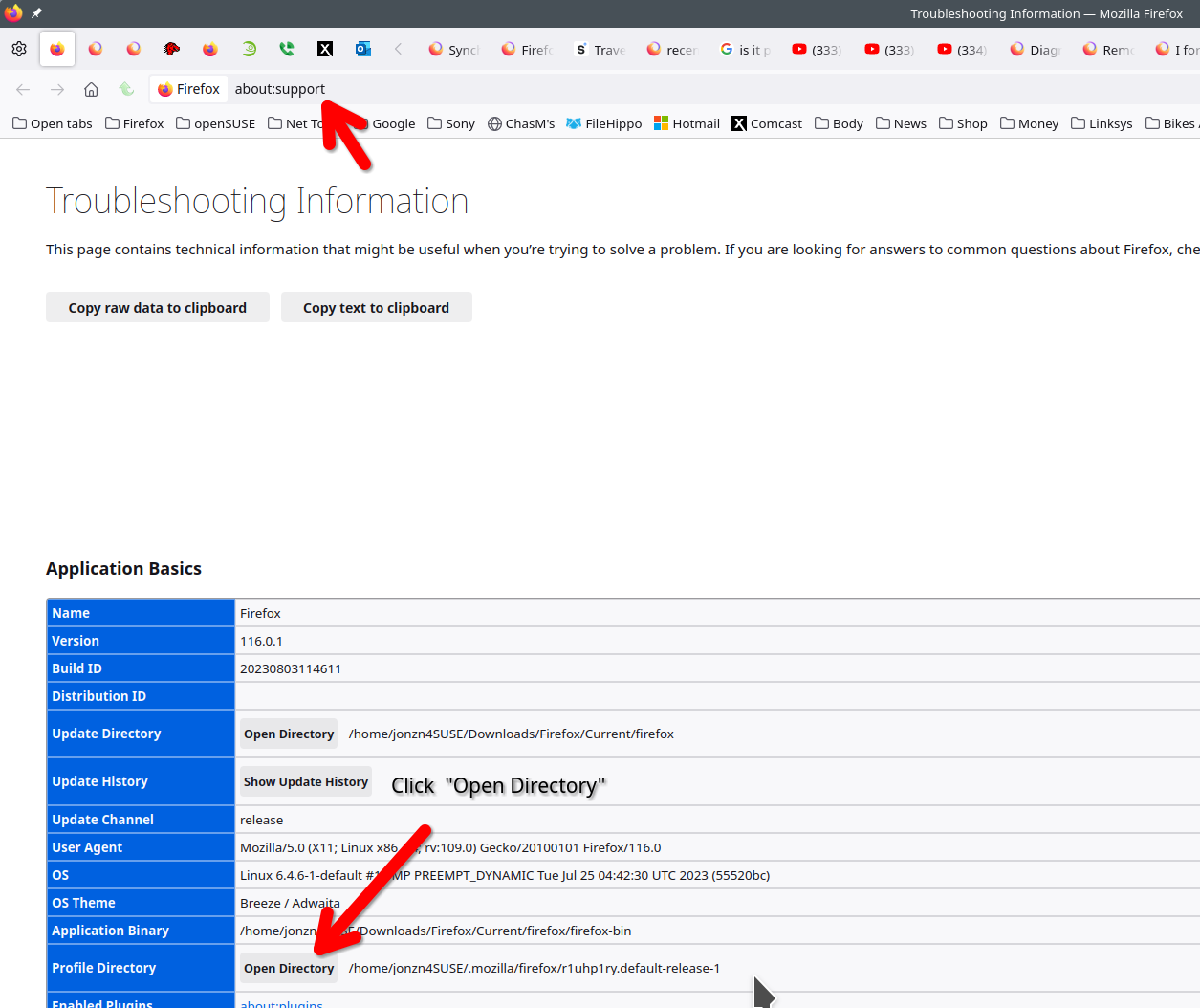
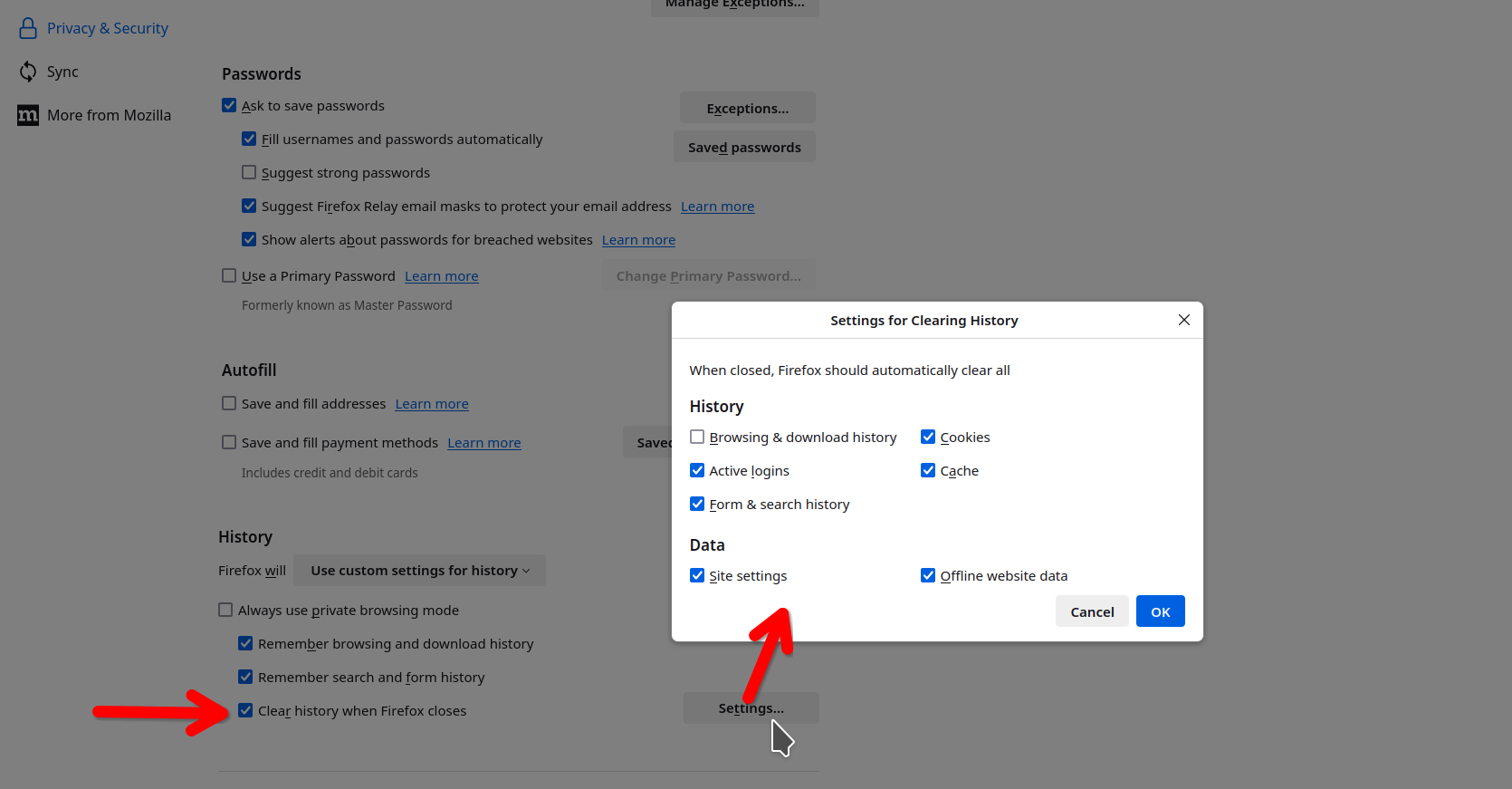
Post a screenshot from the folder sessionstore-backups in your profile folder. see screenshot of mine What are your settings for Firefox when you close the browser? see screenshot You cannot have it delete browser history when it closes.