


Windows 10 reached EOS (end of support) on October 14, 2025. If you are on Windows 10, see this article.

Tìm kiếm hỗ trợ

Tránh các lừa đảo về hỗ trợ. Chúng tôi sẽ không bao giờ yêu cầu bạn gọi hoặc nhắn tin đến số điện thoại hoặc chia sẻ thông tin cá nhân. Vui lòng báo cáo hoạt động đáng ngờ bằng cách sử dụng tùy chọn "Báo cáo lạm dụng".

Tìm hiểu thêm
Đã giải quyết Đã lưu trữ

Can't activate 2FA on my firefox account

Paul đã trả lời
firefox3128

For a while already (week or 2) i'm trying to activate 2FA on my account, but i always get the following error

"There was a problem enabling two-step authentication. Check that your device's clock is set to update automatically and start over."

I tried it on multiple laptops (all macbooks) with and without VPN and on an iPhone, but the error is the same everywhere.

The error shows in the final steps, after i downloaded and entered a security code. It brings me back to the account page with the error
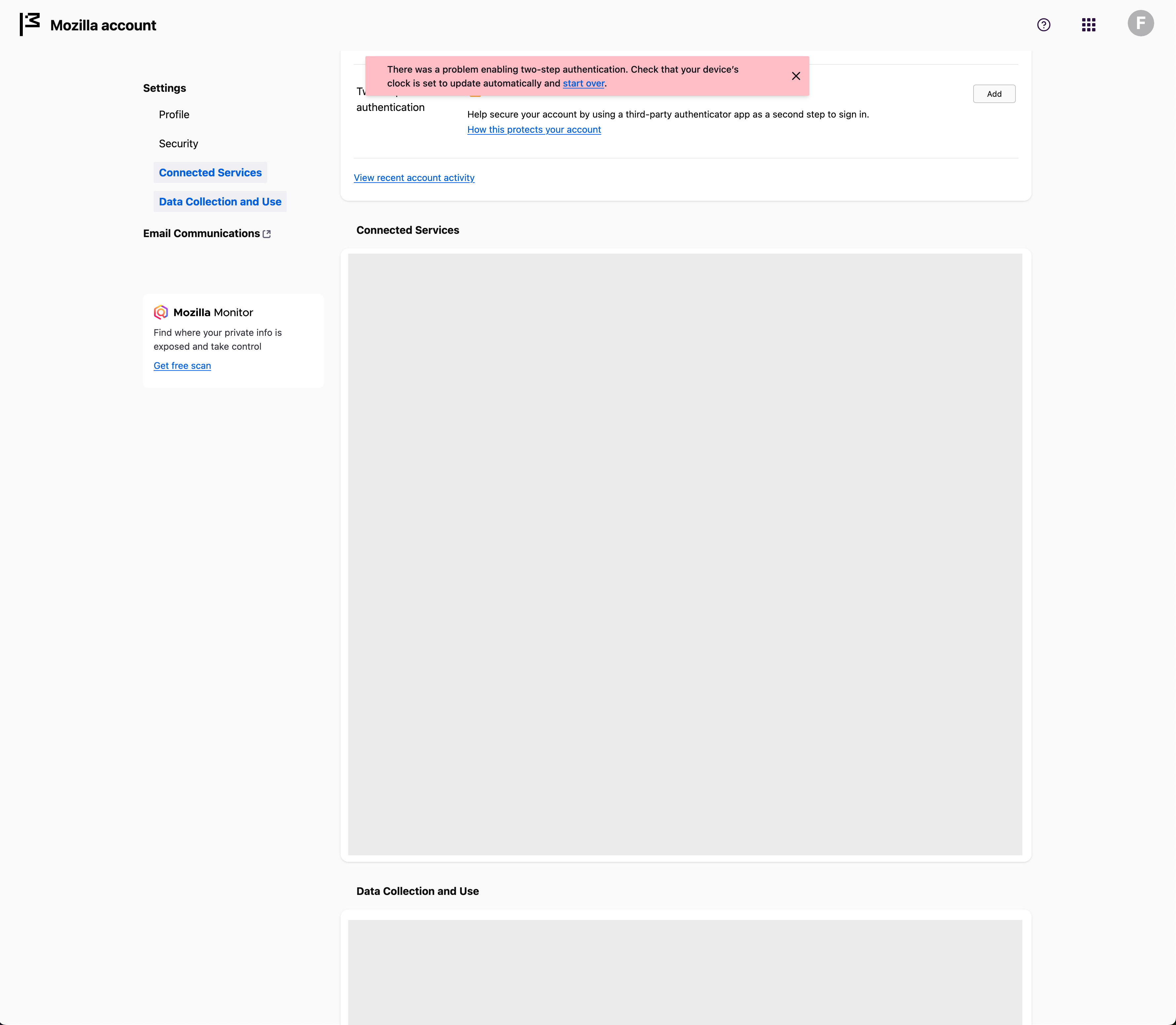
For a while already (week or 2) i'm trying to activate 2FA on my account, but i always get the following error "There was a problem enabling two-step authentication. Check that your device's clock is set to update automatically and start over." I tried it on multiple laptops (all macbooks) with and without VPN and on an iPhone, but the error is the same everywhere. The error shows in the final steps, after i downloaded and entered a security code. It brings me back to the account page with the error
Đính kèm ảnh chụp màn hình

Tất cả các câu trả lời (1)

Giải pháp được chọn

Hi,

Looks like you're dealing with a Mozilla account issue. We have a direct one-to-one support for Mozilla account (which is a different thing from peer to peer support forum like this one).

Please submit a new ticket from this page so our support agent can assist you further.