Move bookmarks from one computer to the next

I have a firefox account but I'm trying to move my bookmarks from one computer to the next. I created a firefox account but nothing moved. How can I get my bookmarks to another computer?
Tất cả các câu trả lời (1)
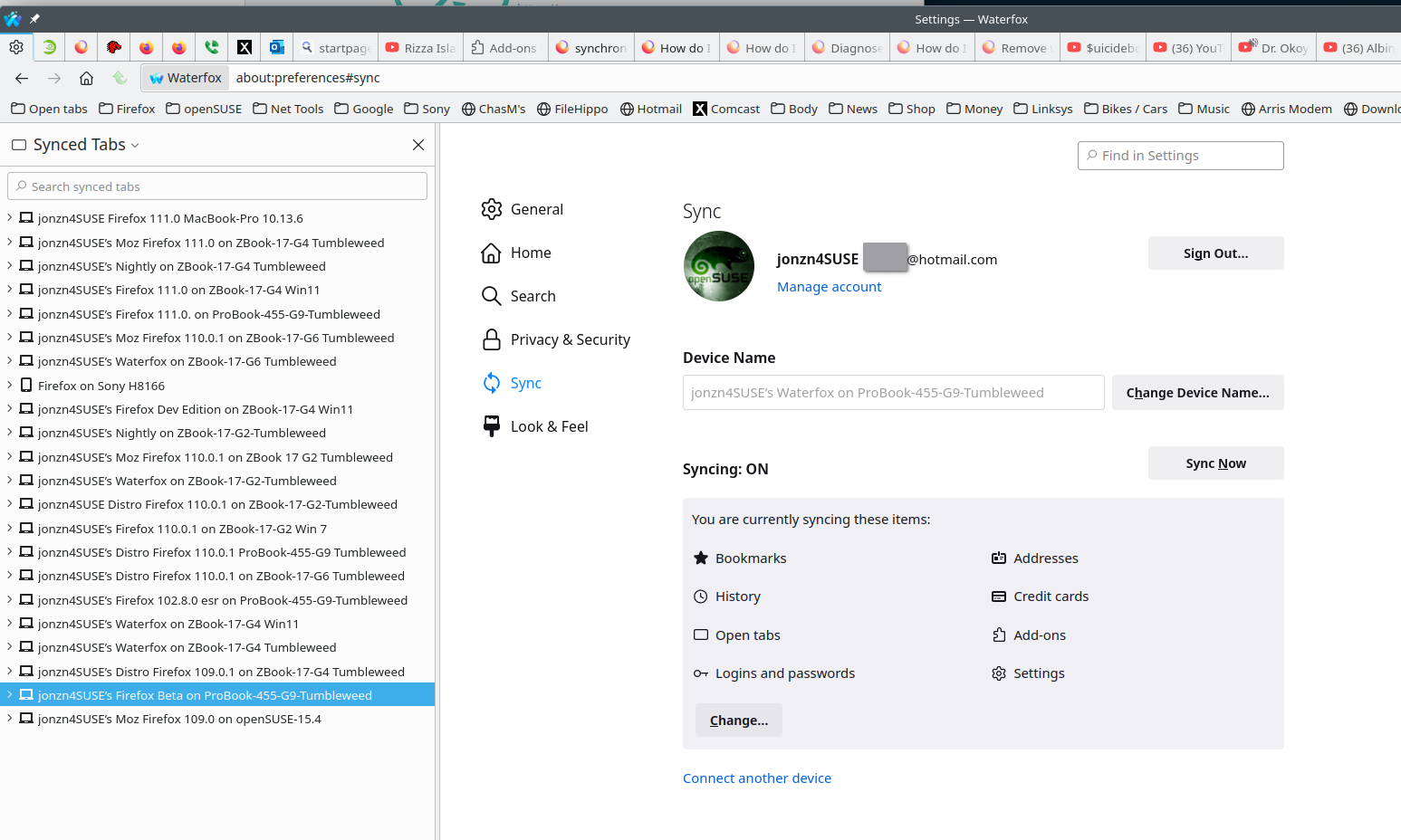
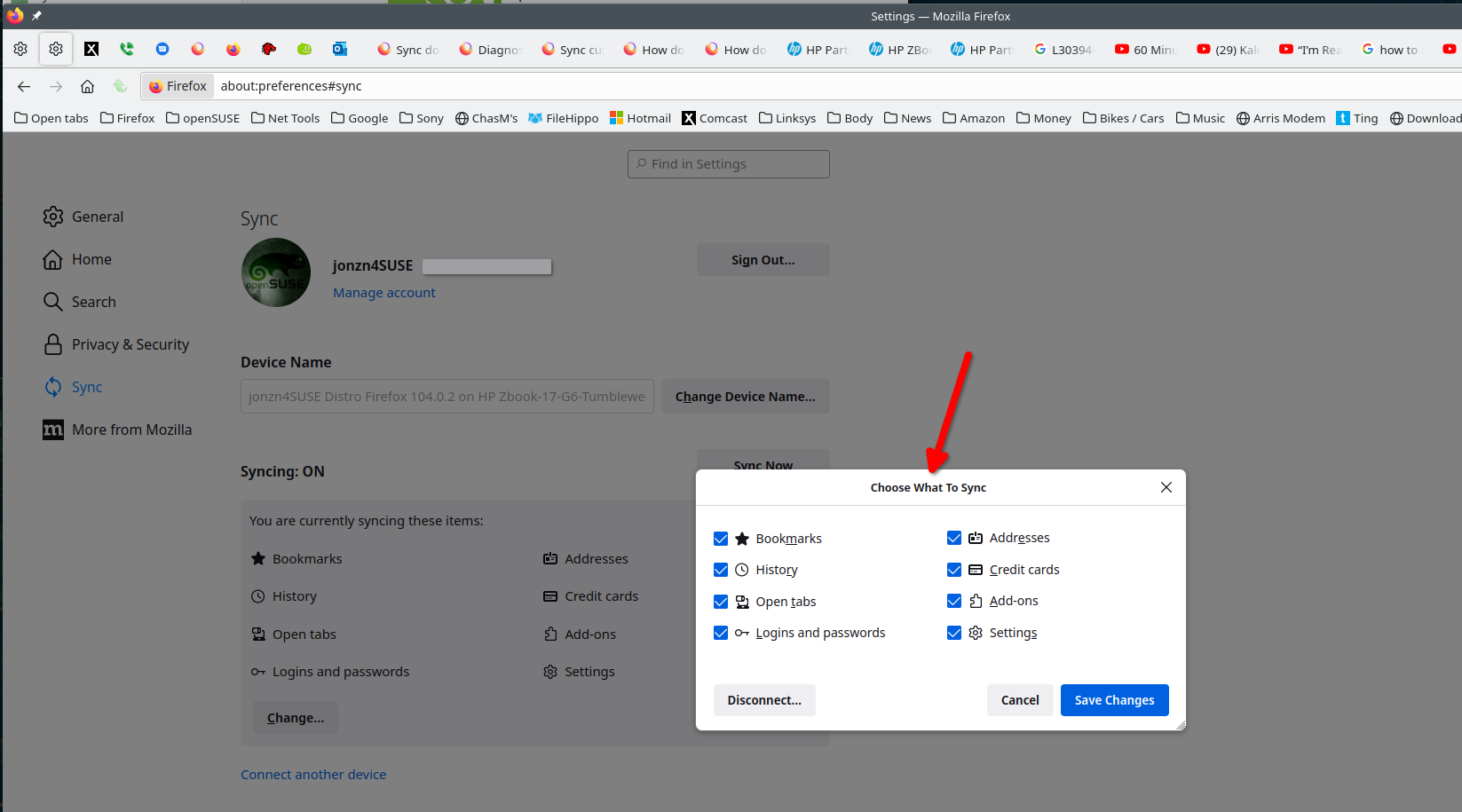
These setting should be set on the computers, sign into the same account on both computers, and that's it. As a test download another version of Firefox (Beta, Dev, or NIghtly) on the old computer and see if you can sync it.
Sync info...
FYI... Firefox Sync IS NOT A DATA BACKUP SERVICE
https://support.mozilla.org/en-US/kb/how-do-i-set-sync-my-computer
https://support.mozilla.org/en-US/kb/how-do-i-choose-what-information-sync-firefox
https://www.mozilla.org/en-US/firefox/features/sync/
https://hacks.mozilla.org/2018/11/firefox-sync-privacy/
Sync is not a backup tool but it is a good sync/transfer/move tool
https://support.mozilla.org/en-US/forums/contributors/707681