


Daily Mail ..............Access Denied
Hello
Last few days been getting .....................
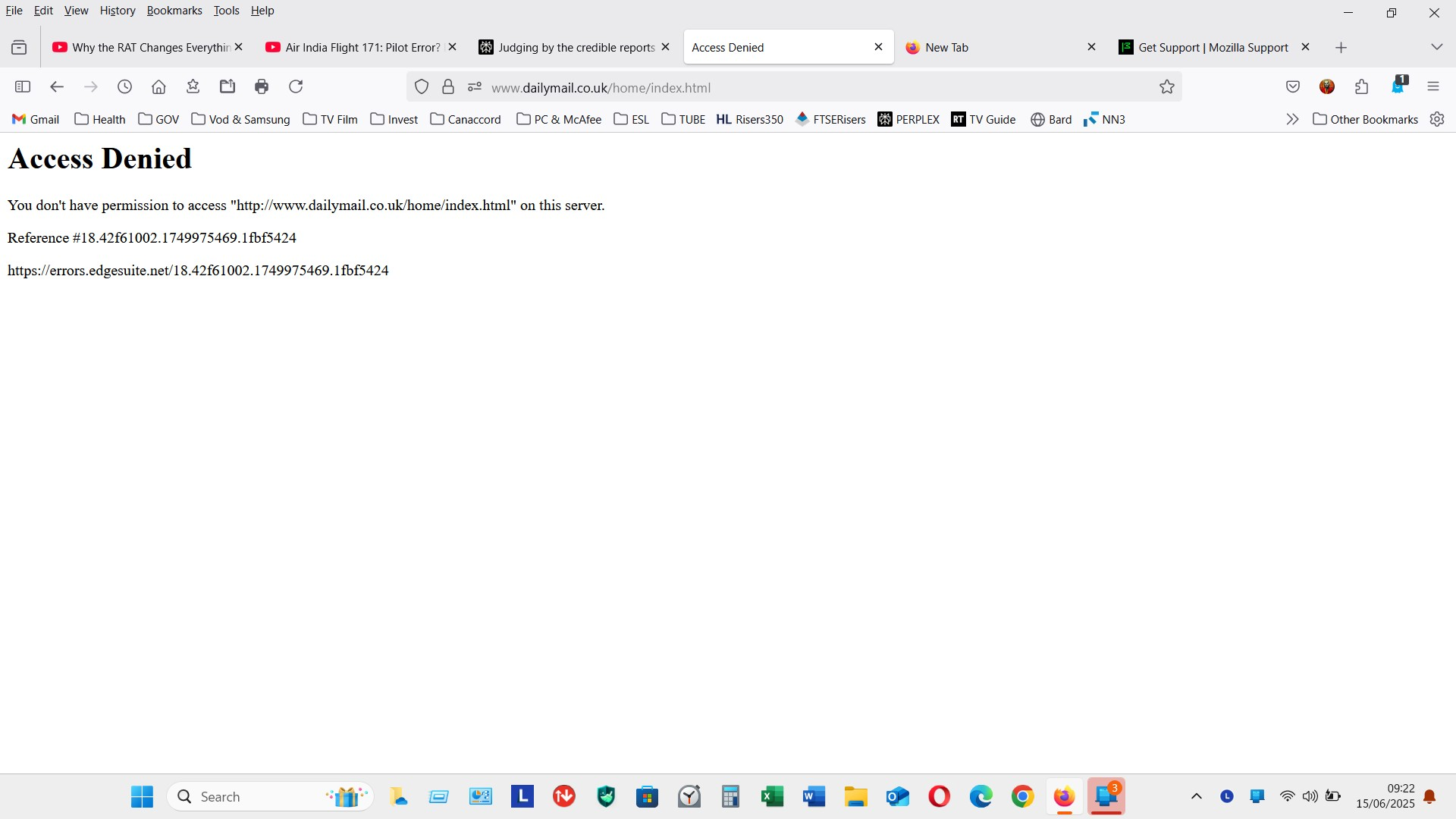
Access Denied You don't have permission to access "http://www.dailymail.co.uk/home/index.html" on this server.
Reference #18.42f61002.1749975469.1fbf5424
https://errors.edgesuite.net/18.42f61002.1749975469.1fbf5424
Not all the time but getting more frequent
Any ideas
Tất cả các câu trả lời (3)

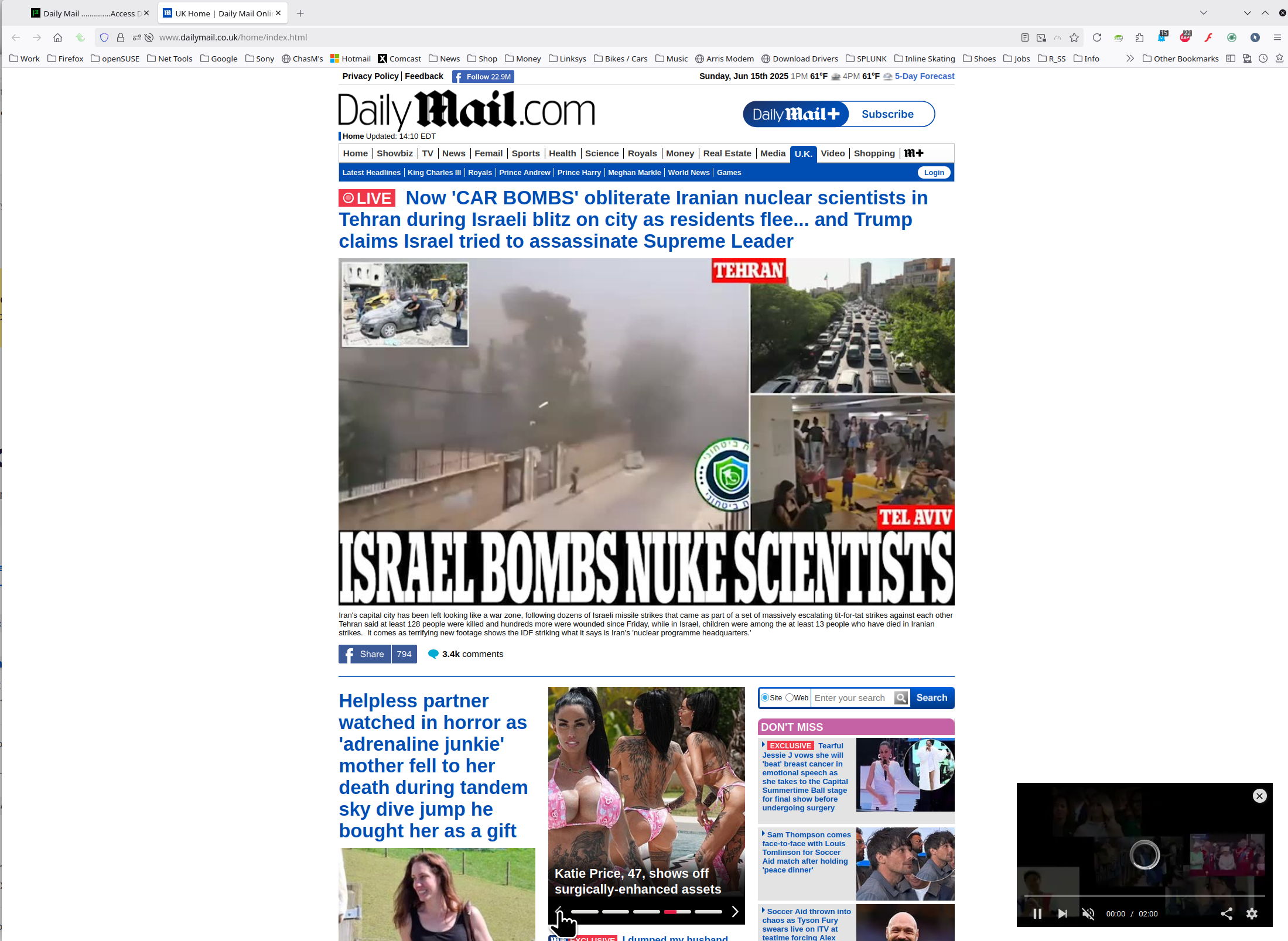
Works for me. see screenshot What OS? If windows, home or pro and what security software are you running besides MS Defender? What version of Firefox? Do you have the same issue with Firefox in Troubleshoot Mode? https://support.mozilla.org/en-US/kb/diagnose-firefox-issues-using-troubleshoot-mode#w_how-to-start-firefox-in-4troubleshoot-modesf5safe-modesf
THanks for the reply
As said only happens every so often ............ yesterday was fine and this morning got
Access Denied You don't have permission to access "http://www.dailymail.co.uk/home/index.html" on this server.
Reference #18.1bc35068.1750147775.119ac900
https://errors.edgesuite.net/18.1bc35068.1750147775.119ac900
Running latest FireFox all up to date
On Window 11
Only started last week
I have made no changes to my PC settings
What security software are you running besides MS Defender?
Do you have the same issue with Firefox in Troubleshoot Mode? https://support.mozilla.org/en-US/kb/diagnose-firefox-issues-using-troubleshoot-mode#w_how-to-start-firefox-in-4troubleshoot-modesf5safe-modesf
Did you try clearing the browser cache? https://support.mozilla.org/en-US/kb/how-clear-firefox-cache#
Are you running pro version of Windows? If so, you should have Windows Sandbox enabled for testing. https://www.howtogeek.com/399290/how-to-use-windows-10s-new-sandbox-to-safely-test-apps/