


Youtube has stopped loading.

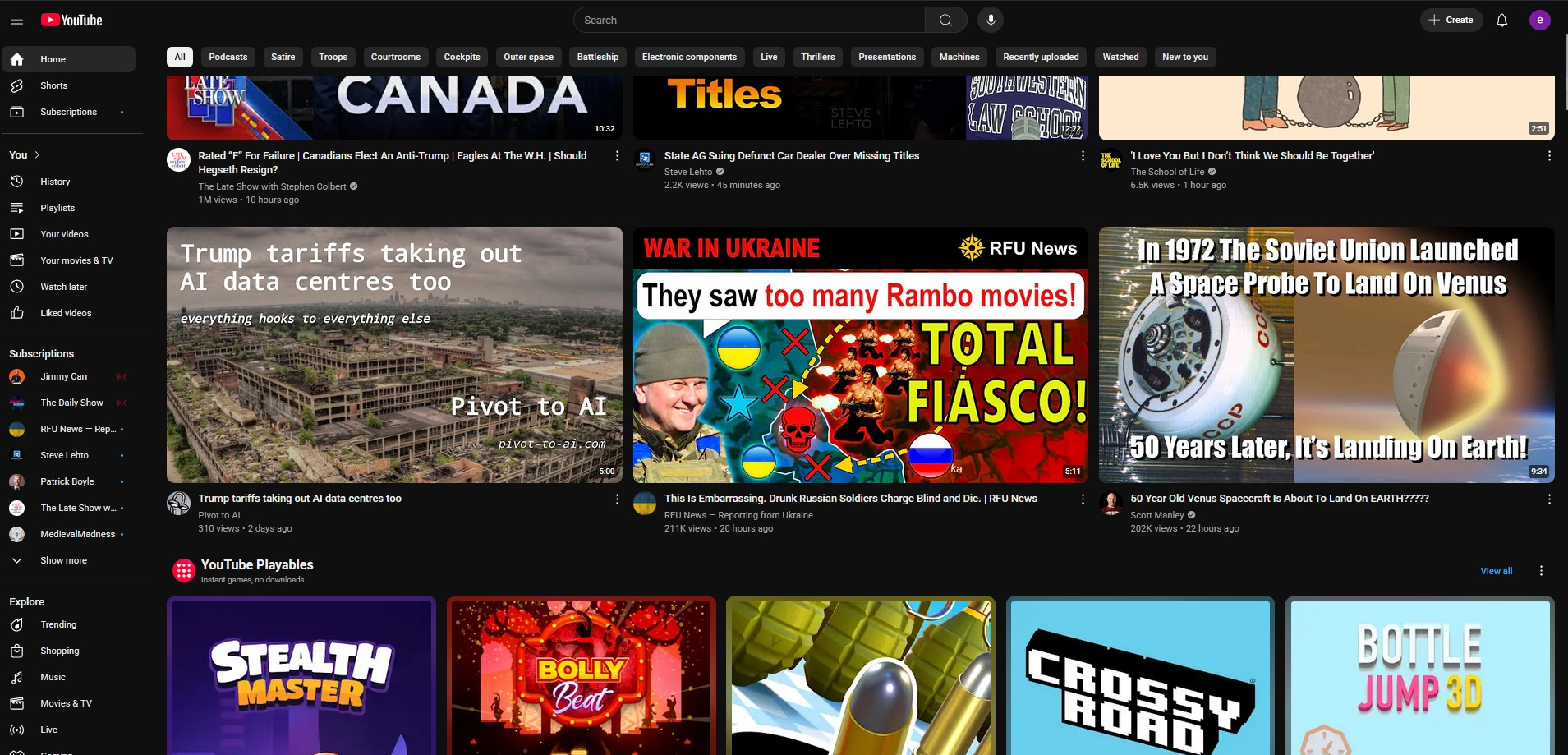
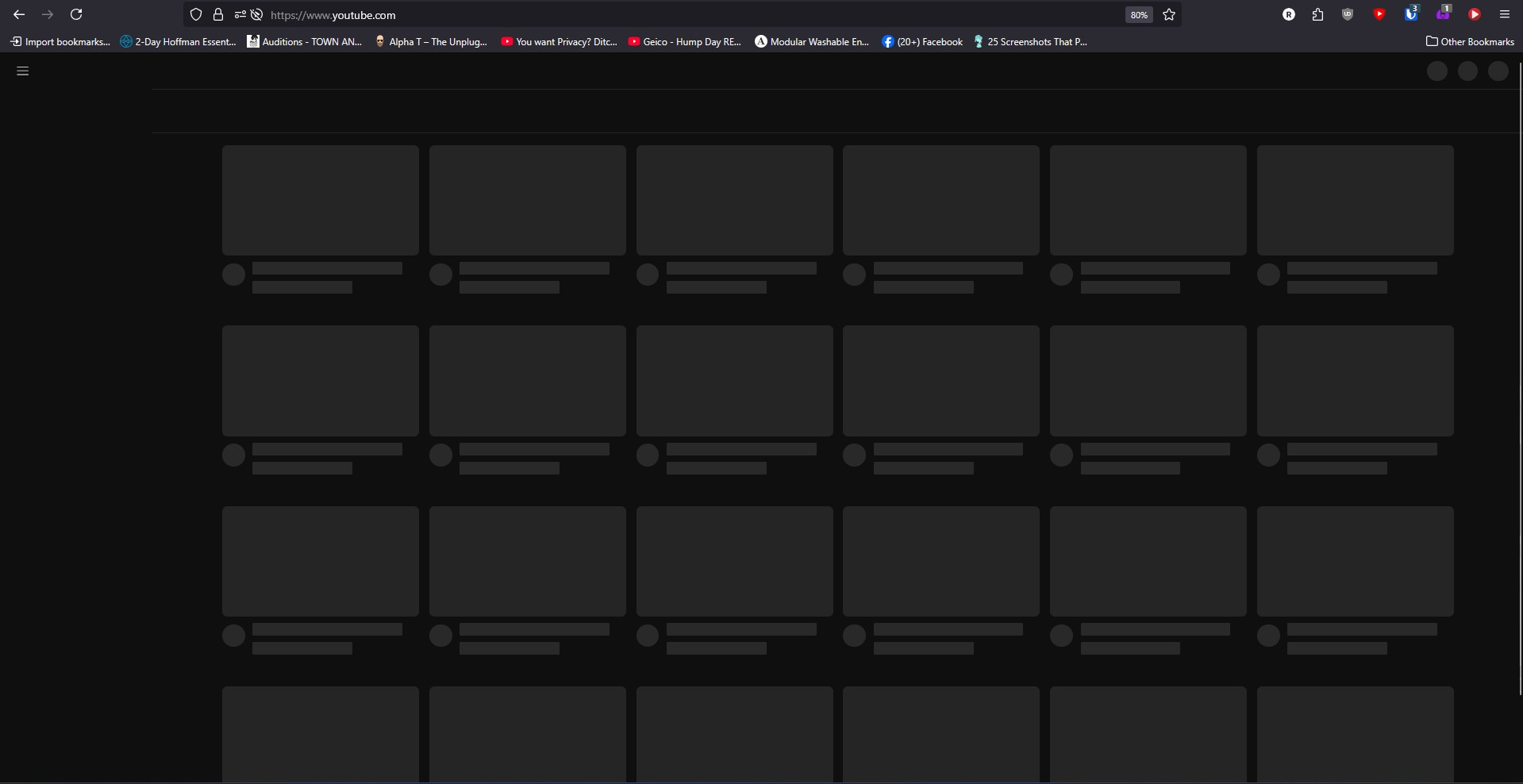
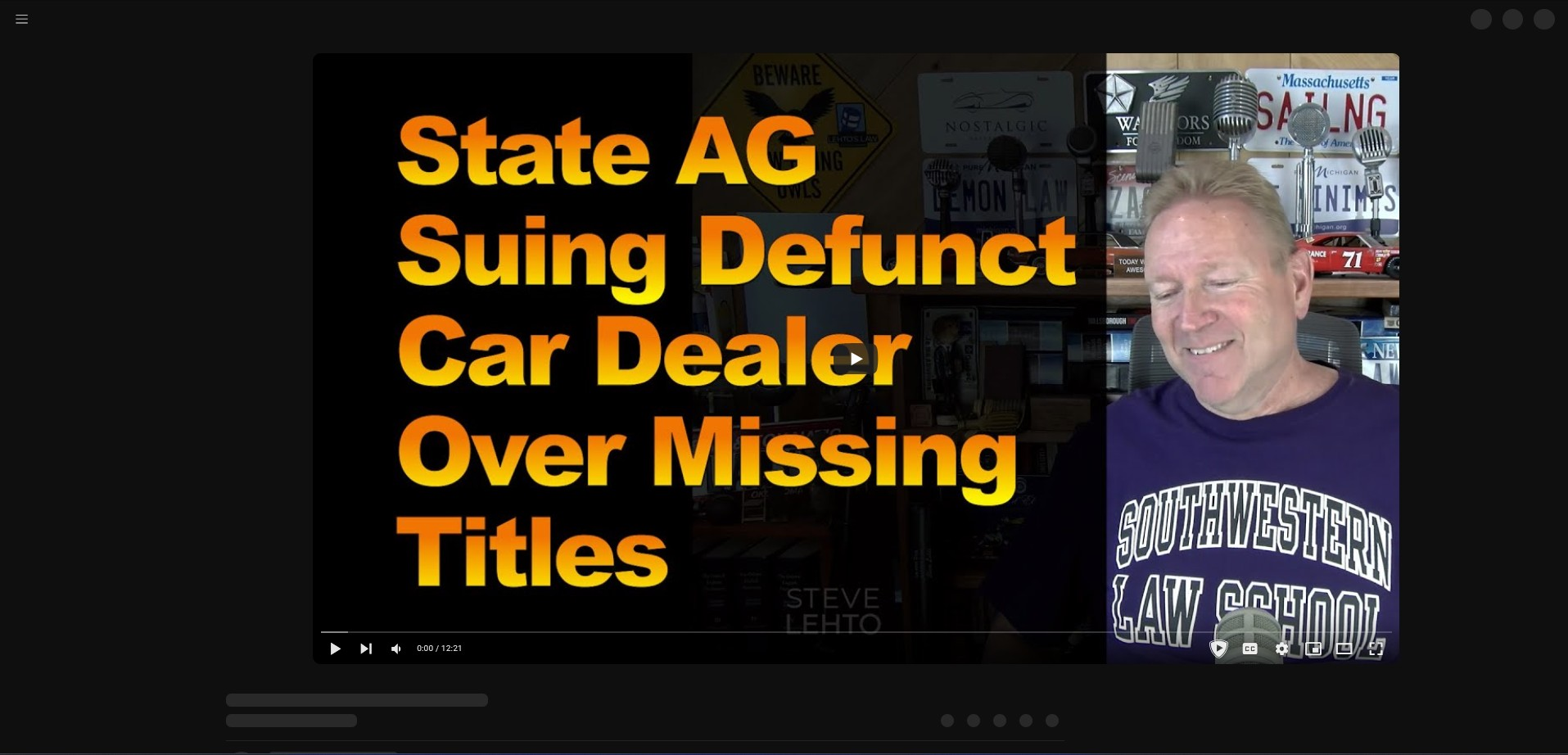
As of lasts night Youtube has stopped loading. After reading some support articles I reset my browser and turned off nearly every extension and setting I could find and got it to load once, but then it stopped again. Navigating to Youtube brings up a grid of squares (which I believe should be stills for videos). I turned the extensions back on and tried turning them off one by one but I'm unable to isolate on that's causing the issue. Similarly, I tried settings one by one, but cannot find one that resolves the issue. Using the one normal open Youtube window I have, I am able to open a video in a new tab, but there is no menu on the left, no links on top no comments, I can't even like a video.
Tất cả các câu trả lời (2)

Hi there! Mozilla is actively investigating if you want to follow along or add a comment here: https://bugzilla.mozilla.org/show_bug.cgi?id=1963511#c20
In the meantime, do you have Ublock Origin? If you try viewing in Private Browsing Mode, are you still running into the issue?
If anyone is still experiencing this issue, we believe the fastest way to get things working again is:
- Ensure your uBlock Origin filters are up to date (see the uBlock Origin Documentation for how to do this.
- Close all YouTube tabs
- In the Firefox hamburger menu go to Settings, then Privacy and Security and click on the Manage Data button. In the resulting dialog, search for youtube.com, select the row for site youtube.com and click "Remove Selected"
- Opening a new tab with youtube.com should now work.
If anyone follows these steps and still experiences the same symptoms, please let us know here.