


Unable to send emails .

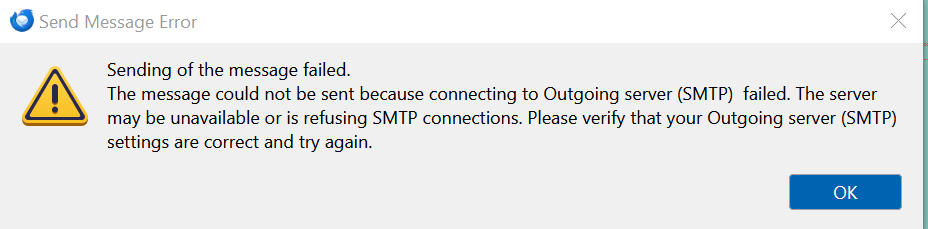
Unable to send emails from my Laptop. Drop down box says "Outgoing server (SMTP) failed. I have compared settings on PC and are the same as the laptop. Have contacted my server provider and that is all ok. Can send emails from Optus webmail, but not from Thunderbird. Can send emails from the PC and that has Thunderbird also.
Tất cả các câu trả lời (1)
Hello there We have read the question We try to help.
You Can not send email and the drop down box has the message of an error in the SMTP settings on the screen.
Could you send me a copy of the SMTP settings if you find that necessary to do. The use of antivirus or VPN could be turned off if that is a possible option to do and check for the email to arrive to the inbox and send yourself a test email to start with.Some settings could override other options in the program that blocks the usage of the desktop software.
After an update of Thunderbird if there was one recent ,the trusted previous configuration is trusted . because of the settings of previous software versions where set to trusted and not this newer trusted version of Thunderbird is trusted that way then this subject is not getting accepted to get these trusts . You should turn it of and select others. Remove the software from the list as trusted and then add it back manually . Or follow the drop down box.
Greetings Firefox volunteer
Được chỉnh sửa bởi Googlethunderbird. vào