Signing into Amazon.com

New problem. I have correct Amazon password and sign in. I keep getting a message to sign in to Amazon but not allowed to do so. Message says “this request comes from Firefox, published by Mozilla “. This does not happen on phone but only on computer. How resolve?
New problem. I have correct Amazon password and sign in. I keep getting a message to sign in to Amazon but not allowed to do so. Message says “this request comes from Firefox, published by Mozilla “. This does not happen on phone but only on computer. How resolve?
Tất cả các câu trả lời (1)
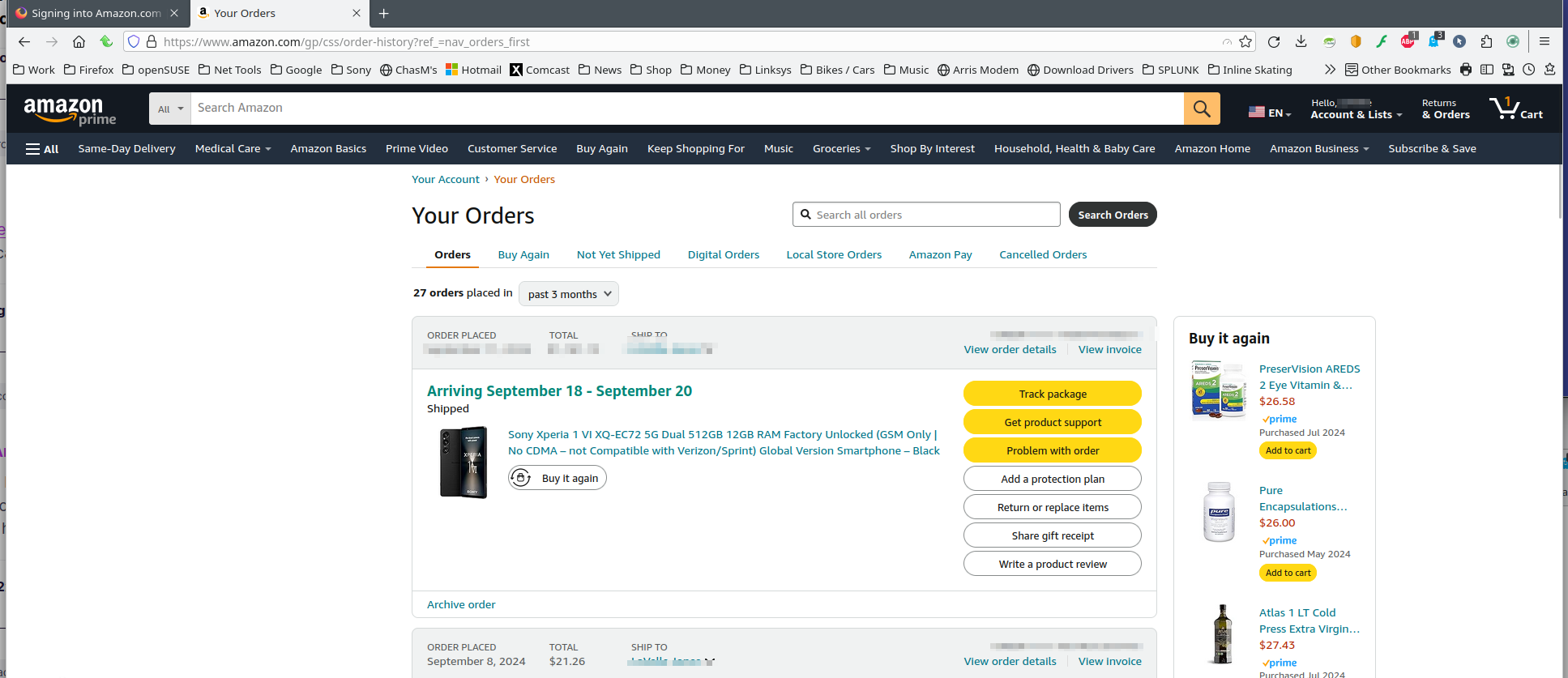
Show the issue. I'm able to get into my account. see screenshot Sounds like a password issue. Try putting your login info into notepad and then just copy and paste. What version of Firefox? What OS? Did you try Firefox in Troubleshoot Mode? https://support.mozilla.org/en-US/kb/diagnose-firefox-issues-using-troubleshoot-mode#search104