


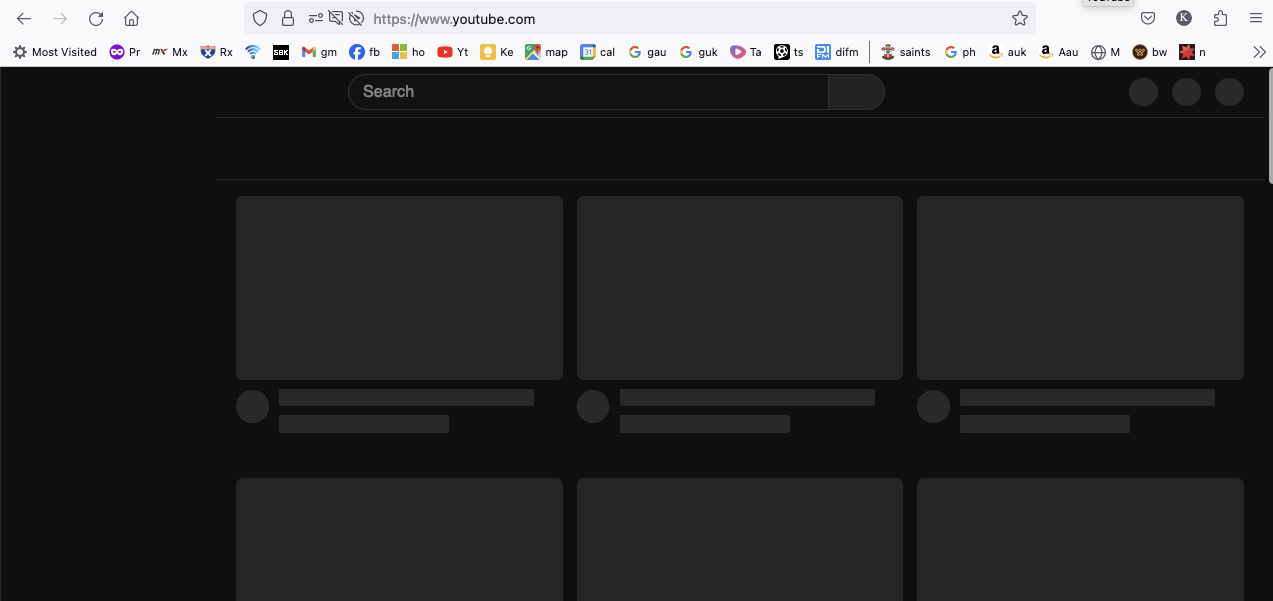
utube not working since updating to 115.9.1

utube not working since latest firefox update above..doesn't load..tried re boot, clear cache , cookies and removed add ons
Tất cả các câu trả lời (6)
115.9.1esr loads youtube for me.
Try changing DNS over HTTPS (DoH) to "Off" or "Max Protection" and in Connection Settings change "Use system proxy settings" to "No proxy".
Does it still happen in a new profile? An easy way to test a new profile is to install Developer Edition and see if it happens there or refresh your existing profile. Make sure you stay signed out of your sync account when testing.
Hi Thanks tried both and still doesn't work..always have issues when update firefox..shame as prefer the browser to chrome however it is very unreliable...
Did you try installing Developer Edition?
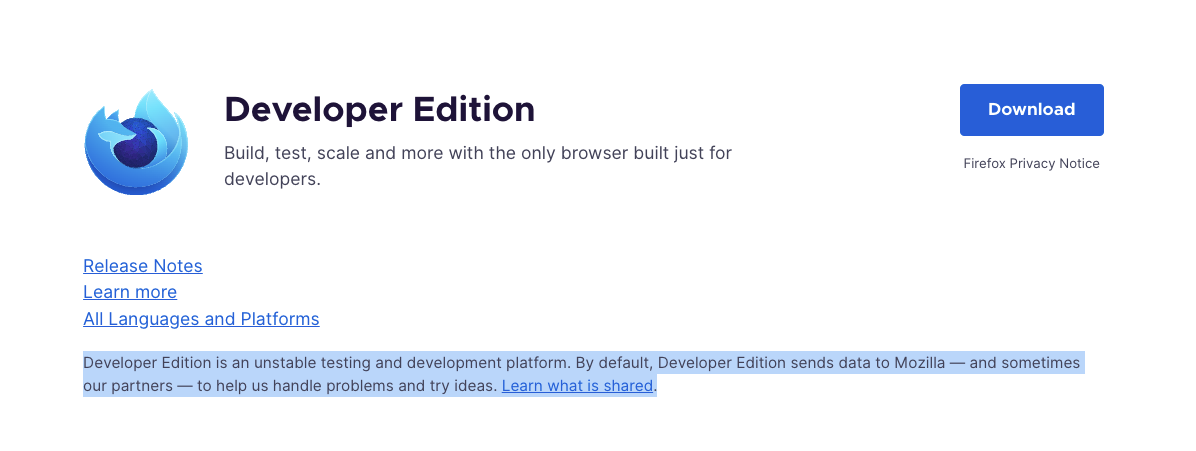
I'm not that advanced on computers so didn't want to loose current set up..also read this "Developer Edition is an unstable testing and development platform. By default, Developer Edition sends data to Mozilla — and sometimes our partners — to help us handle problems and try ideas. Learn what is shared" on the mozilla link.
Do you have a step by step guide ? weird it's only youtube thanks
so managed to solve by going into troubleshoot mode then refreshing thanks zeroknight :)
Hello,
I am glad to hear that your problem has been resolved. If you haven't already, please select the answer that solves the problem. This will help other users with similar problems find the solution.
Thank you for contacting Mozilla Support.