


Why can't firefox remember my logins and passwords without me having to manually check this every time I open the browser?
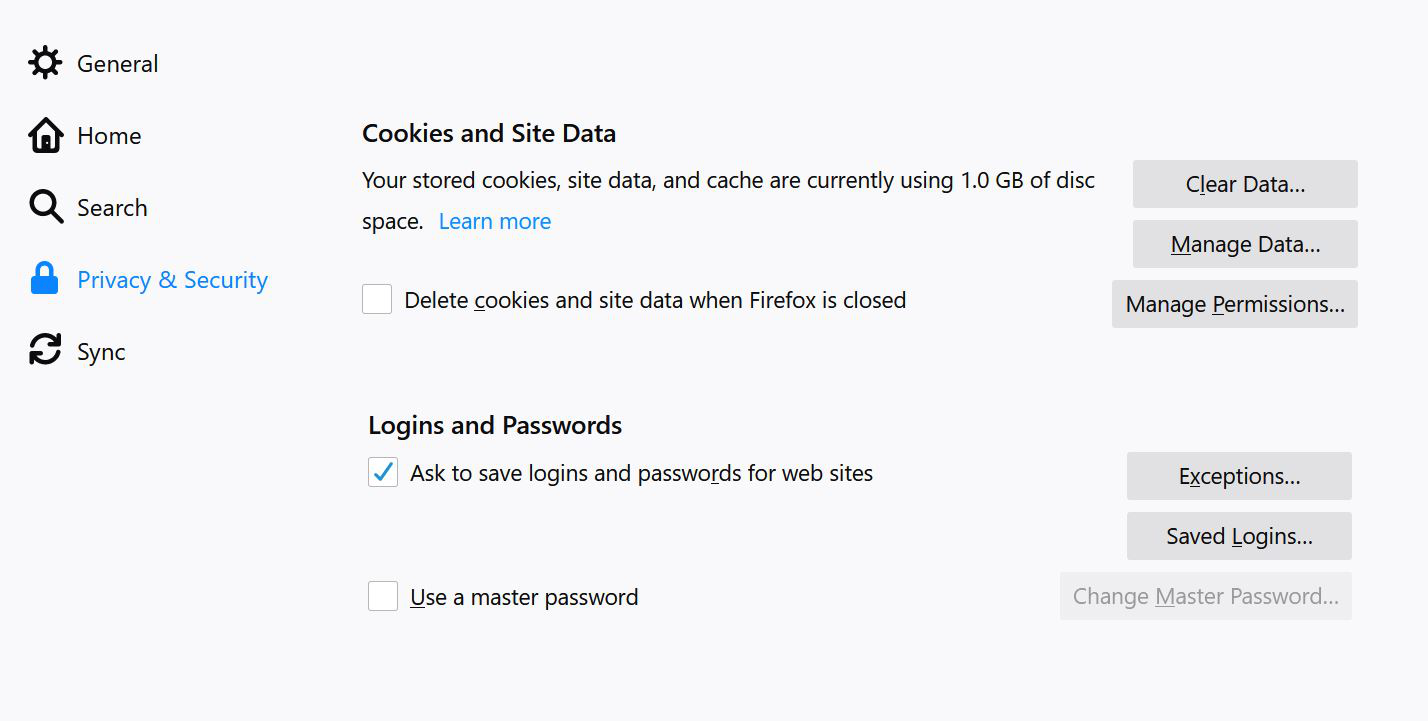
Every time I open Firefox I need to go in and manually check "Ask to save logins and passwords". If I don't do this every page I go to where I need my password, I need to manually enter my password. After I check this, I don't have a problem.... but I would have expected that Firefox would keep my settings, even after I close the browser. This has been happening for years.... and yes I have the latest browser. Also I'm using Windows 10.
Every time I open Firefox I need to go in and manually check "Ask to save logins and passwords". If I don't do this every page I go to where I need my password, I need to manually enter my password. After I check this, I don't have a problem.... but I would have expected that Firefox would keep my settings, even after I close the browser. This has been happening for years.... and yes I have the latest browser. Also I'm using Windows 10.
Tất cả các câu trả lời (1)
hello, this is usually caused by trend micro password manager. please remove it from the firefox addons manager and from the system's installed apps in case it is showing up there.