


on screen keyboard is not pop up

I am using Surface pro. when I am trying to use Mozilla in PC mode and trying to write the on screen keyboard is not pop up but it is working in chrome properly. But when I am using it in tab mode it is working. I am using the updated Firefox version in window 10.
Tất cả các câu trả lời (8)
When did the problem start? Has the keyboard usually worked?
It's from the starting, from October 2017
Hi,
Would you give this a try :
Type in the address bar about:config (press Enter) (promise to be careful, if asked)
Type in the search bar : ui.osk
and look for the preferences :
ui.osk.enabled and set its value to true
ui.osk.detect_physical_keyboard and set its value to false
Then close and restart Firefox.
Does that work ?
All values are true by default (please check the screenshot) but it's not working in PC mode.
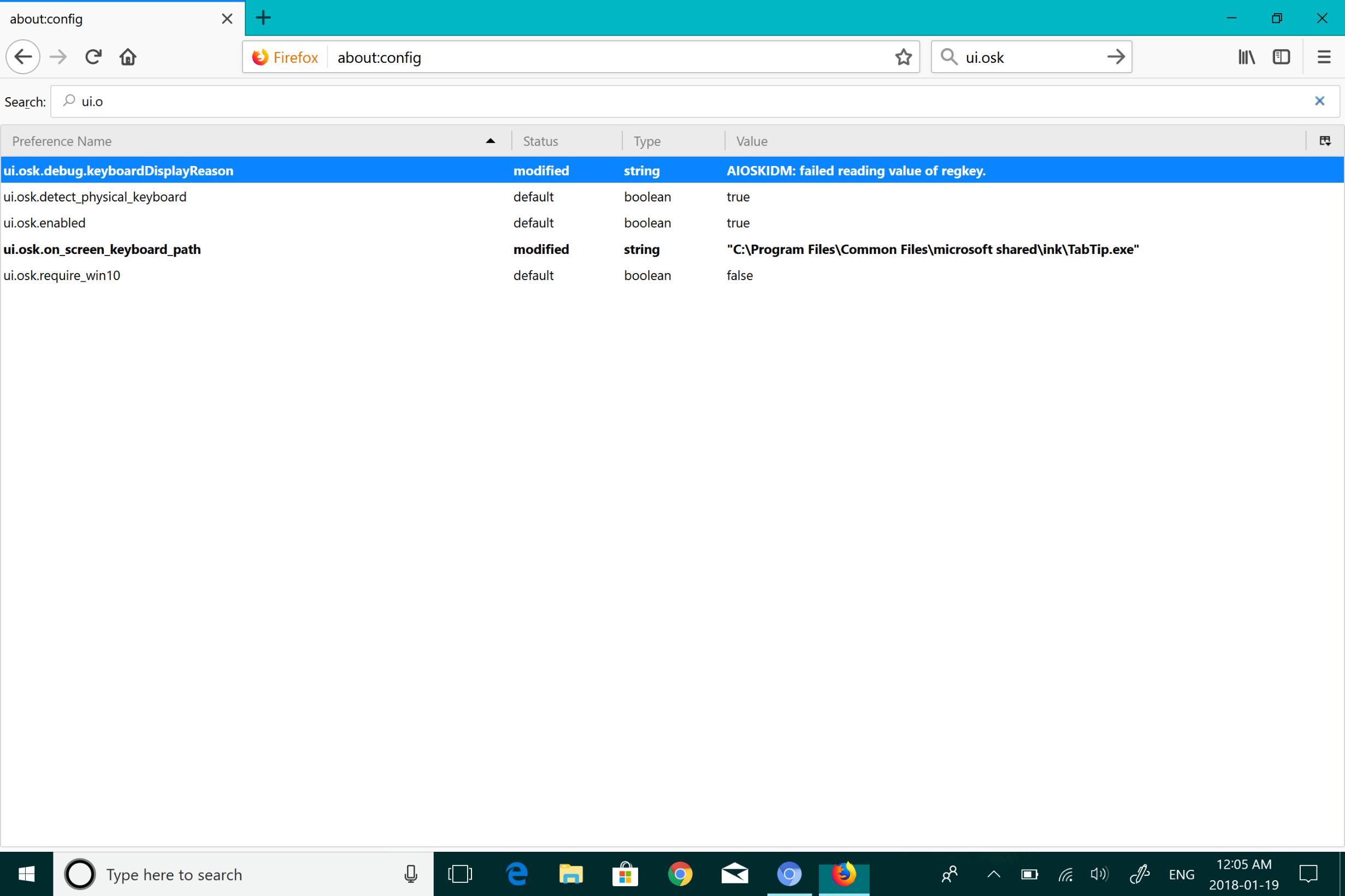
On screen keyboard is working properly in chrome but don't know why it is not working in Mozilla
Anuj1992 said
All values are true by default (please check the screenshot) but it's not working in PC mode.
Would you please look at my post again - it says :
ui.osk.detect_physical_keyboard and set its value to false
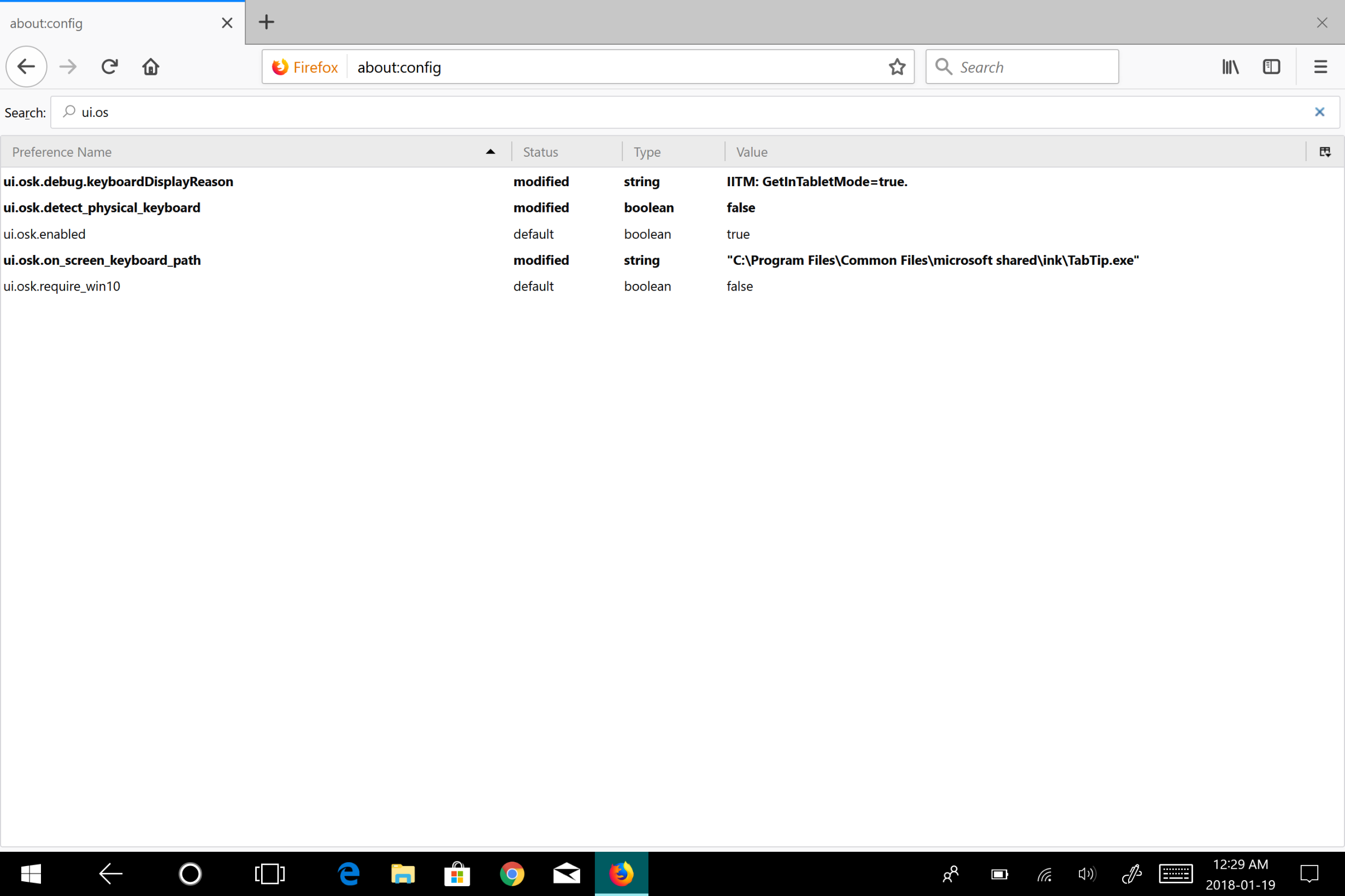
sorry for the mistake. I did all changes but it's not working
Anuj1992 said
sorry for the mistake.
Don't worry about it - I make mistakes all the time ......
I found this :
Được chỉnh sửa bởi Happy112 vào