


Firefox Built-in VPN Suddenly Stopped Working

Hello Mozilla Support Team,
I'm experiencing an issue with Firefox's built-in VPN.
The VPN was working perfectly until a few minutes ago, when it suddenly stopped connecting and displayed the following error:
"Couldn't connect to VPN."
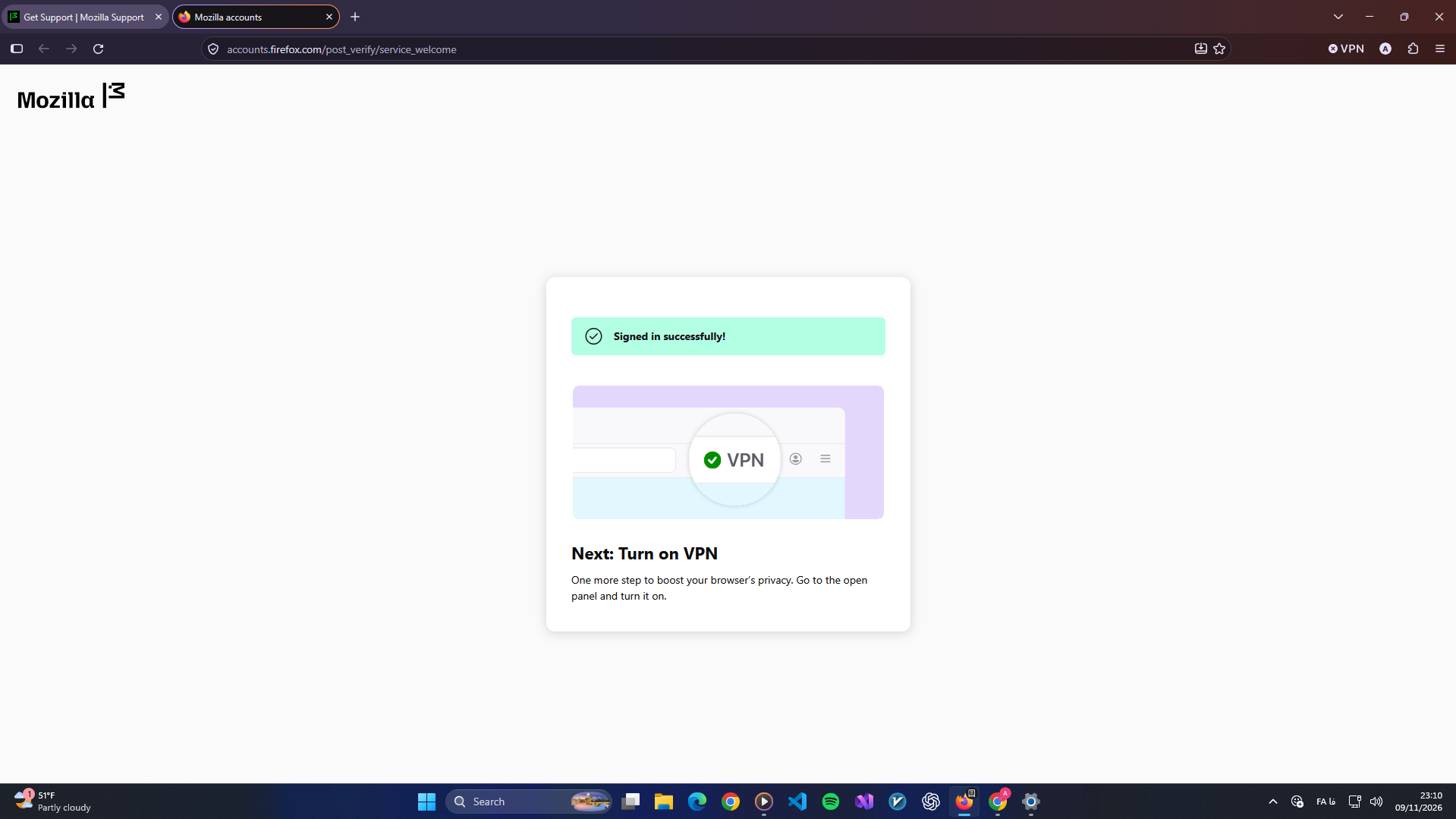
After that, the VPN panel started showing the "Get started" page again. Whenever I click the button and sign in with my Mozilla account, my email is successfully verified, but I'm redirected to the same page.
Here are some details:
Firefox version: 159.0.1
Mozilla account sign-in: Successful
Regular internet connection: Working normally
Enterprise Policies: Inactive
Signing out and signing back in: Didn't solve the issue
Could you please investigate whether this is an account authorization issue or a problem with the VPN service?
Thank you for your help.
Krejt Përgjigjet (1)
Zgjidhja e Zgjedhur
List of countries where the Firefox built-in VPN is available: Unable to find the built-in VPN in Firefox