


Unable to see "View all memories" on One Drive on both windwos 10 and 11 since last update

Hi,
Back in September 2025 we had the same issue for months and it was due to a Mozilla bug. This just happened today after the last Firefox update. I have a desktop with windows 10 and a pretty new laptop with windows 11 both from Dell. They both have the same problem.
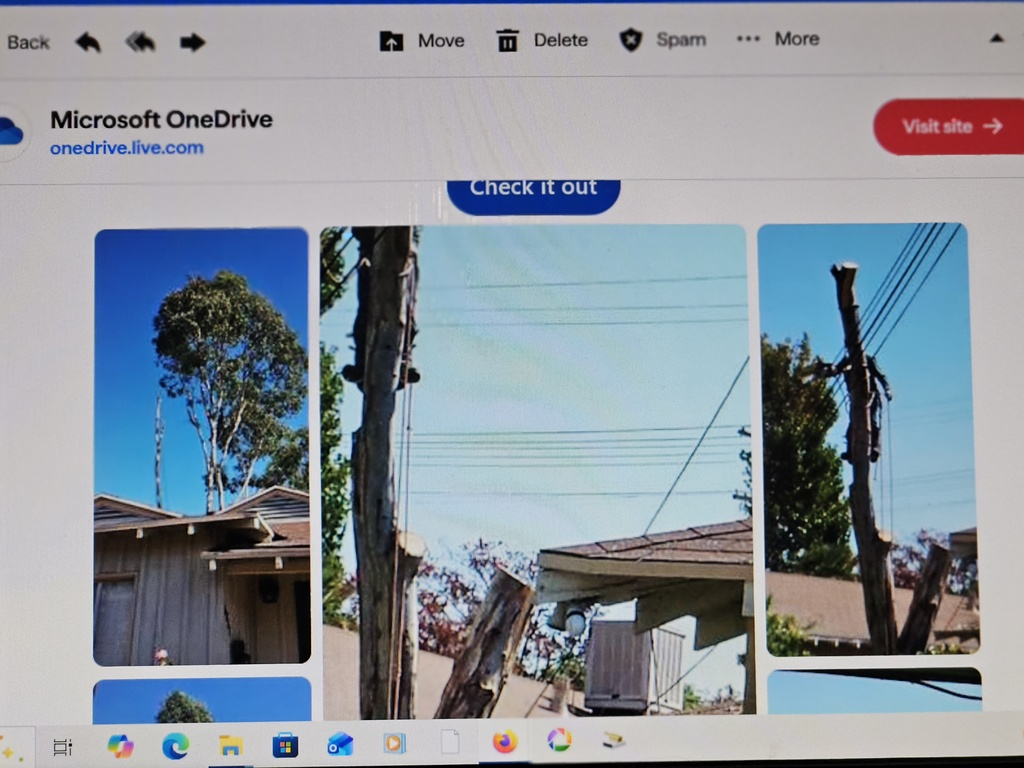
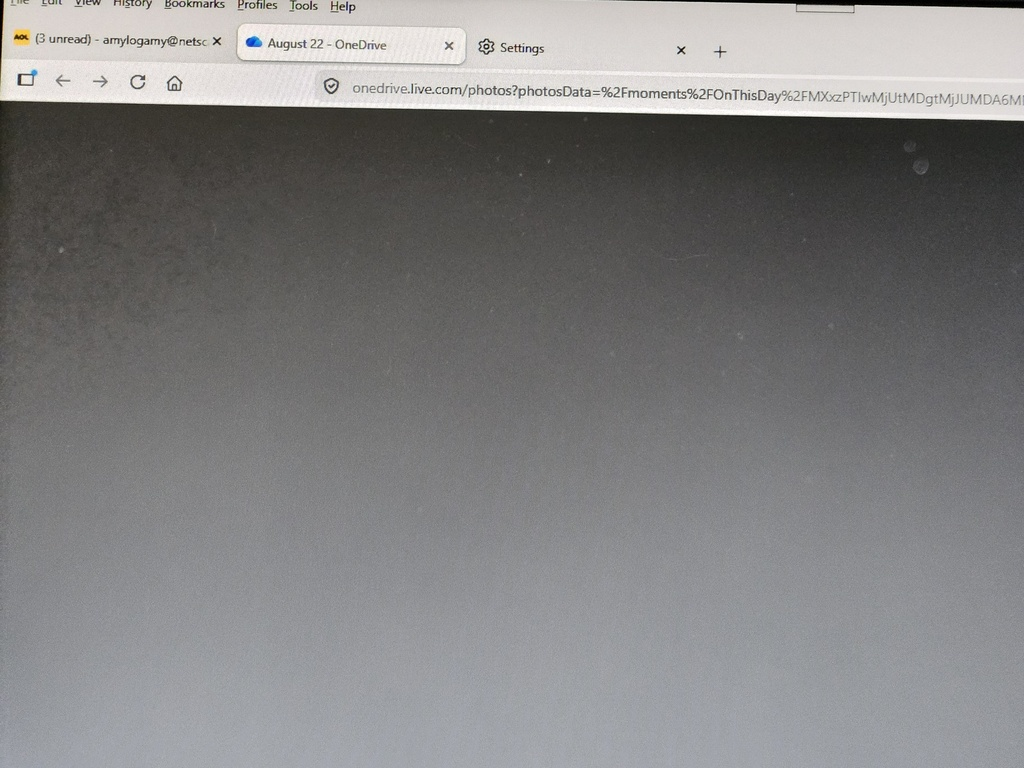
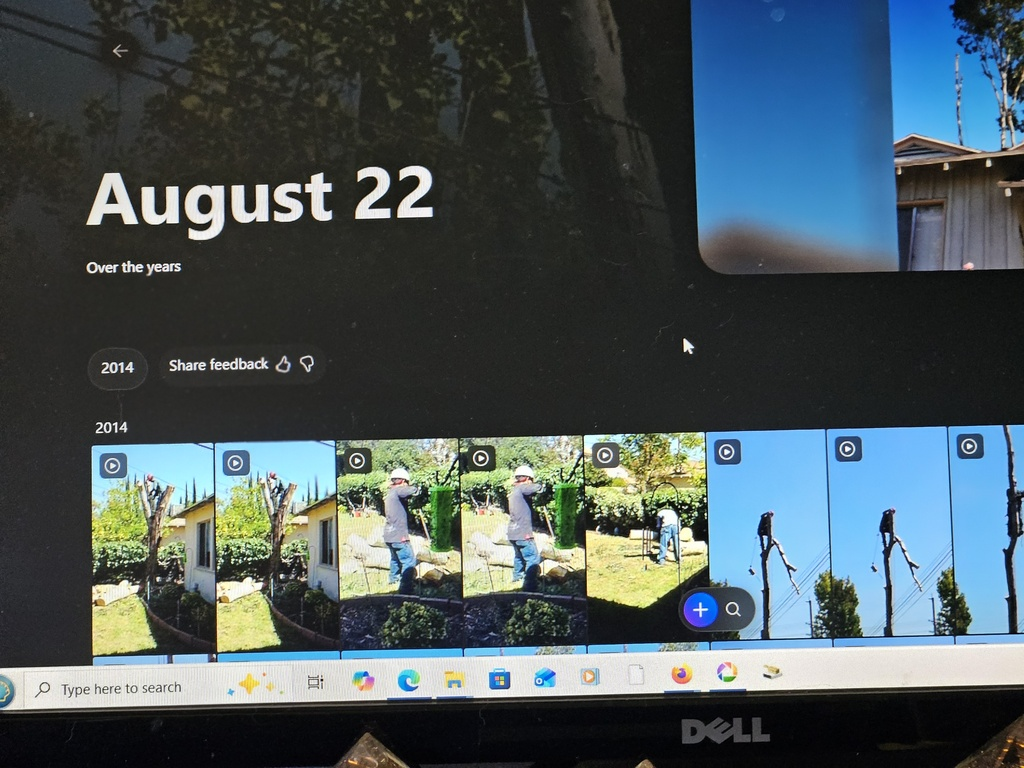
I get the email from One Drive and I see the pictures on the email. I click on them to got One Drive to see them all and it goes gray, not loading pictures. I can see them in the Edge browser!!!!!
See the images from my previews post on Sept 2025 titled: "Unable to see "View all memories" on One Drive".
I really hope this does not take moths to be fixed again.
Amy
Modified by Amylogamy
Chosen Solution
Just to note, OneDrive doesn't want to offer any memories to me, so I can't check this time
All Replies (5)
No results using
Unable to see "View all memories" on One Drive
Hi amoun,
Here are the pictures from today. Usually if you click on the pictures in the email, it would take you to One Drive and show all the pictures. Now is all grayed out trying to download. Third picture shows how it is supposed to be from the Edge browser. It works on Edge but not Firefox probably because of the new bug since the last update.
This below was as per conversation on the post from 9/ 2025. It was a bug in Mozilla.
Denys
Denys
   Moderator
   Top 10 Contributor
9/13/25, 7:07 PM
Hi,
That's a known issue tracked under bug 1987565. I'll keep you updated about the fix deployment.
Eventually the bug was fixed and the problem solved.
Amy
If you open the same in new Private Window, is there any difference?
Here are some standard troubleshooting steps that may resolve the issue:
- Start with clearing Firefox cache.
- If it does not help, try clearing cookies and data for the website you experience troubles with (warning: you will be logged out on this website).
- If it also does not help, try running Firefox in Troubleshoot Mode. If the problem doesn't persist, please follow the steps from this article to troubleshoot further.
- Please check if you have Enhanced Tracking Protection (ETP) enabled. You can do that by clicking the shield
 icon in the left part of the address bar. If ETP is enabled, try disabling it.
- If nothing from the above helps, try creating a new Firefox profile and check if the issue persists there. If it doesn't, you can start copying files from your old profile to the new one to identify which one causes the issue. See this article on what files to copy.
Chosen Solution
Just to note, OneDrive doesn't want to offer any memories to me, so I can't check this time
Sorry jbr.
I am not doing all this when I know from previous experience from September 2025 that the problem is a bug in Firefox after the latest update. My laptop with Windows 11 has the same problem. No problem with the Edge browser. sooner or later somebody else with post with the same problem