


after 9.0.1 all others will no read Greek on my email!

Hi After 9.0.1 all other upgrades cannot read Greek in my email account which i am using. I have a email account from HORDE and all Greek comes as question marks ??????? Is there anything (other than re installing 9.0.1) i can do to fix this
Thanks
Todas as respostas (6)
Make sure that you've selected the correct encoding to read the messages if the server does send it in the wrong encoding like the ?? would suggest.
It is best to stay with Unicode (UTF-8) instead of using a Windows or Western proprietary 8 bit encoding to get the best results.
- Firefox > Web Developer > Character Encoding
- View > Character Encoding
Modificado por cor-el a
Hi cor-el
This is happening in my in-box and it started for the first upgrade of 9.0.1 Something has changed after 901 and i also contacted my web host and they told me as well it was a Mozilla problem that they couldn't figure out as well !! In "Show this HTML in a new window?" in my inbox it works just fine - shows Greek !! Here's an example inbox -- New window
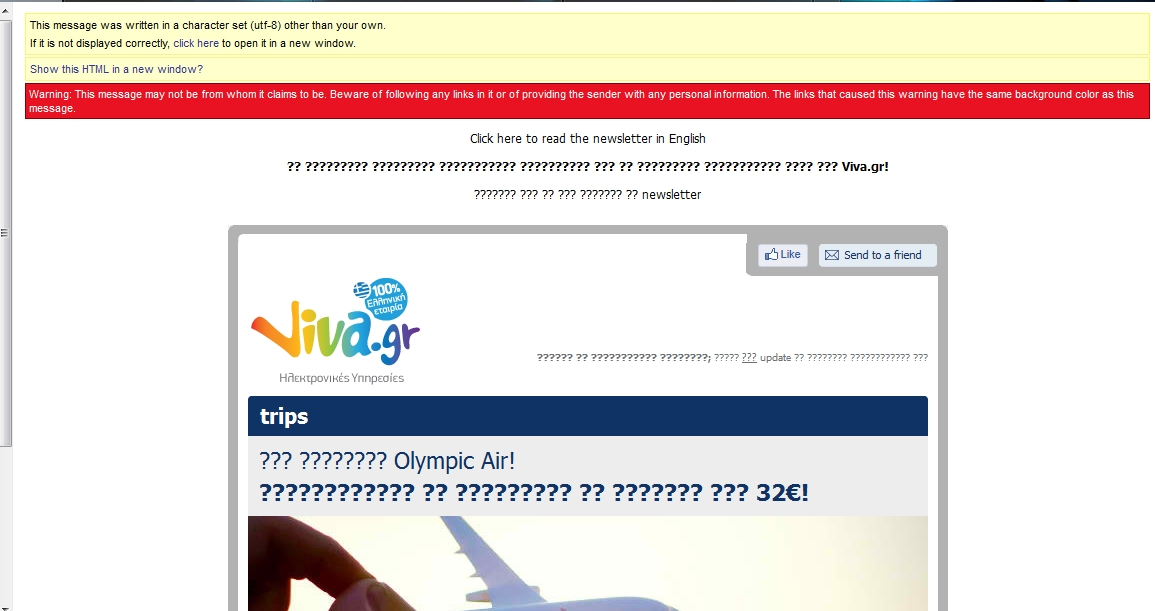
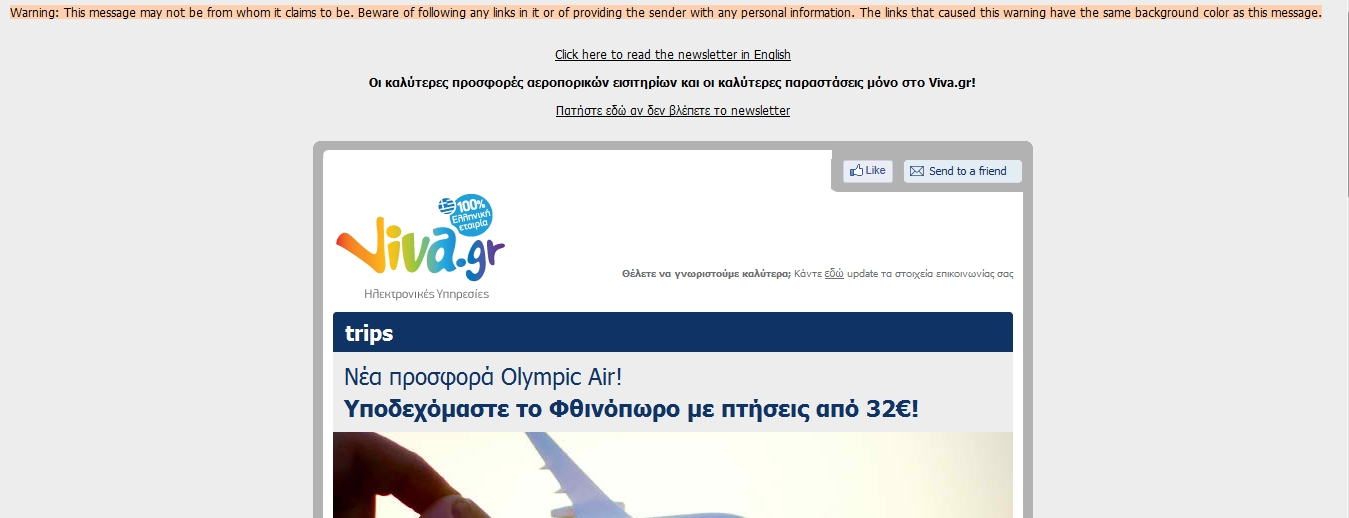
Did you try to switch to UTF-8 as the first screenshot suggests to see if that works?
- Firefox > Web Developer > Character Encoding > More Encoding > Unicode > Unicode (UTF-8)
I tried but there's no -----Character Encoding Firefox > Web Developer >
I just down loaded the WD Extensions as well but still NO >Character Encoding There as well to follow !!!
If you have the menu bar visible or bring it up via F10 then go to the View menu instead.
- View > Character Encoding
Done that -- It was set at Unicode (UTF-8) --But It does 'nt mark the last Unicode (UTF-8)