


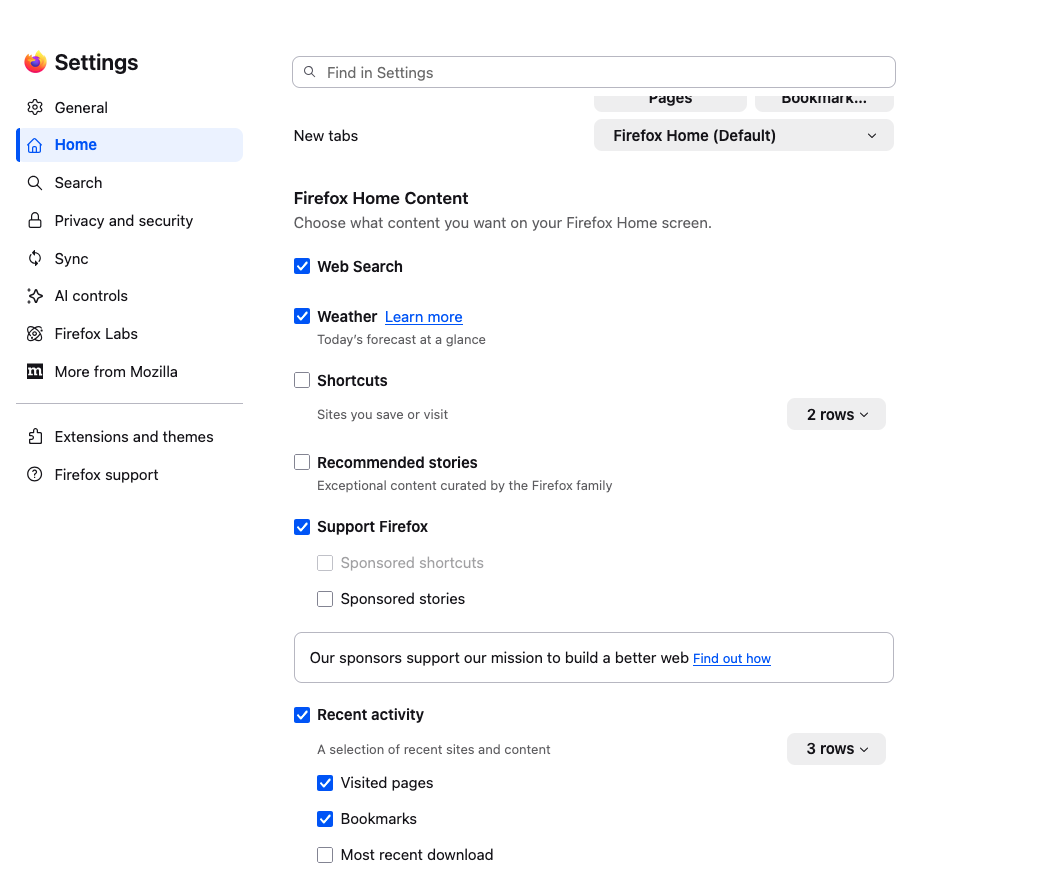
Not seeing the weather on Firefox Home Content page
Not seeing the weather on Firefox Home Content page

എല്ലാ മറുപടികളും (7)
Hello,
You can try going to about:config, then enabling browser.newtabpage.activity-stream.widgets.system.weather.enabled This being enabled is mostly required in new versions of Firefox.
Hello
This discussion thread https://connect.mozilla.org/t5/discussions/firefox-151-introduces-a-fresh-new-look-for-home-amp-new-tab/td-p/125715
I checked the "about:config" page and it's already enabled. I'm going to try Troubleshoot Mode and also refreshing my Firefox.
Hello
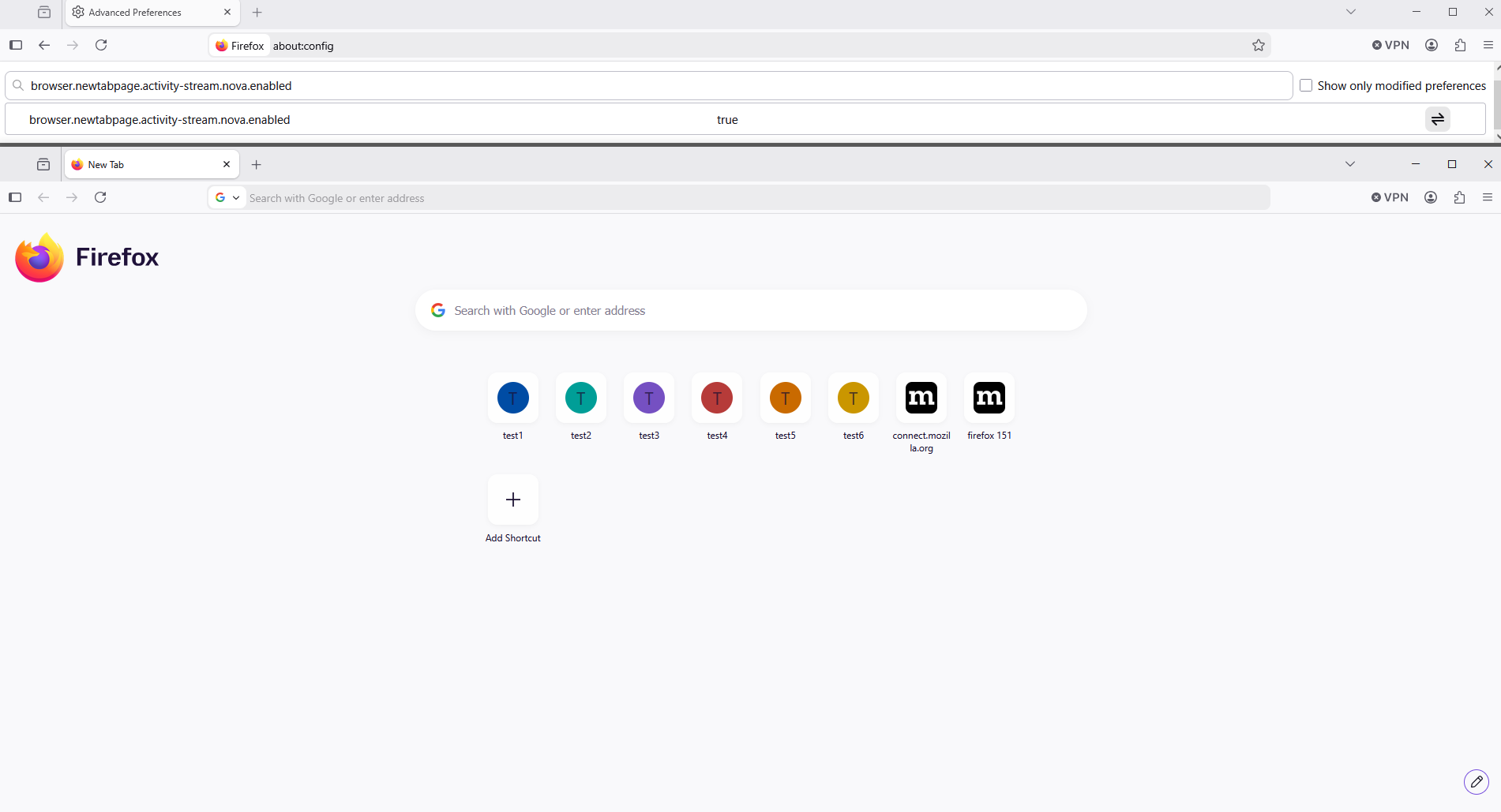
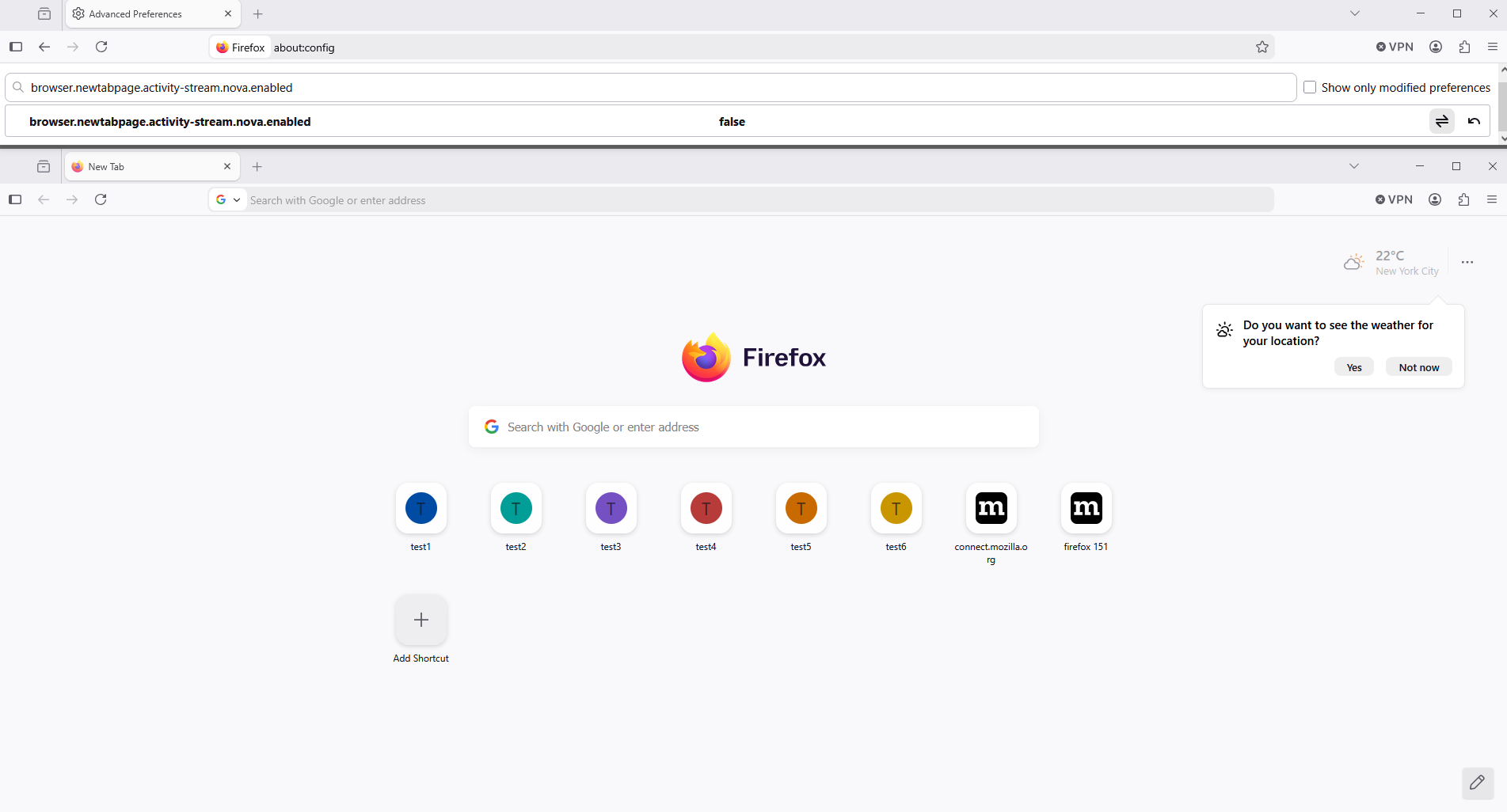
Have you tried 1 - Go to configuration editor https://support.mozilla.org/en-US/kb/about-config-editor-firefox 2 - Enter a search term browser.newtabpage.activity-stream.nova.enabled You can double-click on the preference to set the value to false
To see, do not modify, browser.newtabpage.activity-stream.nova.enabled
A subject https://bugzilla.mozilla.org/show_bug.cgi?id=2040751
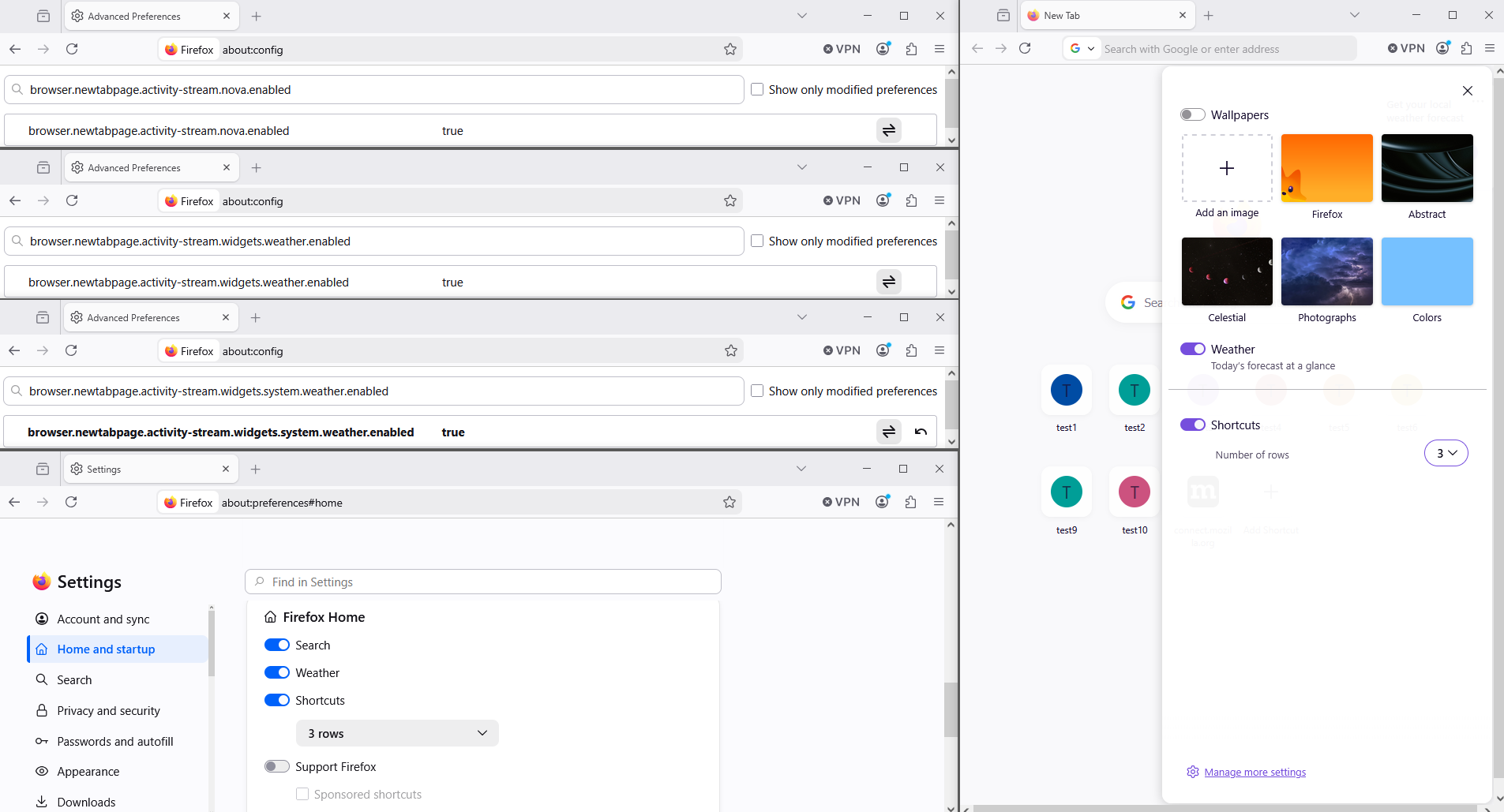
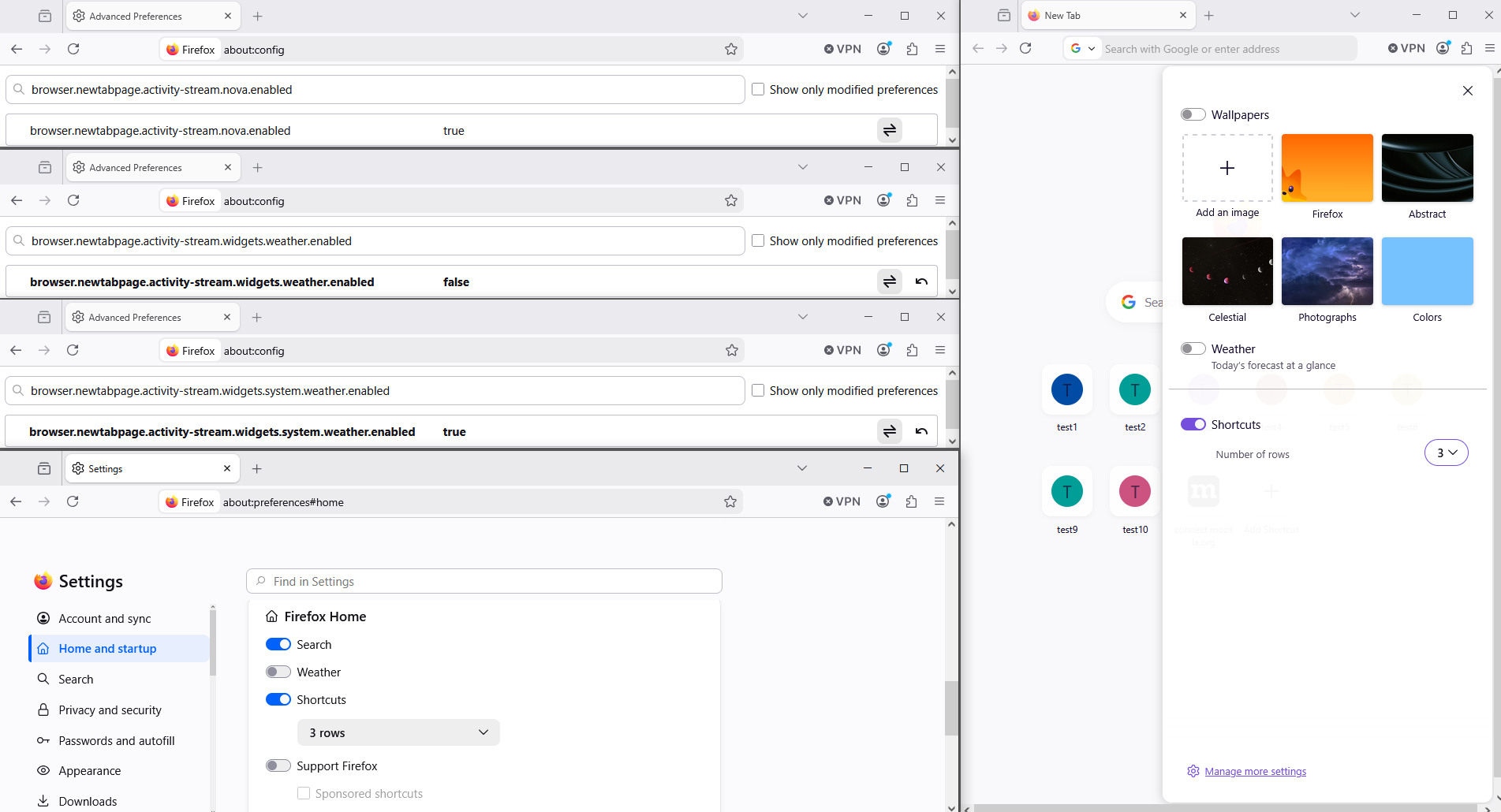
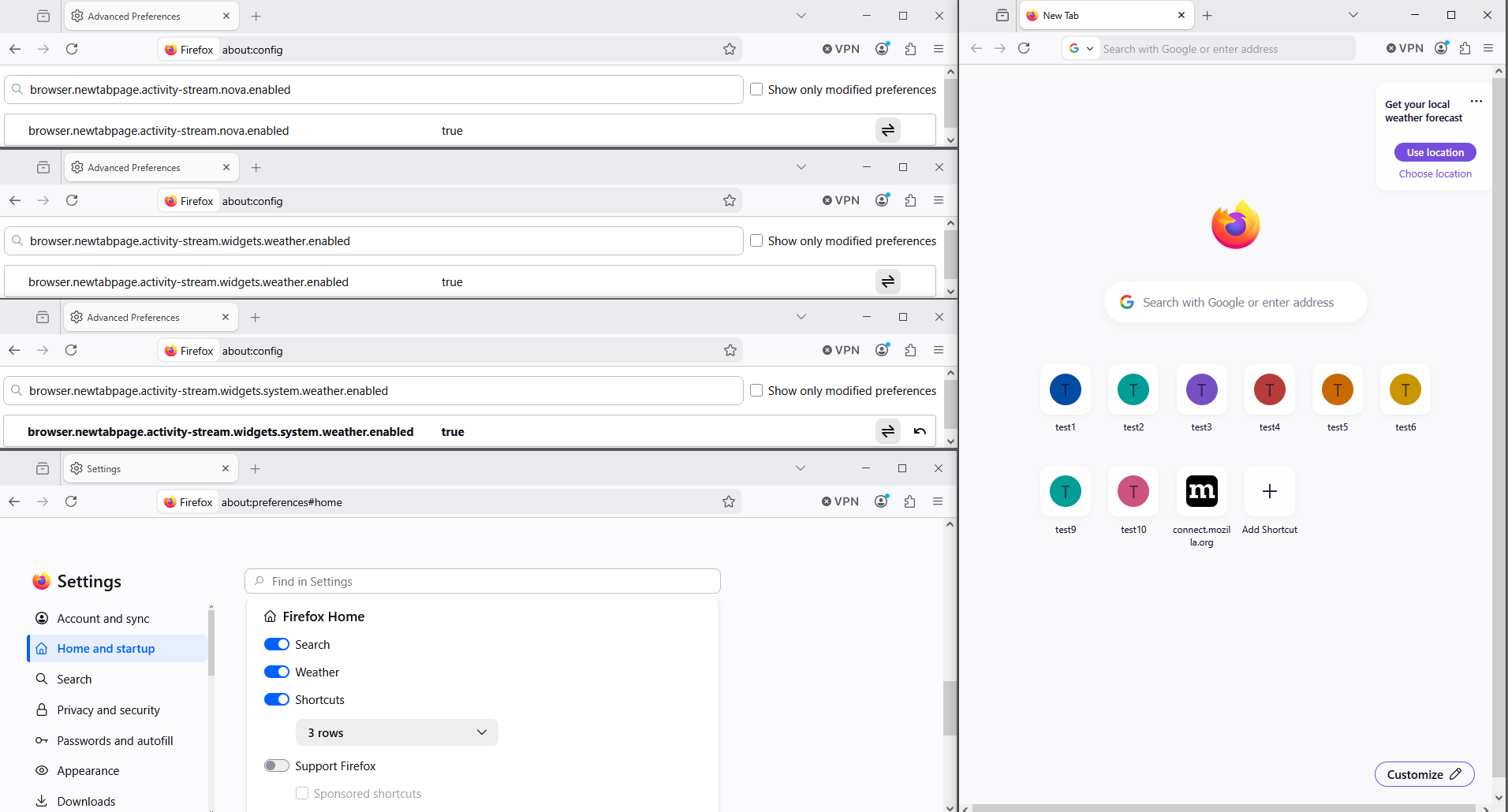
Try this settings browser.newtabpage.activity-stream.widgets.system.weather.enabled set to true browser.newtabpage.activity-stream.widgets.weather.enabled set to true
Below, a test performed on Firefox 152 beta
Modified by Agent virtuel