


Firefox can't load Outlook

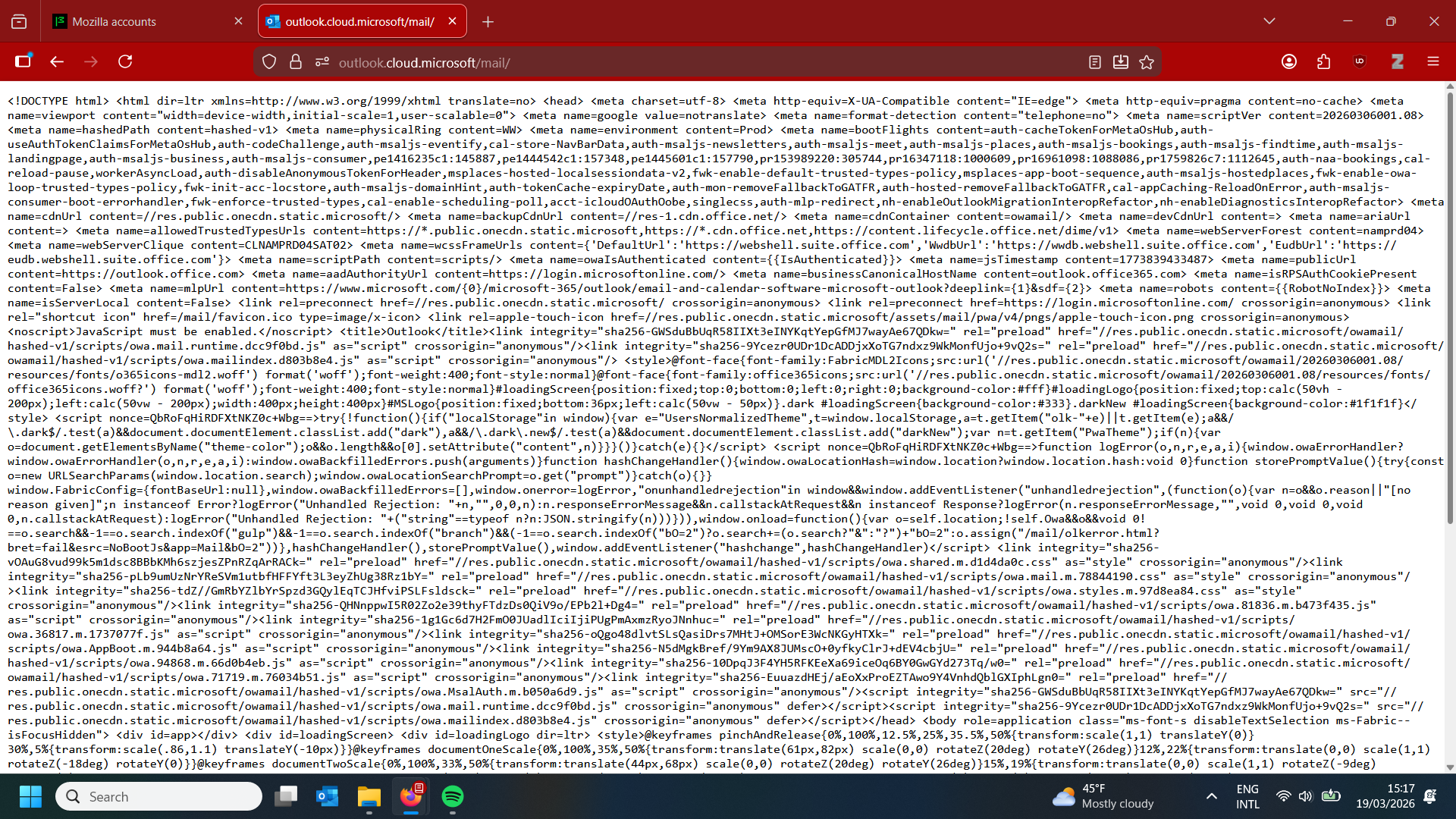
I use the web client of Outlook for my work email. However, I've run into an issue: while I can log in through Firefox, every so often (and lately it's been quite often) I launch the Outlook webpage, and all I get is just a bunch of code (see image). The only thing I've found that makes the page work again is to clear all cookies and cache, and clear the start-up cache, and then launch Firefox again. Obviously, this is very annoying, since I have to log in anew every time (and use 2-step verification, etc.). Does anyone know how I might fix this more permanently so I don't have to keep clearing all my cookies and logging in all over multiple times a week?
എല്ലാ മറുപടികളും (1)
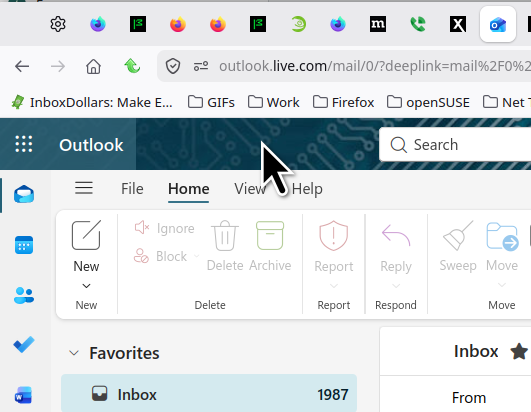
That url looks incorrect. I'm in it everyday. see screenshot https://outlook.live.com/mail
Personal or at work? Did you try with Firefox in Troubleshoot Mode? https://support.mozilla.org/en-US/kb/diagnose-firefox-issues-using-troubleshoot-mode#w_how-to-start-firefox-in-4troubleshoot-modesf5safe-modesf
Did you try clearing the browser cache? https://support.mozilla.org/en-US/kb/how-clear-firefox-cache#
I tried your url and it eventually translated to the one I posted.
Modified by jonzn4SUSE