


why won't Amazon.com load on firefox

why won't Amazon.com load on Firefox?
എല്ലാ മറുപടികളും (13)
Hey there, I am afraid I can't reproduce it, as amazon.com works for me. Are you able to load the website on another browser? If yes, there is a possibility an addon is actually blocking this. Try starting Firefox on Troubleshoot mode and let us know if it works now.

Amazon loads in chrome and edge, but not firefox. It won't load in troubleshoot mode either. the tab for the page just has a small black dot going back and forth in front of the amazon.com/ title.
Amazon.com does not work in Firefox. It works in Chrome & Edge. Troubleshoot mode did not work. Neither did REFRESH or clear startup cache. When I try to get on amazon after a refresh, a generic amazon page comes up, but when I click on "Your Account", it freezes and won't come up again unless I refresh again.
Hey tomhouse, unfortunately I can't reproduce this. Which Firefox version you are at and what operating system?
Show the issue. Can you show what you're getting when you try Amazon? Windows home or pro and are you running any security software besides MS Defender? Did you clear your browser cache? https://support.mozilla.org/en-US/kb/clear-cookies-and-site-data-firefox You can also try Refreshing Firefox. https://support.mozilla.org/en-US/kb/refresh-firefox-reset-add-ons-and-settings Who are you using for DNS? Can you flush dns? Here are steps.
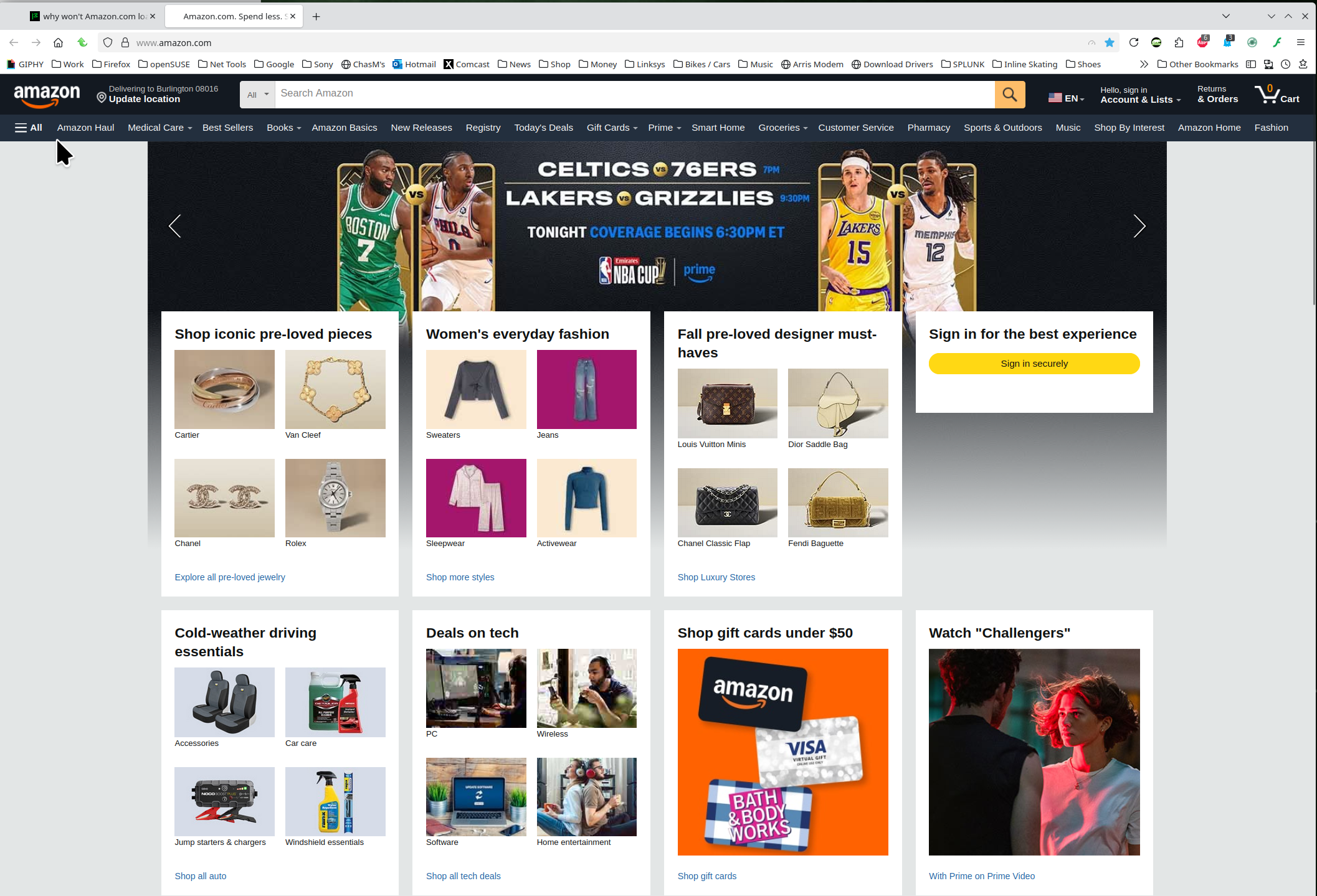
Modified by jonzn4SUSE

Jonzn4SUSE: All I get when I try amazon is a blank white page with nothing on it. The tab is a small black dot going back and forth in front of either "/amazon" or "New Tab". I am using the latest version of Windows 11. I run Norton 365, but turned it off and that didn't change things at all. Troubleshoot mode did not work. Neither did REFRESH or clear startup cache. I followed your link to try to flush the DNS, but there are no instructions there for doing it with Windows 11, only lower versions of Windows. My internet provider is Frontier (via fiber optic. Amazon and Facebook both work fine in Chrome & Edge.
Windows home or pro? If pro version you should have Windows Sandbox enabled for testing. https://www.howtogeek.com/399290/how-to-use-windows-10s-new-sandbox-to-safely-test-apps/ Can you disable Norton, reboot, and try again. You can also boot windows into safe mode with networking to test.

I started having this problem several days ago. Many sites open fine in Firefox (news sites, etc.) but Amazon, Facebook, LinkedIn, and Instagram won't open. (Or, occasionally as in the case of Facebook, veeerrryyyyyy slowly load over the course of several minutes.) These open fine in Chrome. I have disabled all of my extensions (which was one, AdBlock), which didn't help. I opened Firefox in troubleshoot mode, which didn't help.
Karin said
I started having this problem several days ago. Many sites open fine in Firefox (news sites, etc.) but Amazon, Facebook, LinkedIn, and Instagram won't open. (Or, occasionally as in the case of Facebook, veeerrryyyyyy slowly load over the course of several minutes.) These open fine in Chrome. I have disabled all of my extensions (which was one, AdBlock), which didn't help. I opened Firefox in troubleshoot mode, which didn't help.
Hey Karin, could you add here on which Operating System you are and which Firefox version?

Same here I tried literally EVERYTHING! Still having issue.
I used a new computer and no issue, I will have to reinstall firefox no other option