


Marquee tag in html don't work correctly on Windows 11

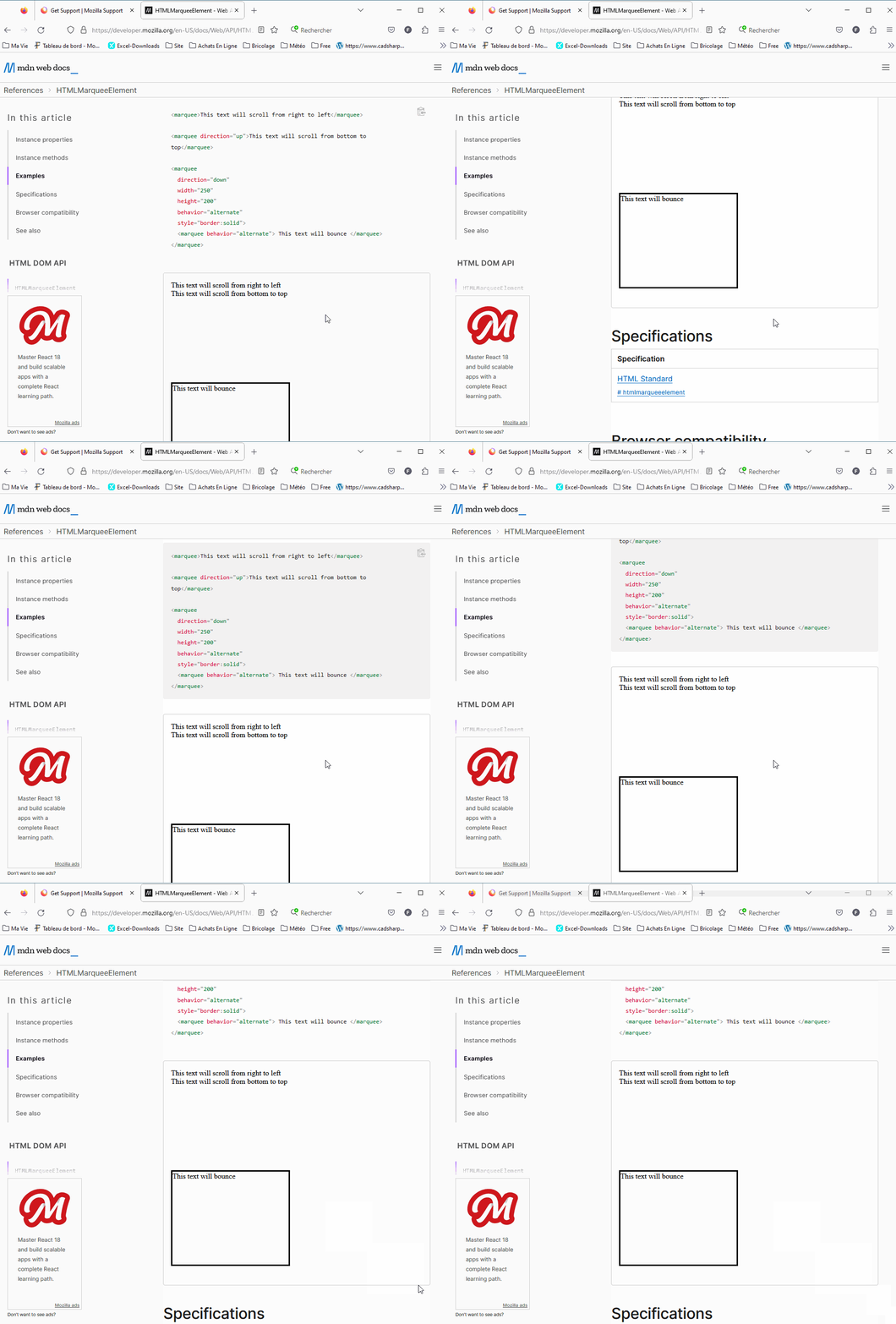
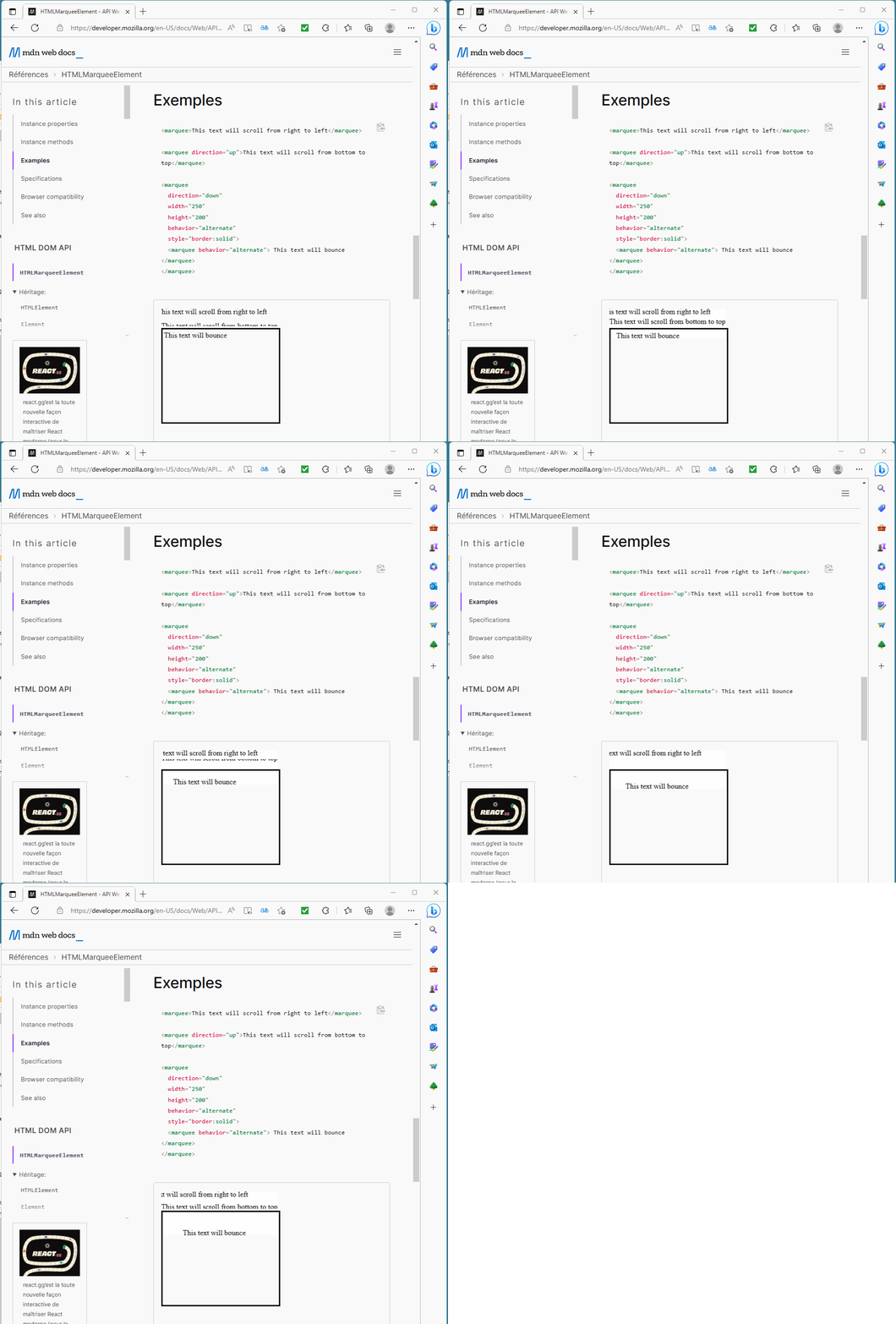
Hello, With Windows 11, the Marquee Tag don't work correctly with Firefox . Nevertheless the tag work in MsEdge or Chrome .
Remark: Under Windows 10, Firefox run Marquee Tag correctly . The version is the same .
Try with Url https://developer.mozilla.org/en-US/docs/Web/API/HTMLMarqueeElement
Chosen solution
I have set ui.prefersReducedMotion = 1 and had to set that pref to 0 to make the marquee work, but then there are no problems with stopping after a cycle.
Read this answer in context 👍 0All Replies (4)
On your Windows 11 system the text remains static instead of moving?
I wonder whether there is a system setting (perhaps related to animations?) that could be coming into play.
Hi jscher2000, Thanks for your reply.
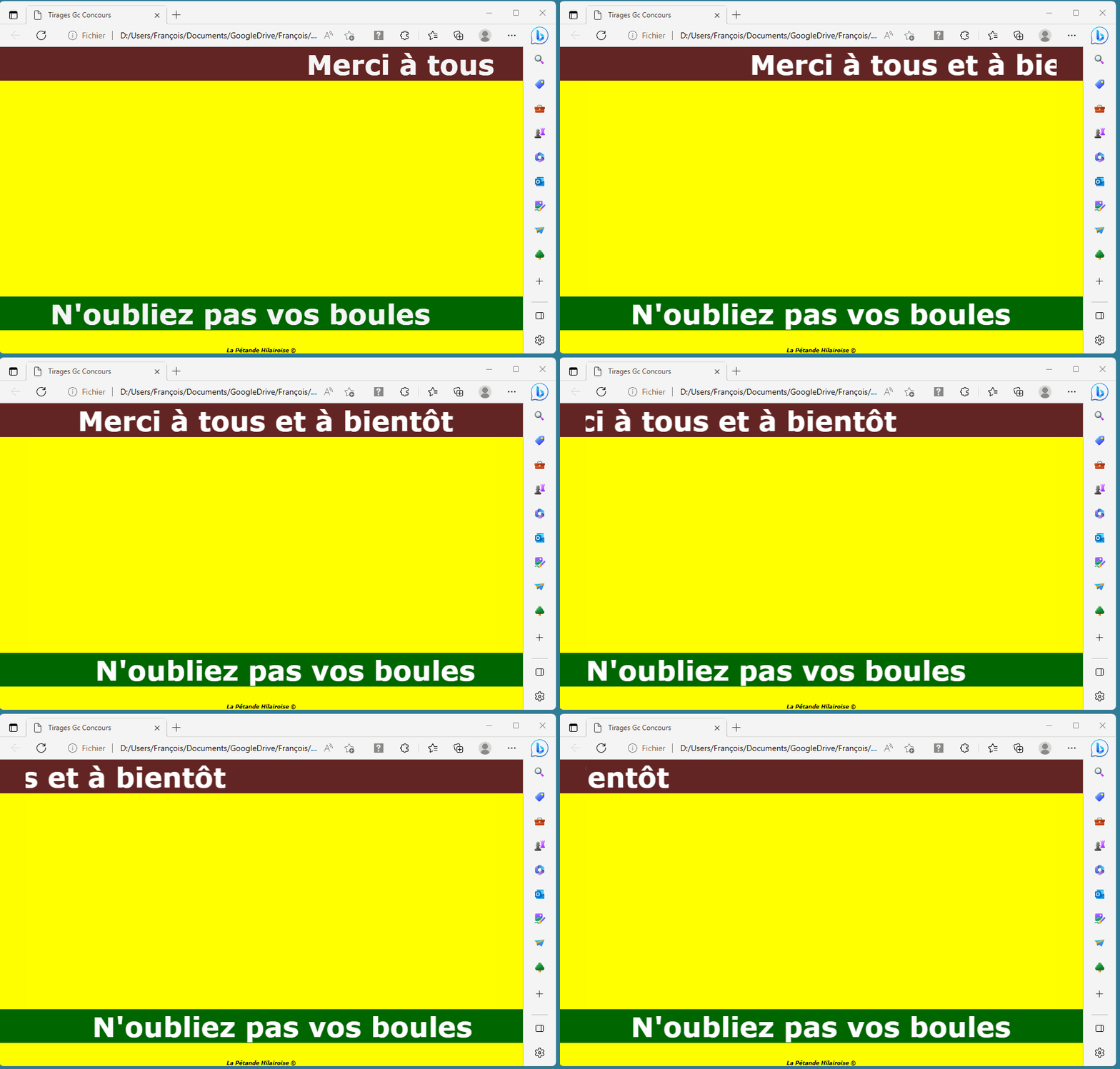
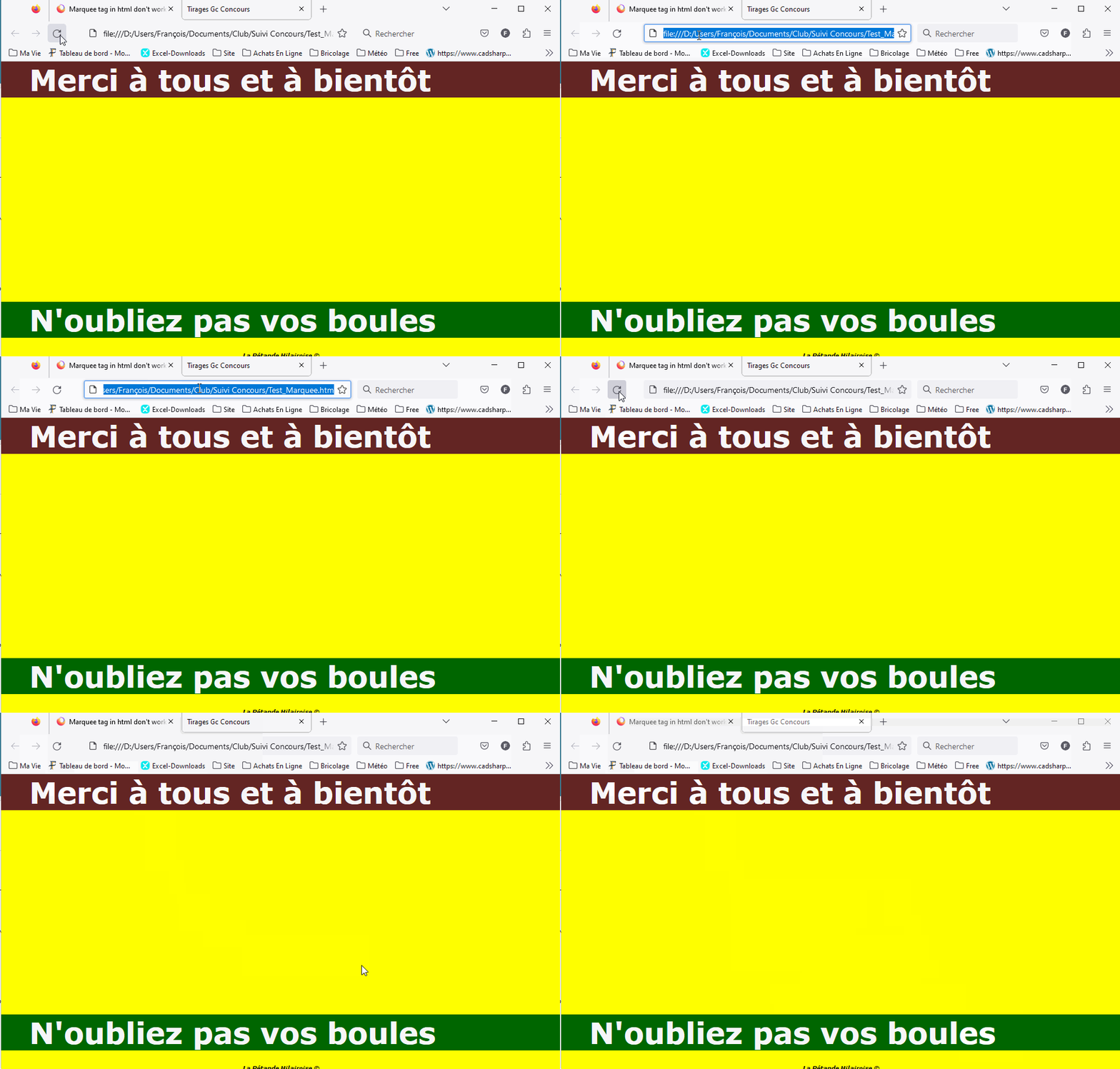
The text(s) are not static(s) when launching the file . They become static when their cycle is reached instead to continue ...
In the sample,
- the first line must scroll from right to left, disappear and reappear on the right to restart the cycle.
- the second line must scroll by alternance from left to rigth and conversely .
You can test with this link : Example to launch
Chosen Solution
I have set ui.prefersReducedMotion = 1 and had to set that pref to 0 to make the marquee work, but then there are no problems with stopping after a cycle.
Hi cor-el, Thanks for your remark .
Following your post, I have put this css line into my file : @media (prefers-reduced-motion: no-preference){}
The Marquee work perfectly now ???
Later i have pulled this line and the marquee work always, I don't understand ...
I can't no more reproduce the problem. So i close this post .
Modified by fanchlrr