


Any firefox release above 5.0 crashes my bank website, even when started with blank profile?

Any upgrade of firefox beyond 5.0 crashes immediately when attempting to load bank website. I have removed entire .mozilla profile before loading firefox, and checked/unchecked SSl/TSl in advanced/preferences, with no joy. Arch Linux OS, up-to-date 12/27/2011 Firefox 5.0 loads perfectly Opera 11.6 loads perfectly Chromium 16.0 loads perfectly Here's the website: https://www.53.com/site/index.html?%3f Thanks in advance
Tutte le risposte (7)
Did you try to disable all plugins?
Did you submit any crash reports?
See:
I'm sorry, I thought I was clear. I totally removed the firefox profile, including all extensions, plugins, personas, add-ons, etc. This happens with a completely empty .mozilla profile with nothing installed.
And I thought this was a crash report.
Plugins aren't disabled in Safe mode and are found via a scan, so you will still have all plugins if you create a new profile as you can see in Tools > Add-ons > Plugins
Modificato da cor-el il
Nope, All plugins disabled, restart in safe-mode, firefox crashes within 3 seconds of clicking on the bank website, and no crash report window popups.
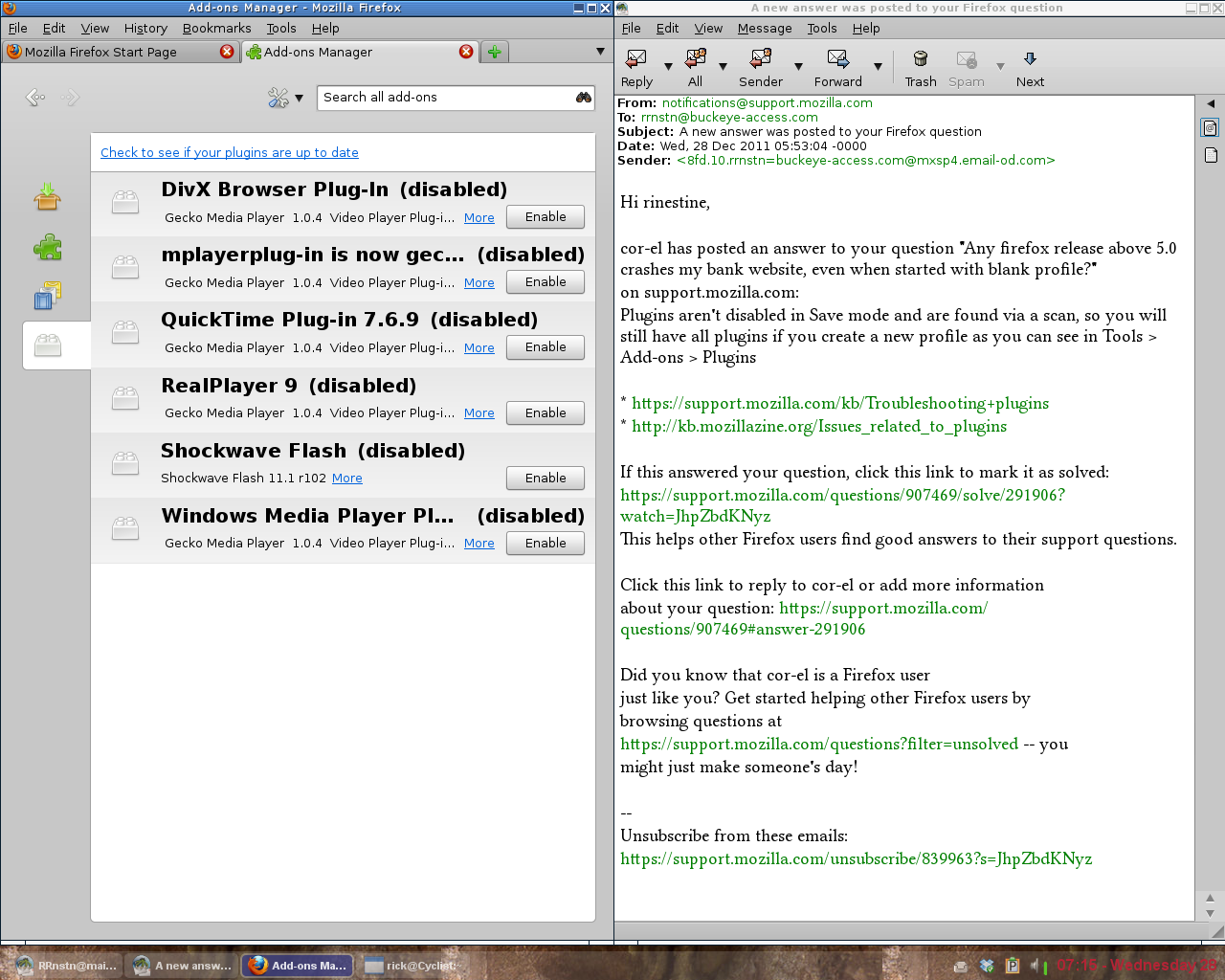
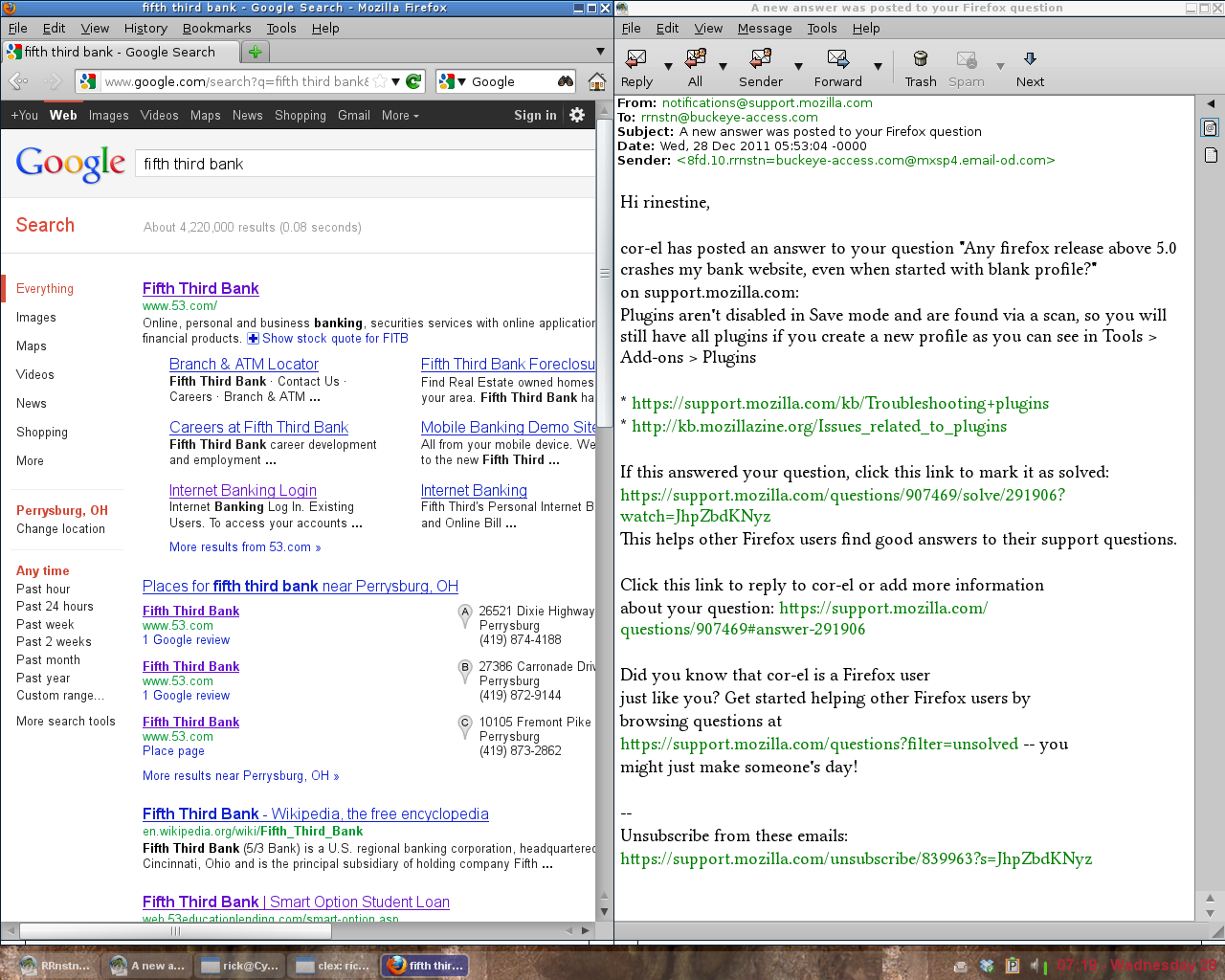
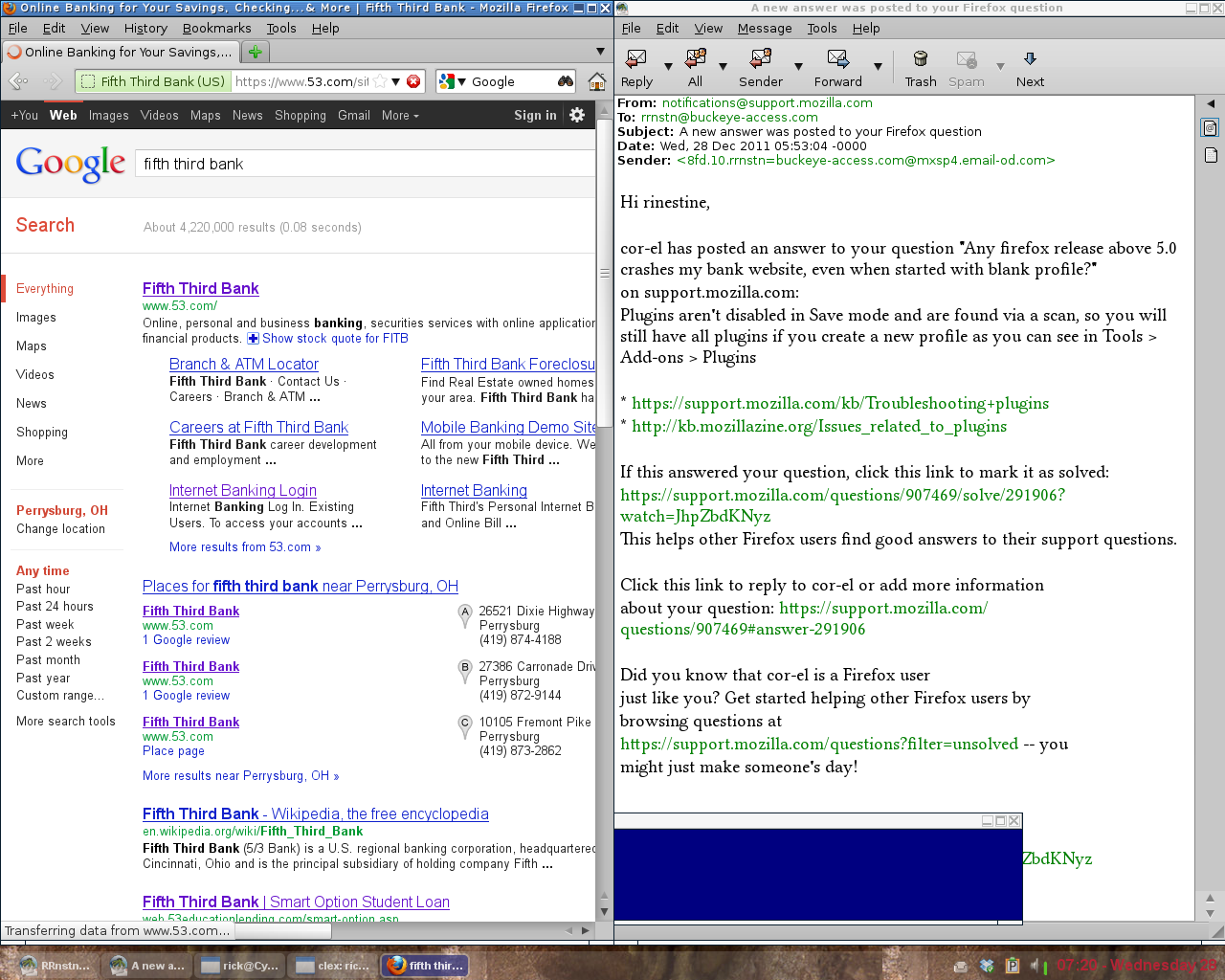
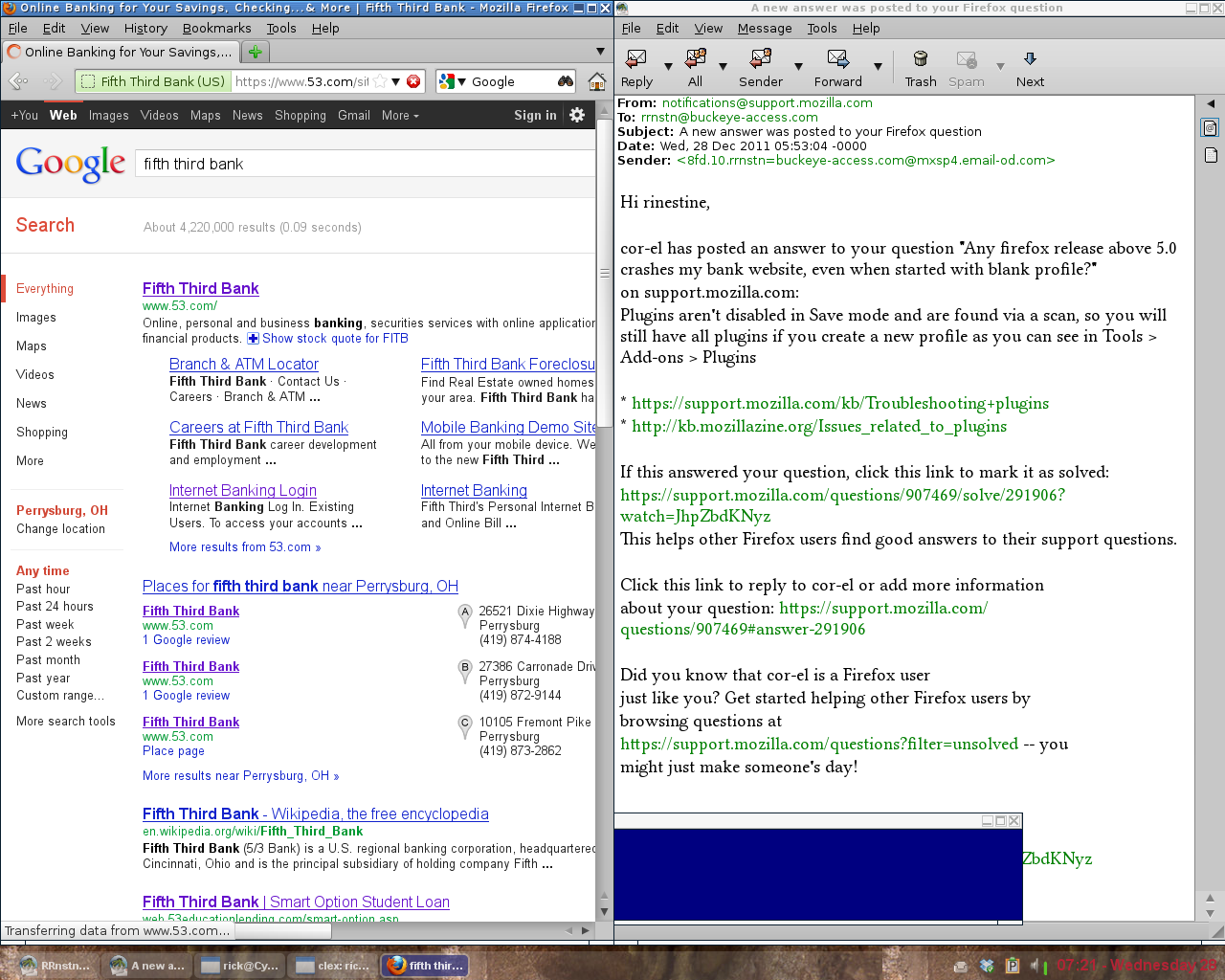
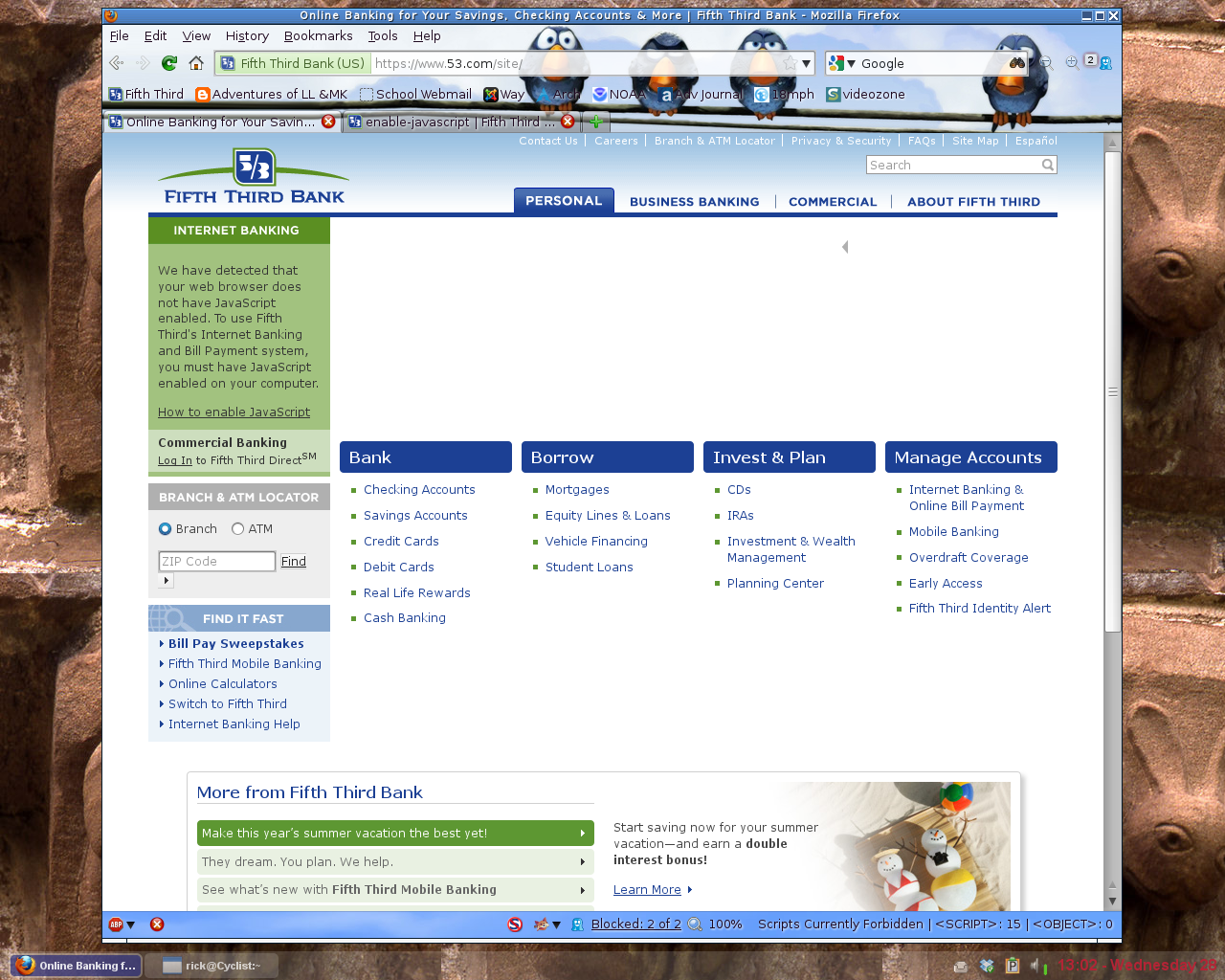
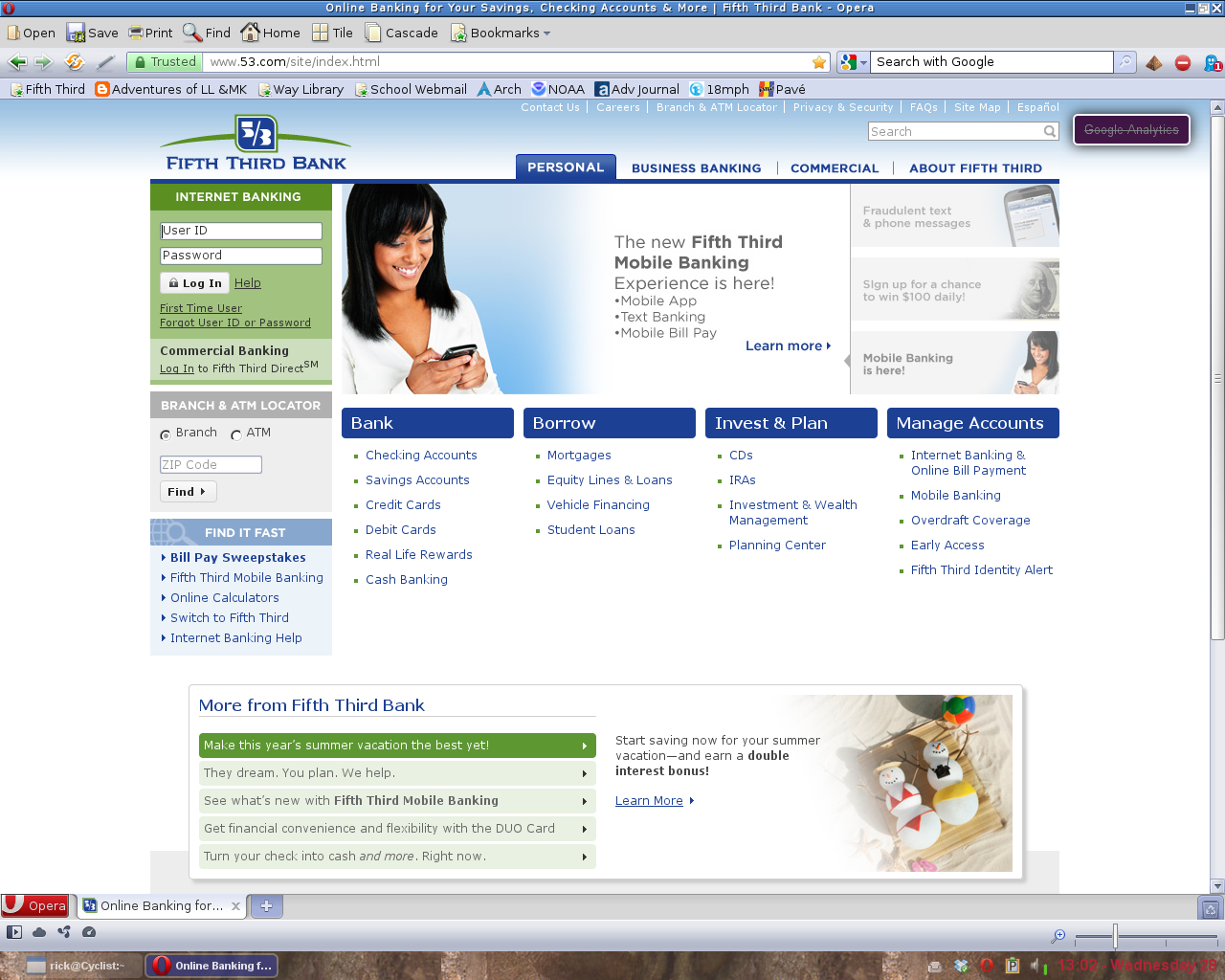
OK, I've been playing with it all day. I can load the website if javascript is disabled, but Firefox immediately closes upon given permission to enable scripting. I am enclosing two pics, showing the page with firefox (javascript disabled) and Opera (javascript enabled). I'm guessing that this is a website or javascripting issue and not a firefox issue?
You can try to disable some of the JIT prefs (Filter: jit) on the about:config page to see if that helps.
- javascript.options.methodjit.chrome
- javascript.options.methodjit.content
Modificato da cor-el il
Removed FF9.0, installed FF5.0, checked jit settings, reinstalled/removed FF9.0/5.0, set jit exactly same, no joy. I have installed Opera 11.6 (My wife uses the website for online banking), imported FF bookmarks, set it up to look like FF and she didn't notice the difference. I can use FF9.0 as is. Thanks for your help.