


Windows 10 reached EOS (end of support) on October 14, 2025. For more information, see this article.

Cerca nel supporto

Attenzione alle mail truffa. Mozilla non chiederà mai di chiamare o mandare messaggi a un numero di telefono o di inviare dati personali. Segnalare qualsiasi attività sospetta utilizzando l'opzione “Segnala abuso”.

Ulteriori informazioni

Questa discussione è archiviata. Inserire una nuova richiesta se occorre aiuto.

Can't open websites

  • 2 risposte
  • 0 hanno questo problema
  • 38 visualizzazioni
  • Ultima risposta di jonzn4SUSE

ulteriori opzioni

Suddenly my Firefox browser won't open popular websites, such as Schwab, Facebook and Wells Fargo. It displays an error message that the site uses Java, and that I need to enable javascript. When I check in Settings, javascript is already enabled. I tried restarting and reinstalling without success. When I use the Chrome browser the sites work normally.
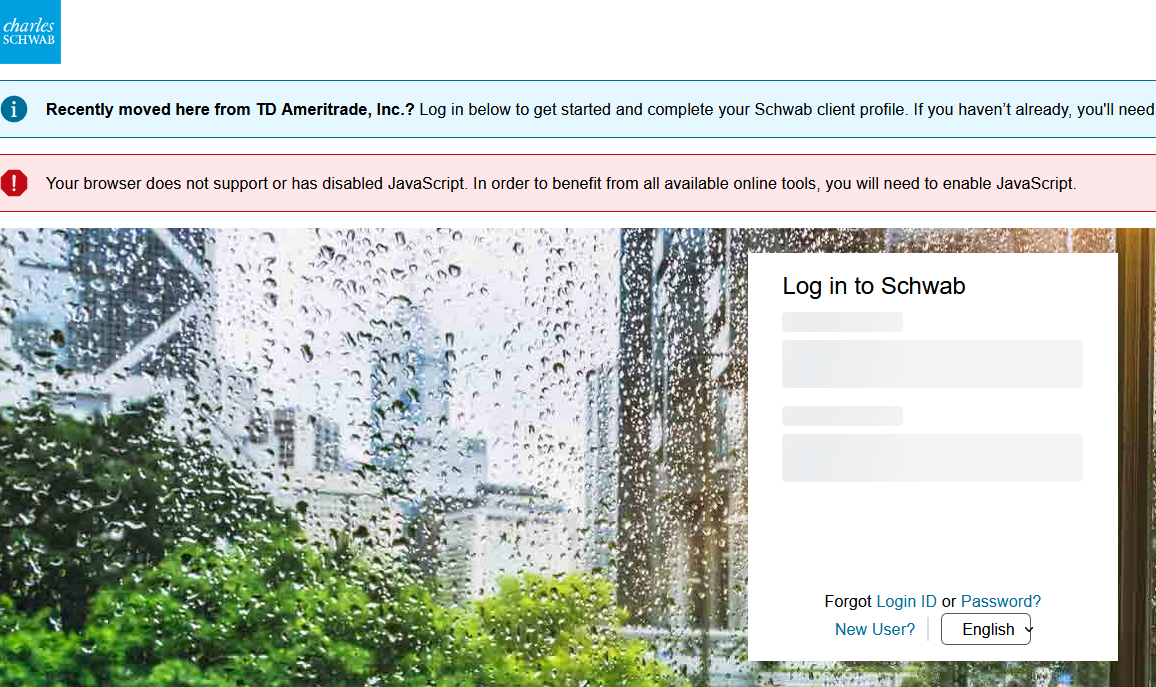
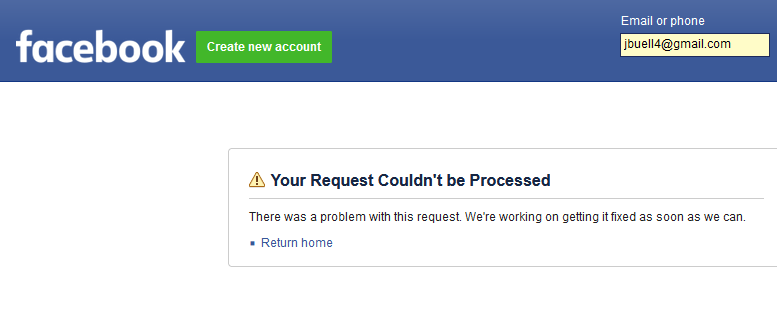
Suddenly my Firefox browser won't open popular websites, such as Schwab, Facebook and Wells Fargo. It displays an error message that the site uses Java, and that I need to enable javascript. When I check in Settings, javascript is already enabled. I tried restarting and reinstalling without success. When I use the Chrome browser the sites work normally.
Immagini allegate

Tutte le risposte (2)

ulteriori opzioni

I have accounts with WF and have no issues there, Schwab comes up for me (see screenshot), and I don't do Facebook.

Did you try Firefox in Troubleshoot Mode? https://support.mozilla.org/en-US/kb/diagnose-firefox-issues-using-troubleshoot-mode#search104

ulteriori opzioni

Also, a full browser screenshot is more useful than using that built in option from Mozilla for screenshots. It only show what's in the browser when the issue is usually add-ons that are not shown.