


Cannot access certain websites
Specifically I cannot access the PG&E website. FF is suddenly unable to bring up my login page. Several versions ago I started having trouble with another webpage where I webcam is updated every 5 minutes. All other browsers work for these two websites (Edge, Chrome and Brave).
Ausgewählte Lösung
Try to install this extension and turn it on for chrome-only websites: Chrome mask
(ref /questions/1460490)
Diese Antwort im Kontext lesen 👍 1Alle Antworten (5)
Can you show what you're getting when trying to access the site. It works for me. see screenshot
Do you have the same issue with Firefox in Troubleshoot Mode? https://support.mozilla.org/en-US/kb/diagnose-firefox-issues-using-troubleshoot-mode#w_how-to-start-firefox-in-4troubleshoot-modesf5safe-modesf
Did you try clearing the browser cache? https://support.mozilla.org/en-US/kb/how-clear-firefox-cache#
You can try to clear all items for a single site. https://support.mozilla.org/en-US/kb/remove-websites-address-bar-suggestions
Last step if needed, you can refresh Firefox. https://support.mozilla.org/en-US/kb/refresh-firefox-reset-add-ons-and-settings
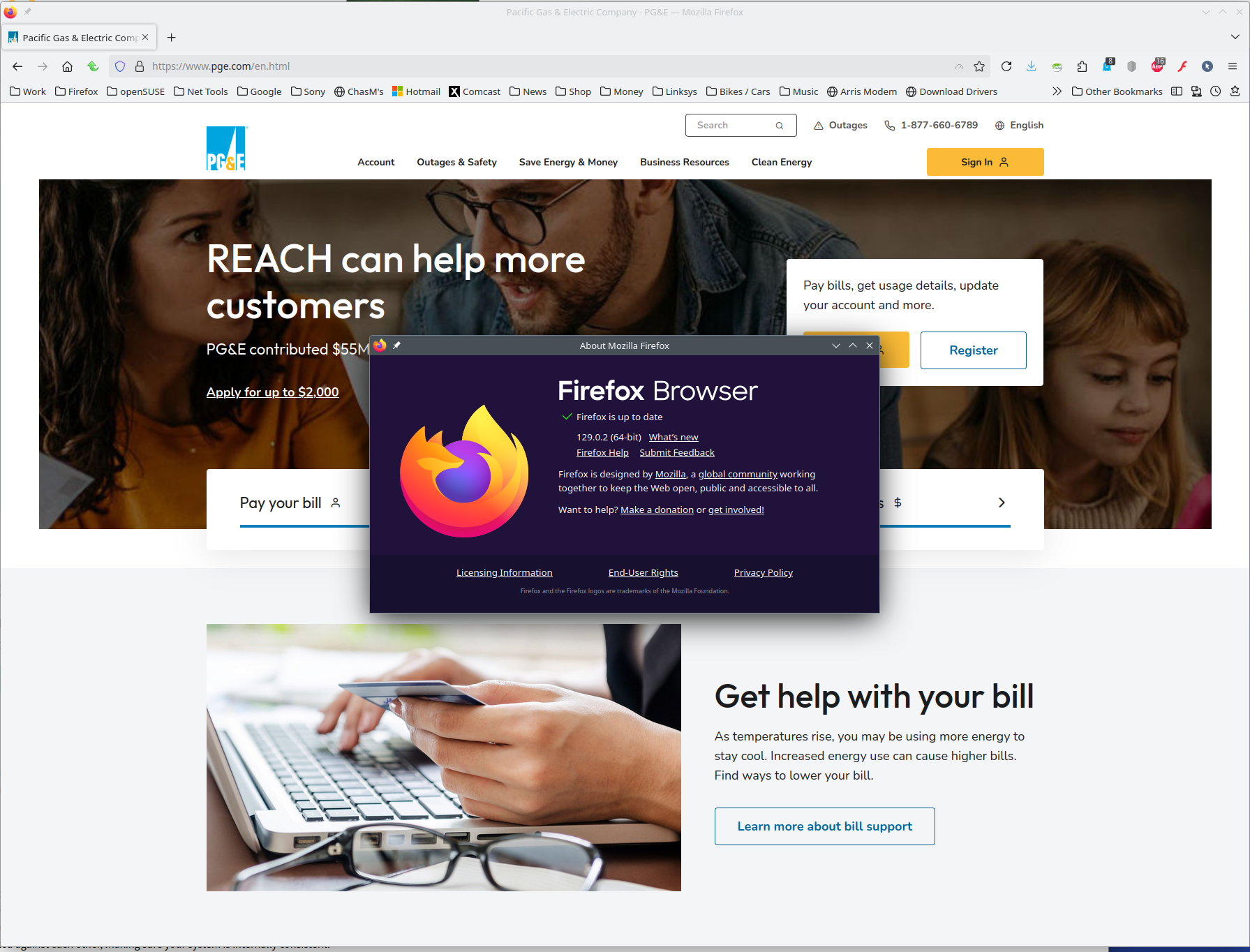
Just learned that PG&E now no longer supports FF. Unusual as all their other webpages work except for when I try to login.
Disappointing but then again it is PG&E.
As a reminder to anyone outside of California, this is the utility that was directly responsible for the most destructive wildfire in California's history.
Ausgewählte Lösung
Try to install this extension and turn it on for chrome-only websites: Chrome mask
(ref /questions/1460490)
I just installed it minutes ago. Seems to be working.
Thanks.
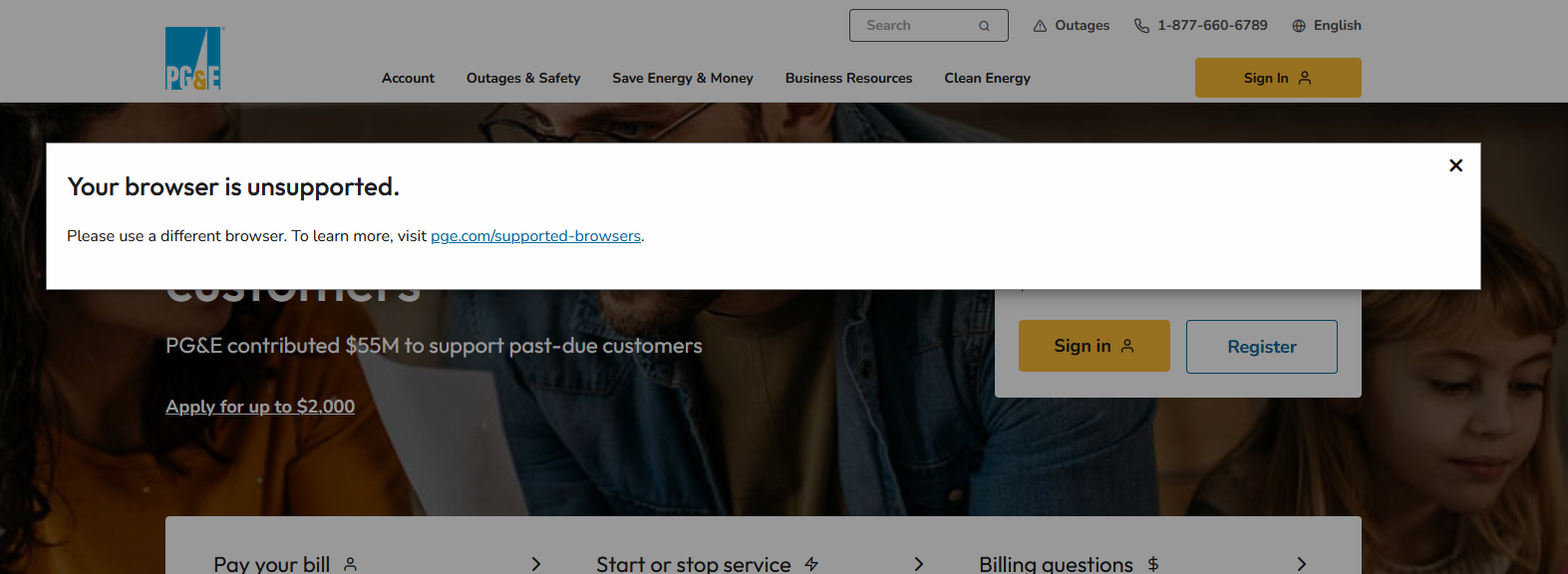
This was what I was getting before.
Edit: I should point out that this is what I got after numerous attempts of looking at a blank screen when I was having issues. Not anymore though.
Geändert am von dcmcghee1