


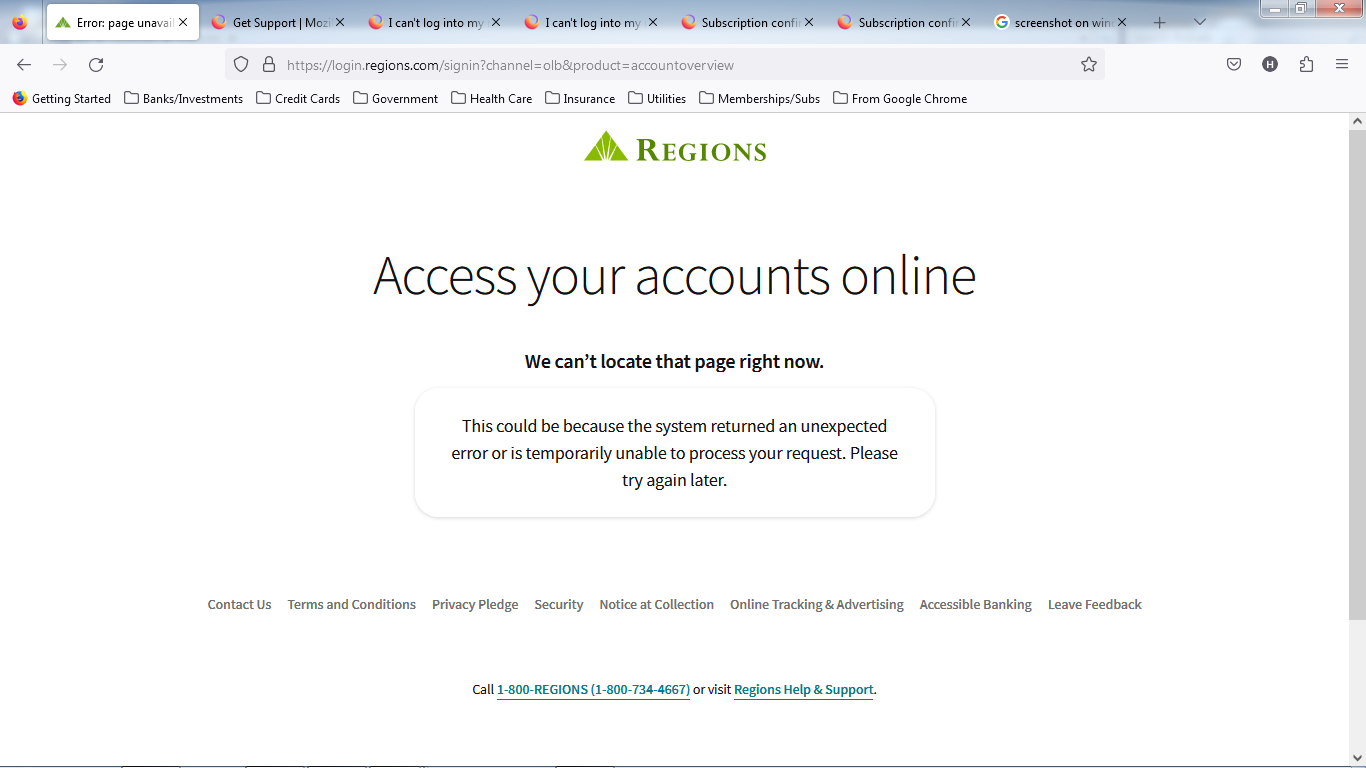
Can't log in to Regions Bank Account. Message: "We can’t locate that page right now."

Can't log in to Regions Bank Account. Message: "We can’t locate that page right now." after typing in password Works fine on other browsers.
Problem started Maybe around mid April. Have 5 computers: 2 running Windows 10, 2 running Windows 7 Professional, 1 running Linux
Problem occurs only on the computers running windows 7 Professional
Regards.
Alle svar (4)

Did you try Firefox in Troubleshoot Mode? https://support.mozilla.org/en-US/kb/diagnose-firefox-issues-using-troubleshoot-mode#search104
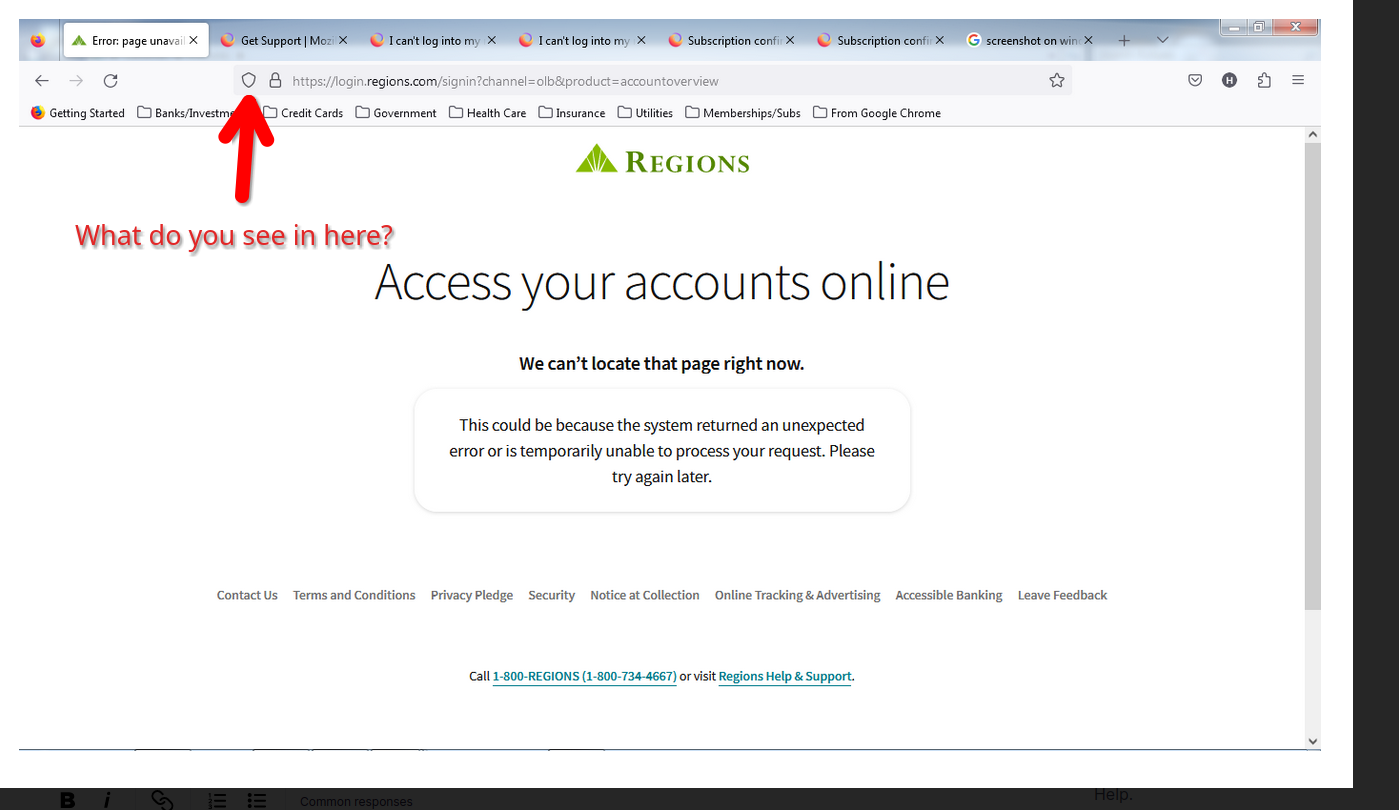
Are you on VPN? See screenshot and click on icon to see what's being blocked.
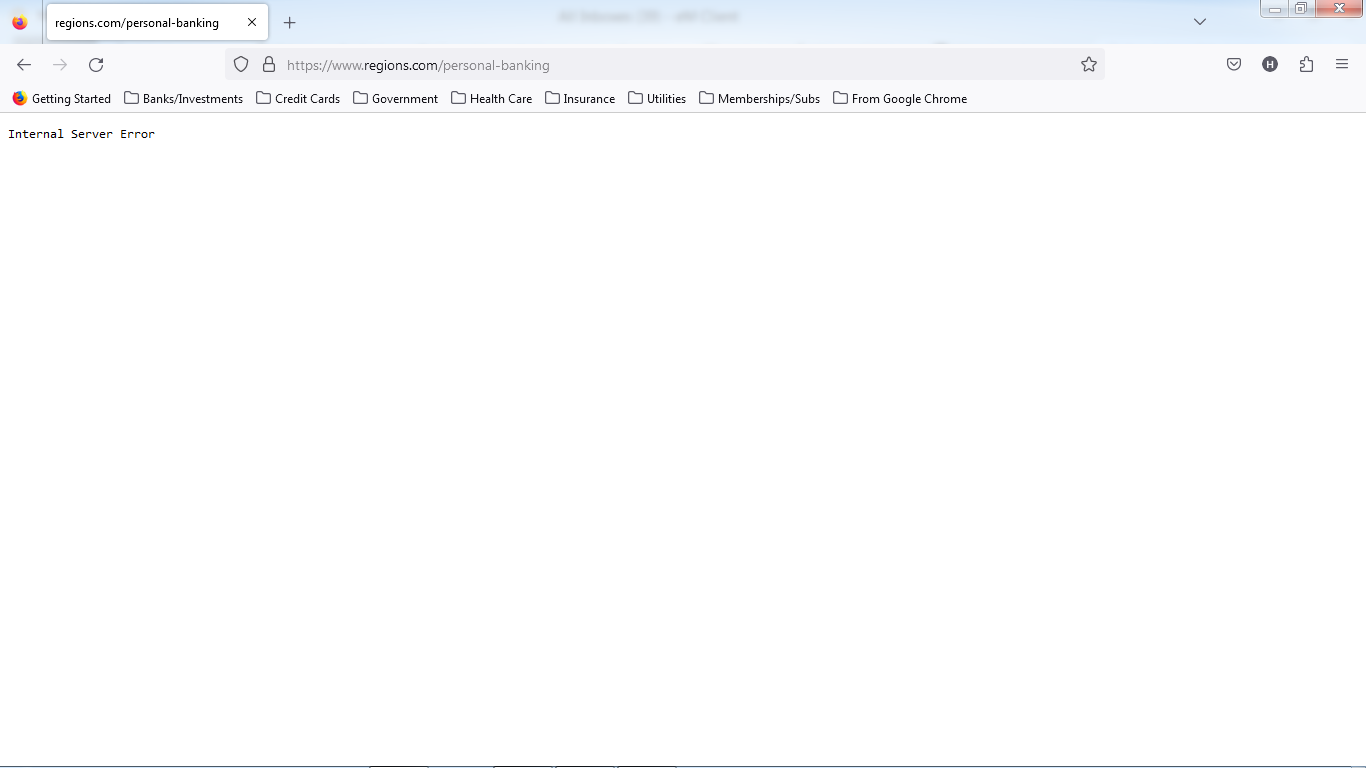
Problem still persists. Tried another URL to get into the website, get a different problem: "Internal Server Error"
Try to clear all items for a single site. https://support.mozilla.org/en-US/kb/remove-websites-address-bar-suggestions
You can also try Refreshing Firefox. https://support.mozilla.org/en-US/kb/refresh-firefox-reset-add-ons-and-settings
Still same issue. I suspect it may have something to do with an update to windows 7. Have same problem only on 2 computers running Windows 7. Problem started about same time on both computers. What is strange is that it only seems to happen opening the Regions website.